

TL;DR
If you are looking for the best email scraper tools for lead generation, the short answer is that Snov.io gives you the strongest all-around balance of email finding, verification, and outreach automation in one platform. For teams that need LinkedIn-first prospecting with automation built in, PhantomBuster is the better pick. And if you want the lowest cost per verified email on single-profile lookups, Prospeo is hard to beat at scale.
This guide compares five tools — Snov.io, Skrapp, Prospeo, PhantomBuster, and AeroLeads — through the lens of actual lead generation workflows, not feature checklists. You will learn how each tool handles data quality, source controls, verification, deduplication, consent safeguards, and export workflows so you can build a shortlist you trust before booking demos or starting trials.
Get Listed / Advertise
Refreshed monthly — claim the next feature slot for your tool.
Table of Contents
Best Email Scraper Tools for Lead Generation (Quick Comparison)
| Tool | Best For | Starting Price | Free Plan |
|---|---|---|---|
| Snov.io | All-in-one prospecting + outreach | $39/mo | Yes — 50 credits/mo |
| Skrapp | LinkedIn email finding with fair credit policy | $30/mo | Yes — 50 credits/mo |
| Prospeo | High-accuracy single-profile lookups | $39/mo | Yes — 75 credits/mo |
| PhantomBuster | LinkedIn scraping + multi-step automation | $69/mo | 14-day trial |
| AeroLeads | Large database searches with CRM export | $49/mo | Yes — 10 credits |
1. Snov.io
What It Does
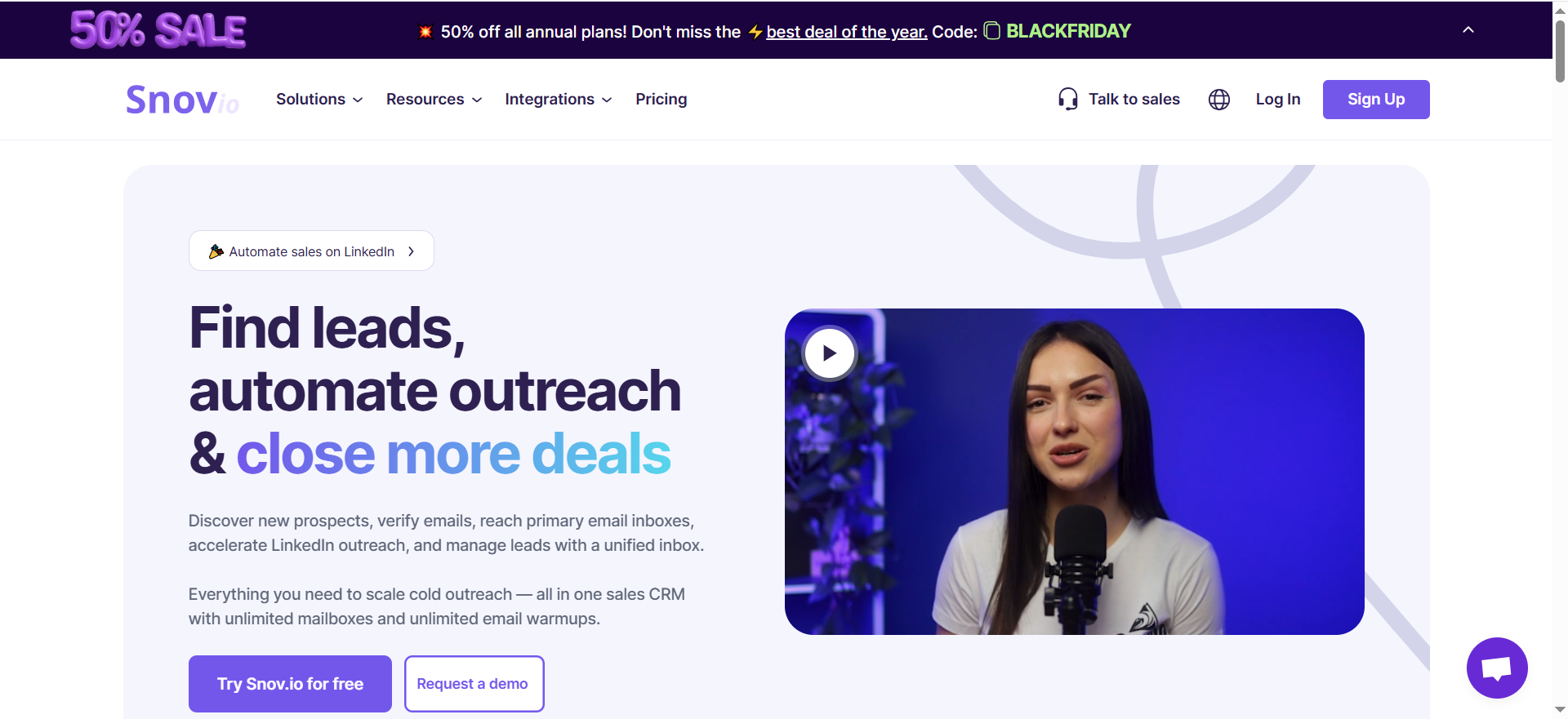
Snov.io is a lead generation and multichannel outreach automation platform that combines email finding, email verification, cold email campaigns, and a built-in CRM in a single tool. It maintains its own database of professional contacts and lets you search by company, industry, job title, or LinkedIn profile to surface verified email addresses.
Why Teams Use It
Sales and growth teams choose Snov.io because it eliminates the need to juggle separate tools for prospecting, verification, and outreach. You can go from finding a lead's email to sending a personalized drip sequence without leaving the platform. The 7-tier email verification process reduces bounce rates, which protects sender reputation — a critical concern for teams running high-volume cold outreach.
What It's Good For
Snov.io works well for building targeted prospect lists at scale using filters like company size, industry, location, and job title. It handles bulk email finding from CSV uploads with up to 50,000 lines, runs multi-step cold email sequences with automated follow-ups, and includes a built-in email warm-up tool to establish sender reputation before launching campaigns.
When It's a Good Fit
Snov.io fits teams that want a single platform covering the full prospecting-to-outreach pipeline. It is a strong choice for B2B SaaS sales teams running outbound campaigns, demand gen managers who need verified contact data flowing directly into email sequences, and founders or small teams who cannot afford to maintain separate subscriptions for finding, verifying, and emailing leads.
When It's Not a Good Fit
Snov.io is not the right pick if your workflow is LinkedIn-first and you need deep LinkedIn automation like connection requests, profile visits, and InMail sequences. LinkedIn automation is available but costs an additional $69/month per account slot on top of your plan. Teams that only need email finding without outreach features may find the platform more complex than necessary, and the credit system can feel restrictive if you burn through credits quickly on exploratory searches.
How to Use It
Sign up for the free trial to test with 50 credits. Install the Chrome extension to find emails while browsing LinkedIn profiles or company websites. Use the bulk email finder to upload a CSV of names and companies and retrieve verified emails in batches. Once you have your list, build a drip campaign directly inside Snov.io with personalized variables, set your sending schedule, and activate.
Key Capabilities
The platform includes an email finder with database search and LinkedIn integration, a 7-tier email verifier, cold email drip campaigns with automated follow-ups, email warm-up for deliverability, a built-in CRM for pipeline management, a technology checker to identify a company's tech stack, and a REST API for custom integrations.
Pricing
The Starter plan costs $39/month and includes 1,000 credits and 5,000 email recipients. Pro plans scale from $99/month (Pro S) for 5,000 credits up to $189/month (Pro M) for 20,000 credits, $369/month (Pro L) for 50,000 credits, and $738/month (Ultra) for 100,000 credits. Annual billing reduces costs by 25%. LinkedIn automation is an add-on at $69/month per account slot.
Free Tier?
Yes. The trial plan gives you 50 credits per month, 100 email recipients, and access to core features including the email finder, verifier, and CRM. No credit card required. It is useful for testing but not suitable for active outreach at any meaningful volume.
Downsides / Limitations
Credit consumption can be aggressive — each search, verification, and technology lookup consumes credits, and they do not roll over between months. The LinkedIn automation add-on price effectively doubles the cost for teams that need it. Some users report that the database coverage for smaller companies and niche industries is thinner compared to larger platforms.
2. Skrapp
What It Does
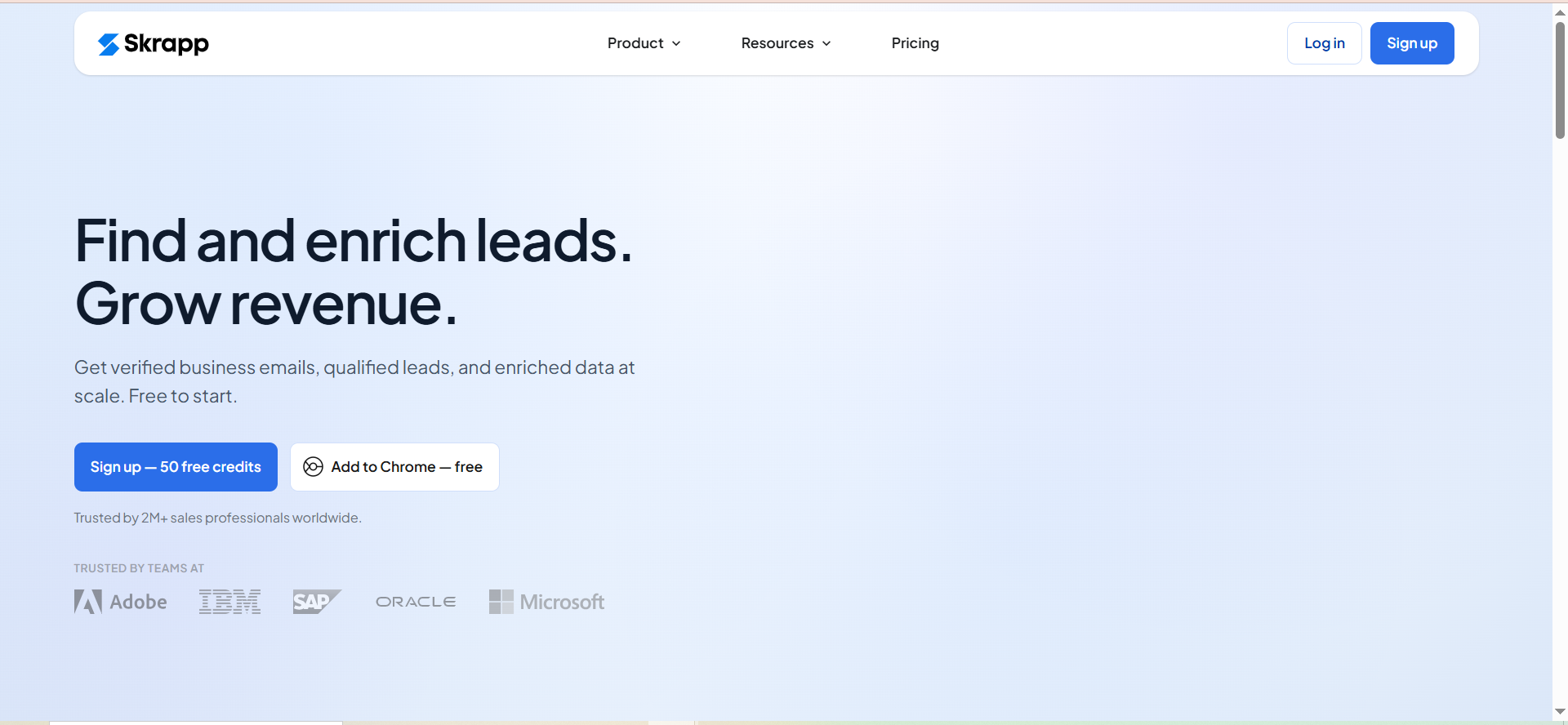
Skrapp is a B2B email finder platform that helps sales teams, recruiters, and marketers find verified professional email addresses from LinkedIn profiles, company websites, and its own built-in lead search database. It focuses specifically on email discovery and verification rather than trying to be a full outreach platform.
Why Teams Use It
Teams choose Skrapp for its fair credit policy — you only pay for emails that come back as "Valid" or "Catch-all." Credits are not consumed when a lookup returns "Invalid" or "Unknown," which means your budget goes further on clean data. Credits also roll over month to month, including on the free plan, so unused credits are not wasted.
What It's Good For
Skrapp handles LinkedIn email finding well through its Chrome/Firefox browser extension, which works on individual profiles, LinkedIn search result pages, and Sales Navigator lists. The bulk email finder lets you upload lists of names and companies for batch processing. Domain search pulls all available email addresses for a given company domain. The built-in verifier filters results before export.
When It's a Good Fit
Skrapp makes sense for teams whose primary prospecting channel is LinkedIn and who want a lightweight, focused email finder without the complexity of a full outreach suite. It is a good fit for recruiters sourcing candidates on LinkedIn, SDR teams building prospect lists from Sales Navigator, and marketers who need company-wide email lookups by domain.
When It's Not a Good Fit
If you need built-in cold email sequencing, CRM pipeline management, or multi-channel outreach automation, Skrapp does not include these features. You will need a separate tool for the outreach side. Independent accuracy testing shows mixed results — benchmarks from late 2025 and early 2026 measured Skrapp at approximately 42.8% verified rate across large-scale domain and company name searches, which is significantly below the platform's own accuracy claims.
How to Use It
Create a free account to get 50 credits. Install the browser extension for Chrome or Firefox. Browse LinkedIn profiles or search results and click the Skrapp icon to find associated emails. For bulk processing, use the dashboard's email finder with a CSV upload or paste a list of domains for domain search. Verified results can be exported to CSV or pushed directly to HubSpot, Salesforce, or other connected CRMs.
Key Capabilities
The platform includes a LinkedIn email finder with Chrome/Firefox extensions, multi-page LinkedIn enrichment, Sales Navigator list processing, bulk email finder and domain search, a built-in email verifier, CRM sync with HubSpot and Salesforce, AI enrichment for additional company and contact data, and credit rollover across billing cycles.
Pricing
The Professional plan starts at $30/month on annual billing, providing 1,000 credits per month and access for 2 users. The Enterprise plan starts at $262/month for 50,000 credits and 15 users, adding API access, SSO, and dedicated account management. All plans include email finder, verifier, and Chrome extension.
Free Tier?
Yes. The free plan includes 50 email credits per month with access to all core features. Unused credits roll over. No credit card required.
Downsides / Limitations
The accuracy gap between Skrapp's marketing claims and independent benchmark results is notable. At a measured 42.8% verified rate in third-party testing, a significant portion of lookups may return unusable or unverified results. The platform does not include outreach automation, so you will need a separate tool for sending campaigns. The feature set is narrower than competitors like Snov.io that bundle outreach and CRM functionality.
3. Prospeo
What It Does
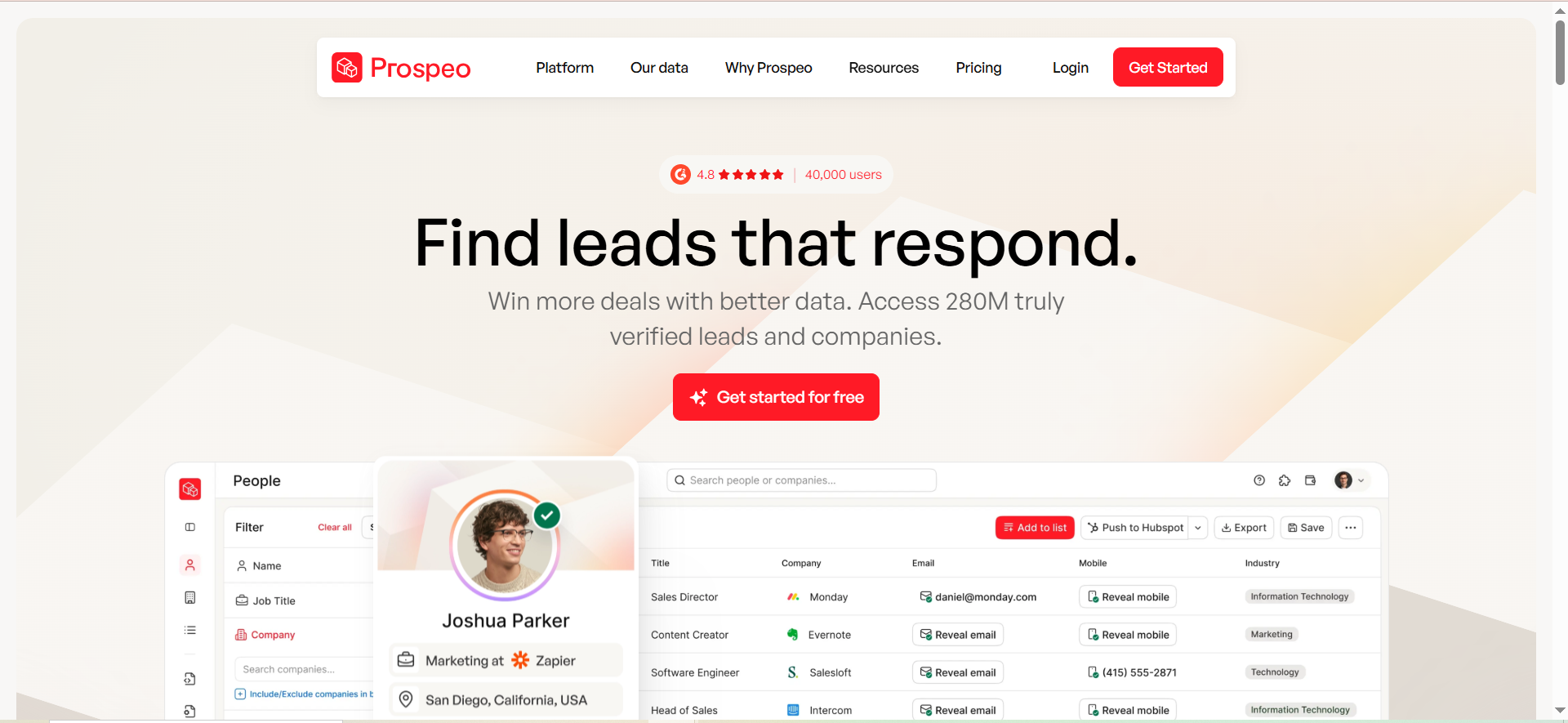
Prospeo is an email finder and verification platform built around a proprietary 5-step verification process. It surfaces professional email addresses and mobile numbers from LinkedIn profiles, company domains, and bulk uploads, with a strong emphasis on per-email accuracy over raw database size.
Why Teams Use It
Teams pick Prospeo when data quality is the top priority. The platform claims 98% accuracy on single-profile lookups, and the credits-only-on-success billing model means failed lookups at the individual level do not burn your budget. The verification pipeline checks each email through five distinct validation steps before returning it as verified, which gives outbound teams more confidence in their deliverability.
What It's Good For
Prospeo excels at single-profile email lookups where you know the person's name, company, or LinkedIn profile and need a verified email address. The domain search pulls multiple contacts from a company, and the bulk processing feature handles list enrichment at scale. The mobile finder adds phone numbers to your contact data, which is useful for teams running multi-channel outreach that includes cold calling.
When It's a Good Fit
Prospeo fits teams that prioritize verified, high-accuracy email data and are willing to pay a slight premium for confidence in each contact. It works well for account-based sales teams doing targeted outreach to specific decision-makers, growth teams that need both email and mobile contact data, and anyone who has been burned by high bounce rates from less rigorous verification processes.
When It's Not a Good Fit
Bulk export accuracy tells a different story from single-profile lookups. Users report match rates as low as 4.5% on Sales Navigator list imports, which means the tool's strength in individual lookups does not always translate to batch processing. Credits do not roll over — unused credits expire at the end of each billing cycle, unlike Skrapp's rollover policy. Customer support has received inconsistent reviews in 2025 and 2026, with reports of slow response times and unresolved billing disputes.
How to Use It
Start with the free plan to test with 75 credits. Use the Chrome extension on LinkedIn profiles for single lookups. For bulk processing, upload a CSV of leads or connect a Sales Navigator list. Use the domain search to find all available contacts at a target company. Verified emails and mobile numbers can be exported as CSV.
Key Capabilities
The platform includes a 5-step email verification process, single and bulk email finding, domain search for company-wide lookups, a mobile phone number finder, a Chrome extension for LinkedIn, API access on paid plans, and credits-only-on-success billing for individual lookups.
Pricing
The Starter plan costs $39/month for 1,000 credits. Growth is $99/month for 5,000 credits. Pro is $199/month for 20,000 credits. Business is $369/month for 50,000 credits. Pricing is flat regardless of billing cycle — no annual discount is offered.
Free Tier?
Yes. The free plan provides 75 email credits and 100 Chrome extension credits per month. Email finder and verifier are included. No mobile lookups on the free tier.
Downsides / Limitations
The gap between single-profile accuracy and bulk processing results is the biggest concern. No credit rollover means you lose unused credits every month. No annual billing discount removes a common cost-saving lever. The platform does not include outreach automation or CRM functionality — it is purely a data tool. Support quality has been flagged in multiple user reviews.
Get Listed / Advertise
Refreshed monthly — claim the next feature slot for your tool.
4. PhantomBuster
What It Does
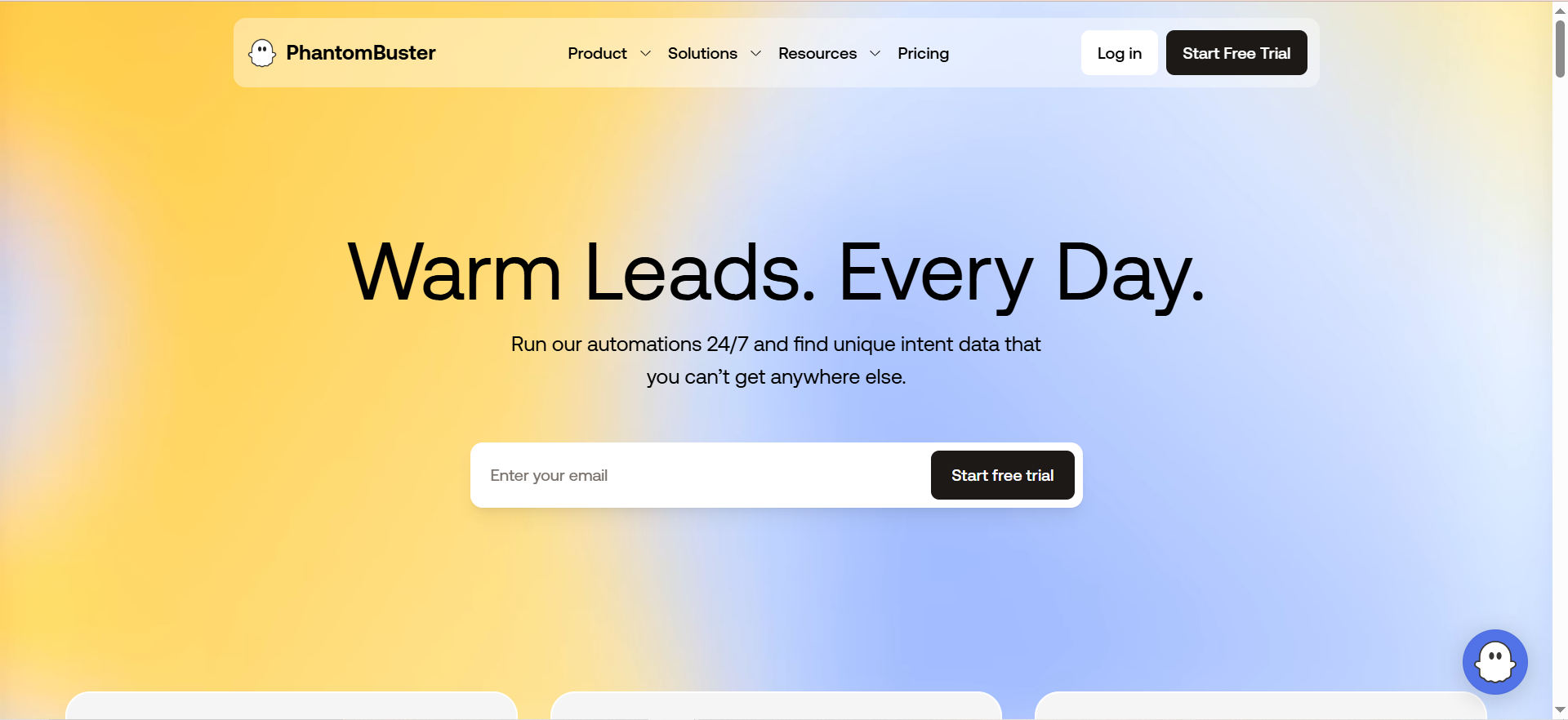
PhantomBuster is a cloud-based automation platform built around pre-configured scripts called "Phantoms" that scrape data, automate actions, and find contact information across LinkedIn, Sales Navigator, Instagram, Twitter, Google Maps, and other web sources. It pairs scraped profile data with email enrichment through waterfall lookups across multiple data providers.
Why Teams Use It
Growth and sales teams use PhantomBuster because it combines data extraction with workflow automation in ways that standalone email finders cannot. You can scrape an entire LinkedIn search result, enrich every profile with email addresses, send connection requests, and trigger follow-up sequences — all from a single platform using connected Phantom workflows. The AI credits enable personalized message generation at scale based on scraped profile data.
What It's Good For
PhantomBuster handles multi-step LinkedIn prospecting workflows where you need to scrape profiles, extract data, find emails, and automate outreach actions in sequence. It works across platforms, so teams prospecting on Instagram, Twitter, or Google Maps alongside LinkedIn can consolidate their automation. The workflow builder connects multiple Phantoms into automated pipelines that run on schedule.
When It's a Good Fit
PhantomBuster is the right choice for teams whose prospecting starts on LinkedIn or other social platforms and who need automation beyond simple email finding. It fits growth hackers and demand gen teams running multi-platform prospecting, agencies managing outreach for multiple clients simultaneously, and technical teams comfortable configuring automation workflows with multiple steps and triggers.
When It's Not a Good Fit
PhantomBuster is not a dedicated email finding tool — email enrichment is one capability within a broader automation platform, and the email credits are limited per plan. The learning curve is steeper than standalone email finders because you need to understand Phantoms, slots, execution hours, and workflow chaining. All credits expire monthly with no rollover, and campaigns stop when limits are hit. LinkedIn automation carries inherent account risk if not configured carefully with proper rate limits and warm-up.
How to Use It
Sign up for the 14-day free trial. Choose a Phantom matching your use case — for example, "LinkedIn Sales Navigator Search Export" to scrape a search result, then chain it with "Professional Email Finder" to enrich the scraped profiles with email addresses. Configure input parameters, set execution schedules, and launch. Results are exported as CSV or pushed to Google Sheets, CRM, or other connected tools via integrations.
Key Capabilities
The platform includes 100+ pre-built Phantoms for LinkedIn, Sales Navigator, Instagram, Twitter, Google Maps, and other platforms. It offers multi-step workflow automation, email enrichment via waterfall lookup across multiple data providers, AI credits for personalized message and content generation, scheduled and recurring automation runs, CSV and Google Sheets export, and a REST API.
Pricing
The Starter plan costs $69/month for 5 Phantom slots, 20 execution hours, and 500 email credits. Pro is $159/month for 15 slots, 80 hours, and 2,500 email credits. Team is $439/month for 50 slots, 300 hours, and 10,000 email credits. Annual billing reduces costs by approximately 20%.
Free Tier?
No permanent free plan. PhantomBuster offers a 14-day free trial with 2 execution hours, 5 Phantom slots, and 50 email credits. No credit card required.
Downsides / Limitations
The pricing model is complex — you are managing three separate resource limits (execution hours, email credits, Phantom slots) simultaneously. Email credits are relatively low compared to dedicated email finders, especially on the Starter plan where 500 credits may not last through a single campaign. LinkedIn automation, while powerful, carries the risk of account restrictions if rate limits are not carefully managed. The platform requires more setup time and technical comfort than simpler email finding tools.
5. AeroLeads
What It Does
AeroLeads is a B2B contact data platform with a database of over 650 million business profiles. It finds professional email addresses and phone numbers from LinkedIn profiles, company websites, and its own database using a Chrome extension and web dashboard. Data can be exported to CSV or pushed directly to CRMs including Salesforce, HubSpot, Pipedrive, and Zoho.
Why Teams Use It
Teams choose AeroLeads for the size of its database and the breadth of data points it returns per contact — up to 15 fields including full name, job title, company, location, and generic company emails alongside personal professional addresses. The one-click CRM export makes it easy to push enriched contacts directly into a sales pipeline without manual CSV handling.
What It's Good For
AeroLeads works well for teams that need high-volume contact discovery from LinkedIn with direct CRM integration. The "Add All from Search" feature can gather large batches of contacts from a single LinkedIn search result page. The Pro plugin extends functionality with additional automation for bulk prospecting. Phone number discovery adds a calling channel to outreach workflows.
When It's a Good Fit
AeroLeads fits teams that value database size and breadth of data points over per-contact verification rigor. It is a good match for sales teams that need quick list building from LinkedIn with immediate CRM push, organizations using Salesforce, HubSpot, Pipedrive, or Zoho as their primary CRM, and teams that want both email and phone data from a single tool.
When It's Not a Good Fit
The credit model is the primary concern — one credit is consumed every time you add a record, regardless of whether the returned data is usable. Unlike Skrapp's fair credit policy or Prospeo's credits-on-success model, you pay for every lookup attempt. Credits do not roll over. Phone number limits are hard-capped per plan (80-400/month depending on tier), and once you hit the limit you cannot access phone data even if you have remaining credits. The platform does not include email verification, outreach automation, or campaign tools.
How to Use It
Create a free account to test with 10 credits. Install the Chrome extension. Browse LinkedIn and use the extension to add profiles to your AeroLeads prospect list. The tool enriches each profile with email addresses and phone numbers from its database. Export results to CSV or push directly to your CRM with a single click.
Key Capabilities
The platform includes a 650M+ business profile database, Chrome extension for LinkedIn prospecting, bulk contact discovery with "Add All from Search," up to 15 data points per contact, phone number finder (capped by plan), one-click CRM export to Salesforce, HubSpot, Pipedrive, Zoho, FreshSales, and Zapier integration, and CSV export.
Pricing
The Take Off plan costs $49/month for 2,000 credits and 80 phone lookups. Climb is $149/month for 8,000 credits and 200 phone lookups with up to 5 users. Cruise is $299/month for 20,000 credits and 400 phone lookups with unlimited users. Enterprise pricing is custom.
Free Tier?
Yes, but minimal. The free trial provides 10 credits. It is enough to verify the tool works with your workflow but not enough for any real prospecting.
Downsides / Limitations
Credits are consumed on every lookup attempt regardless of data quality, which is the most common complaint in user reviews. No built-in email verification means you need a separate tool to clean your list before outreach. No outreach or campaign automation is included. Phone number limits are hard-capped independently of credit balance. The free tier's 10 credits are too limited for meaningful evaluation compared to competitors offering 50-75 free credits per month.
Get Listed / Advertise
Refreshed monthly — claim the next feature slot for your tool.
What Is Email Scraping and How Does It Work?
Email scraping is the process of using automated software to extract email addresses from websites, social media platforms, online directories, and other publicly accessible web sources. The scraping tool crawls through web pages, parses the HTML or structured data, and identifies text patterns that match email address formats. Some tools go beyond simple pattern matching and use database lookups, domain pattern recognition, and predictive algorithms to generate and verify probable email addresses for specific people at specific companies.
In a typical lead generation workflow, the process starts with defining a target audience — for example, marketing directors at SaaS companies with 50-200 employees. The scraper searches LinkedIn profiles, company websites, industry directories, and other sources matching those criteria. It collects names, job titles, companies, and associated email addresses. The collected data is then exported as a CSV or pushed into a CRM for outreach.
Modern email scraping tools have evolved beyond simple web crawling. Platforms like Snov.io and Prospeo maintain their own databases of pre-verified contacts, which means they are matching your search criteria against existing records rather than scraping web pages in real time. PhantomBuster takes a different approach by running automated scripts that interact with platforms like LinkedIn to extract profile data, then enrich that data with email addresses through third-party provider lookups. The distinction matters because database-driven tools tend to deliver faster results with higher verification rates, while scraping-based tools can surface contacts that are not in any commercial database.
The quality of scraped emails varies significantly by source and method. Emails pulled from structured databases with verification layers tend to have higher accuracy than emails scraped from unstructured web pages. This is why verification — checking whether an email address actually exists and accepts mail — is a critical step that should never be skipped regardless of which tool you use.
Is Email Scraping Legal for Lead Generation?
The legality of email scraping depends on where your target contacts are located, how you obtained their data, and what you do with it. There is no single global answer — different jurisdictions apply different rules, and the regulatory landscape is getting stricter.
In the United States, the CAN-SPAM Act does not prohibit sending unsolicited commercial emails. You can legally send cold emails to scraped contacts as long as you include a functioning unsubscribe mechanism, use accurate subject lines and sender information, include a physical mailing address, and honor opt-out requests within 10 business days.
In the European Union, GDPR applies much stricter rules. Collecting personal data (including email addresses) requires a lawful basis, and sending marketing emails generally requires prior consent. Scraping emails from the web and sending cold outreach without consent is likely non-compliant under GDPR. Fines can reach up to 20 million euros or 4% of global annual turnover, whichever is higher. Some B2B marketers argue that "legitimate interest" can serve as a lawful basis for cold outreach, but this interpretation is contested and carries risk.
In Canada, CASL (Canada's Anti-Spam Legislation) requires express consent before sending commercial electronic messages. Scraping emails from Canadian contacts and emailing them without consent is illegal, with limited exceptions for existing business relationships.
The practical takeaway for lead generation teams: if you are prospecting US-based contacts, email scraping for cold outreach is generally permissible if you follow CAN-SPAM requirements. If your targets include EU or Canadian contacts, you need to carefully evaluate your legal basis and consider whether a consent-based approach is more appropriate. When in doubt, consult a legal professional familiar with the specific regulations in your target markets.
Email Scraper vs Email Finder — What Is the Difference?
The terms "email scraper" and "email finder" are often used interchangeably, but they describe different approaches to contact discovery that carry different quality, compliance, and workflow implications.
An email scraper crawls websites, social media platforms, and online directories to automatically collect email addresses from publicly visible pages. It works like a search engine spider that specifically looks for email address patterns. Scrapers cast a wide net — they can collect thousands of addresses from a single source but with less control over who those addresses belong to or whether they are current and deliverable. Tools like PhantomBuster operate in this category, using automated scripts to extract data from platforms like LinkedIn, Instagram, and Google Maps.
An email finder takes a more targeted approach. You provide a specific person's name and company (or LinkedIn profile), and the tool predicts and verifies their professional email address. Finders use a combination of pattern matching, database lookups, SMTP verification, and other proprietary methods to locate and confirm email addresses. Snov.io, Skrapp, Prospeo, and AeroLeads all function primarily as email finders, though some of their features overlap with scraping functionality.
The key differences that matter for lead generation teams come down to three areas. First, precision: finders return a specific, verified email for a known contact, while scrapers return a broader but less targeted list. Second, data quality: finders typically include verification in their pipeline, while raw scraper output often needs separate cleaning and verification. Third, compliance: finders that use database lookups from consented or business data sources sit on firmer legal ground than scrapers that crawl personal data from the open web.
In practice, many modern tools blur the line. Snov.io maintains a searchable database (finder behavior) but also offers a Chrome extension that extracts emails while you browse LinkedIn (scraper-adjacent behavior). When evaluating tools, focus less on the label and more on the data sourcing methodology, verification rigor, and compliance posture.
How to Choose an Email Scraper Tool for Your Team
Selecting the right email scraper or finder tool comes down to matching the tool's strengths to your team's specific workflow, volume requirements, and compliance obligations.
Start with your primary prospecting channel. If your team prospects primarily on LinkedIn, tools with strong LinkedIn integrations — Skrapp for email finding, PhantomBuster for full automation — will reduce friction. If you prospect across company websites, industry directories, and mixed sources, Snov.io's broader database search and multi-channel approach offer more flexibility.
Next, assess your volume and budget. Calculate your monthly contact needs and compare the cost per usable contact across tools. A tool offering 1,000 credits at $39/month is $0.039 per credit on paper, but if only 40% of lookups return verified results, your effective cost per usable contact is closer to $0.10. Tools with fair credit policies (Skrapp) or credits-on-success billing (Prospeo) deliver better cost efficiency when verification rates are uncertain. Tools that charge per attempt regardless of result quality (AeroLeads) can get expensive if hit rates are inconsistent.
Consider whether you need outreach built in. Snov.io and PhantomBuster include outreach and automation capabilities, which eliminates the need for a separate cold email or automation tool. Skrapp, Prospeo, and AeroLeads are data-only tools that require a separate outreach platform. If you already have an outreach stack you are happy with, a focused data tool may be simpler and cheaper.
Evaluate verification quality. Ask for or find independent accuracy benchmarks rather than relying on vendor claims. Test each shortlisted tool with a sample of contacts you can manually verify — a small-scale accuracy test before committing to a paid plan saves money and protects your sender reputation.
Finally, check export and integration options. Confirm the tool exports in formats your CRM and outreach tools accept, and check whether direct CRM integrations exist for your stack. AeroLeads has particularly strong CRM push integrations across Salesforce, HubSpot, Pipedrive, and Zoho. Snov.io has a built-in CRM. Skrapp connects to HubSpot and Salesforce.
What Are the Risks of Using Email Scrapers?
Email scrapers carry five categories of risk that lead generation teams should weigh before committing to a scraping-heavy workflow.
Deliverability damage is the most immediate risk. Scraped email lists typically contain a higher percentage of invalid, abandoned, or catch-all addresses compared to verified finder results. Sending to a list with a bounce rate above 2-5% can trigger spam filters, damage your sender reputation score, and result in your domain or IP being added to email blacklists. Once blacklisted, recovery can take weeks or months of remediation.
Data quality degradation compounds over time. Email addresses change as people switch jobs, companies rebrand, or domains expire. Scraped data has no built-in freshness guarantee, and using stale data accelerates deliverability damage.
Compliance exposure varies by jurisdiction but is real. GDPR fines for unauthorized processing of personal data can reach 20 million euros. CAN-SPAM penalties reach up to $53,088 per non-compliant email. CCPA penalties in California reach $7,500 per intentional violation.
Platform account risk applies specifically to LinkedIn scraping. LinkedIn's terms of service prohibit automated scraping and data extraction. Tools like PhantomBuster that automate LinkedIn actions carry the risk of account restrictions or bans if usage patterns trigger LinkedIn's detection systems.
Reputation risk is harder to quantify but matters for B2B teams. Sending cold outreach to poorly targeted, unverified lists generates spam complaints, negative responses, and brand damage. In tight-knit B2B verticals where buyers talk to each other, a reputation for spammy outreach can close doors beyond the individual recipients who complained.
How to Verify Scraped Emails Before Sending Outreach
Verification is the single most important step between scraping or finding email addresses and using them for outreach. Skipping verification is the fastest path to deliverability problems, wasted send volume, and potential blacklisting.
Start with syntax validation to catch obviously malformed addresses — missing @ symbols, spaces, invalid characters, and typos. Most tools and email platforms handle this automatically, but it is worth running as a first pass to clean up the most obvious errors.
Next, run domain-level checks. Verify that the domain in each email address has valid MX (mail exchange) records, which confirms the domain is configured to receive email. Domains without MX records cannot receive mail, and sending to them generates hard bounces.
The critical step is SMTP verification, which checks whether the specific mailbox exists on the mail server without actually sending an email. The verification tool connects to the server, initiates the delivery handshake, and checks whether the server accepts or rejects the address. This catches addresses where the domain is valid but the specific mailbox does not exist.
Handle catch-all domains carefully. Some companies configure their mail servers to accept all incoming email regardless of whether the specific mailbox exists. SMTP verification cannot distinguish real from fake addresses on these domains. If a significant portion of your list lands on catch-all domains, consider sending a small test batch first and monitoring bounce rates before scaling.
Among the tools in this guide, Snov.io includes a 7-tier verification process, Skrapp has a built-in verifier, and Prospeo runs a 5-step verification pipeline. PhantomBuster's waterfall enrichment includes verification through its data providers. AeroLeads does not include verification — you would need a third-party verifier like ZeroBounce, NeverBounce, or Bouncer before sending.
Set a verification threshold. Most deliverability experts recommend removing any address that does not return a "Valid" status and treating "Catch-all" addresses with caution. Aim for a final list where at least 95% of addresses are verified as valid before launching any campaign.
Best Free Email Scraper Tools in 2026
Every tool in this guide offers some level of free access, though the value varies significantly across platforms.
Prospeo offers the most generous free tier at 75 email credits per month plus 100 Chrome extension credits. You get access to the email finder and verifier, which is enough to test accuracy on real prospects and evaluate whether the tool fits your workflow. Mobile lookups are not included on the free plan.
Snov.io and Skrapp both provide 50 free credits per month. Snov.io's free plan includes access to the full platform — email finder, verifier, 100 email recipients for campaigns, and the CRM — making it the most feature-complete free offering. Skrapp's free plan covers the email finder, verifier, and Chrome extension, with the bonus that unused credits roll over to the next month.
AeroLeads offers just 10 free credits, which is enough to confirm the tool installs and returns results but not enough to evaluate data quality in any meaningful way.
PhantomBuster does not have a permanent free plan. The 14-day trial gives you 50 email credits and 2 execution hours, which is tight but sufficient to test one or two Phantoms and see whether the automation workflow makes sense for your use case.
For teams evaluating tools before committing budget, the most practical approach is to sign up for free tiers on Prospeo, Snov.io, and Skrapp simultaneously. Run the same set of 20-30 known contacts through all three and compare accuracy, speed, and data completeness side by side. This gives you a direct comparison without spending anything.
How to Use Email Scrapers Without Violating GDPR
If your prospect list includes contacts in the European Union, you need a deliberate approach to email scraping that accounts for GDPR requirements.
The most common lawful basis cited for B2B cold outreach under GDPR is "legitimate interest" (Article 6(1)(f)). This requires demonstrating that your outreach serves a legitimate business purpose, is reasonably expected by the recipient given their professional role, and that the individual's rights do not override your interest. Targeting a VP of Sales at a SaaS company with a relevant B2B offer is more defensible than scraping and blasting generic lists. The key is proportionality and relevance.
Document your legitimate interest assessment for every campaign. Record what data you collected, where you sourced it, why you believe the outreach is relevant to the recipient's professional role, and how you determined that their privacy rights are not overridden.
Include a clear and functional opt-out mechanism in every email. GDPR gives data subjects the right to object to processing based on legitimate interest. Your unsubscribe process must be immediate and permanent.
Respond to data subject access requests (DSARs) and deletion requests promptly. If a prospect asks what data you hold on them or requests deletion, you must respond within the GDPR timeframe (typically 30 days). Have a process in place before you launch campaigns.
Minimize data collection. Only scrape and store the data points you actually need for outreach. Do not collect or store sensitive personal data, and do not retain data longer than necessary.
Consider using tools that source data from business contexts rather than personal contexts. Email addresses found on company team pages, professional directories, and LinkedIn business profiles carry stronger "legitimate interest" arguments than emails scraped from personal blogs or social media accounts.
Which Email Scraper Tools Work Best with LinkedIn?
LinkedIn is the primary prospecting channel for most B2B sales teams, so LinkedIn integration quality is a critical differentiator across email scraping tools.
PhantomBuster offers the deepest LinkedIn integration. Its Phantoms can scrape LinkedIn search results, Sales Navigator lists, group members, post commenters, and company employees — then automatically enrich scraped profiles with email addresses through waterfall lookups. It also automates LinkedIn actions like connection requests, messages, profile views, and InMail. However, this depth comes with higher account risk, a steeper learning curve, and a more complex pricing model.
Skrapp is purpose-built for LinkedIn email finding. Its Chrome/Firefox extension works on individual LinkedIn profiles, search result pages, and Sales Navigator lists. The multi-page enrichment feature processes entire search result pages without clicking through individual profiles. For teams that primarily need "LinkedIn profile to verified email" with minimal complexity, Skrapp is the most streamlined option.
Snov.io's Chrome extension finds emails from LinkedIn profiles and integrates LinkedIn data into its broader prospecting platform. LinkedIn automation is available as an add-on ($69/month per account slot) for connection requests, messages, InMail, and profile engagement.
Prospeo's Chrome extension works on LinkedIn profiles for single lookups and can process Sales Navigator exports for bulk enrichment. It is effective for targeted lookups but does not offer LinkedIn automation features.
AeroLeads' Chrome extension finds emails from LinkedIn profiles and adds them to your prospect list within the AeroLeads dashboard. The "Add All from Search" feature can batch-process LinkedIn search result pages. Integration is functional but basic compared to PhantomBuster's automation depth or Skrapp's LinkedIn-specific features.
How Accurate Are Email Scraper Tools?
Accuracy is the single most important metric for evaluating email scraper tools, and it is also the most inconsistently reported. Vendor claims and independent test results often diverge significantly.
Prospeo claims 98% accuracy on single-profile lookups, which aligns with the rigor of its 5-step verification process for individual searches. However, bulk processing accuracy drops sharply — independent reports show match rates as low as 4.5% on Sales Navigator imports.
Snov.io's 7-tier verification delivers strong results for individual and moderate-volume searches. The multi-step validation catches most invalid addresses before they reach your list.
Skrapp's self-reported accuracy metrics are higher than what independent testing shows. Third-party benchmarks from late 2025 and early 2026 measured Skrapp at approximately 42.8% verified rate across large-scale tests.
PhantomBuster's email accuracy depends on its underlying data providers since it uses waterfall enrichment. Results vary based on which providers have coverage for your target contacts.
AeroLeads does not include built-in verification, so accuracy of the raw output is harder to benchmark. User reviews frequently cite data quality as inconsistent.
The best approach to evaluating accuracy for your specific use case is to run a controlled test: take 50-100 contacts whose emails you already know, run them through your shortlisted tools, and compare results against ground truth.
Can Email Scraping Get Your Domain Blacklisted?
Yes, and it happens more often than teams expect. The risk is not from the scraping itself but from what happens when you send outreach to a scraped list without proper verification and list hygiene.
Email blacklists are maintained by organizations like Spamhaus, Barracuda, and SORBS. They track IP addresses and domains that send spam or exhibit spam-like behavior. If your sending domain or IP lands on a major blacklist, your deliverability drops immediately and can take weeks or months to recover.
The behaviors that trigger blacklisting include high bounce rates (above 2-5%), high spam complaint rates (above 0.1%), sending to spam traps, and sudden volume spikes from a domain with no sending history.
Scraped email lists are particularly prone to triggering these signals because they contain a higher percentage of invalid addresses, outdated addresses that may have been repurposed as spam traps, and contacts who did not opt in and are more likely to mark your email as spam.
To protect your domain, always verify your list before sending (targeting 95%+ valid rate), warm up new sending domains gradually over 2-4 weeks, start with small sends and scale volume incrementally, monitor bounce rates and spam complaints after every campaign, remove hard bounces and complainers immediately, and use a dedicated sending domain separate from your primary business domain so that blacklisting does not affect your regular business email.
Email Scraper Tools for Small Teams vs Large Sales Orgs
The right email scraper tool looks different depending on whether you are a two-person startup running founder-led sales or a 50-person SDR team with a dedicated ops function.
Small teams and solo founders should prioritize simplicity, cost efficiency, and all-in-one functionality. Snov.io is the strongest pick for small teams because it bundles email finding, verification, outreach, and CRM into a single platform starting at $39/month. Prospeo is a good alternative if you only need data and already have an outreach tool, especially since the free plan's 75 credits per month may cover early-stage prospecting volume. Skrapp works for small teams doing LinkedIn-first prospecting who want rollover credits to avoid waste during low-volume months.
Large sales organizations with dedicated SDR teams and ops support have different needs. Volume is higher, workflows are more complex, and CRM integration becomes critical. PhantomBuster at the Team tier ($439/month for 50 slots and 10,000 email credits) supports agency-scale operations with multi-campaign management and cross-platform automation. AeroLeads' Cruise plan ($299/month for 20,000 credits and unlimited users) delivers high volume with one-click CRM push to enterprise CRMs. Snov.io's higher-tier Pro plans (up to $738/month for 100,000 credits) scale well for teams that want to keep prospecting and outreach on a single platform.
The operational complexity threshold is where many teams stumble. Tools like PhantomBuster offer powerful automation but require more setup and maintenance. Similarly, using multiple point tools (e.g., Skrapp for data + a separate outreach platform + a CRM) creates integration and data flow challenges that are manageable for a team with ops support but burdensome for a small team trying to move fast.
FAQs
Prospeo reports the highest single-profile accuracy at 98% with its 5-step verification process. However, accuracy varies significantly between single lookups and bulk processing. Snov.io's 7-tier verification also delivers strong results for individual searches. The most accurate tool for your workflow depends on whether you are doing targeted lookups or bulk list building.
Email scraping tools operate in a gray area. In the US, sending cold emails to scraped contacts is generally legal under CAN-SPAM as long as you include an opt-out mechanism and honest subject lines. Under GDPR in the EU, scraping personal emails for marketing without consent is likely non-compliant. Under CASL in Canada, express consent is required before sending commercial emails. Always verify the legal requirements for your target market.
Pricing ranges from free plans with 10-75 credits per month to enterprise tiers at $500+/month. Entry-level paid plans start at $30-69/month across the tools in this guide. The true cost depends on your credit consumption pattern — tools with fair credit policies (like Skrapp) or credits-on-success (like Prospeo) stretch your budget further than tools that charge per lookup attempt regardless of result quality (like AeroLeads).
For LinkedIn-first workflows with automation, PhantomBuster offers the deepest LinkedIn integration with profile scraping, connection requests, and message automation built in. For LinkedIn email finding without automation, Skrapp's browser extension and Sales Navigator list processing offer a simpler, more focused experience. Snov.io sits in the middle with LinkedIn email finding plus outreach automation, though LinkedIn automation costs extra.
Snov.io, Skrapp, and Prospeo include built-in email verification. PhantomBuster uses waterfall enrichment across multiple providers which includes verification. AeroLeads does not include email verification — you will need a separate verification tool before using AeroLeads data for outreach.
Get Listed / Advertise
Refreshed monthly — claim the next feature slot for your tool.