

TL;DR
Most teams shopping for a bulk email finder already know they need one. The bottleneck is not awareness — it is choosing between tools that all claim 95%+ accuracy while independent benchmarks show verified match rates ranging from 16% to 75% across the same dataset. That gap turns a simple software decision into a pipeline risk.
This guide compares five bulk email finder tools — Findymail, Snov.io, Skrapp, Anymail Finder, and Prospeo — on the metrics that actually determine whether your outreach lists convert: bulk upload limits, real-world match rates, verification depth, credit economics, and workflow fit. Each tool is evaluated through the lens of a sales or growth team uploading CSVs of prospects and expecting clean, deliverable email addresses on the other end.
If you need a quick answer: Findymail delivers the highest verified accuracy in independent tests and charges only for verified results, making it the strongest choice for teams that prioritize data quality over raw volume. For teams that want email finding, campaigns, and CRM in a single platform at a lower price point, Snov.io is the most consolidated option. Read on for the full breakdown.
Get Listed / Advertise
Refreshed monthly — claim the next feature slot for your tool.
Table of Contents
Best Bulk Email Finder Tools (Quick Comparison)
| Tool | Starting Price | Free Tier | Best For |
|---|---|---|---|
| Findymail | $49/mo | 10 trial credits | Teams prioritizing accuracy and low bounce rates |
| Snov.io | $39/mo | 50 trial credits | Teams wanting an all-in-one outreach platform |
| Skrapp | Free / $39/mo | Yes (50/mo) | LinkedIn-first prospecting on a budget |
| Anymail Finder | $29/mo | 100 trial credits (14 days) | Low-volume teams that only want verified emails |
| Prospeo | Free / $39/mo | Yes (75/mo) | Solo SDRs doing one-at-a-time LinkedIn lookups |
1. Findymail
What It Does
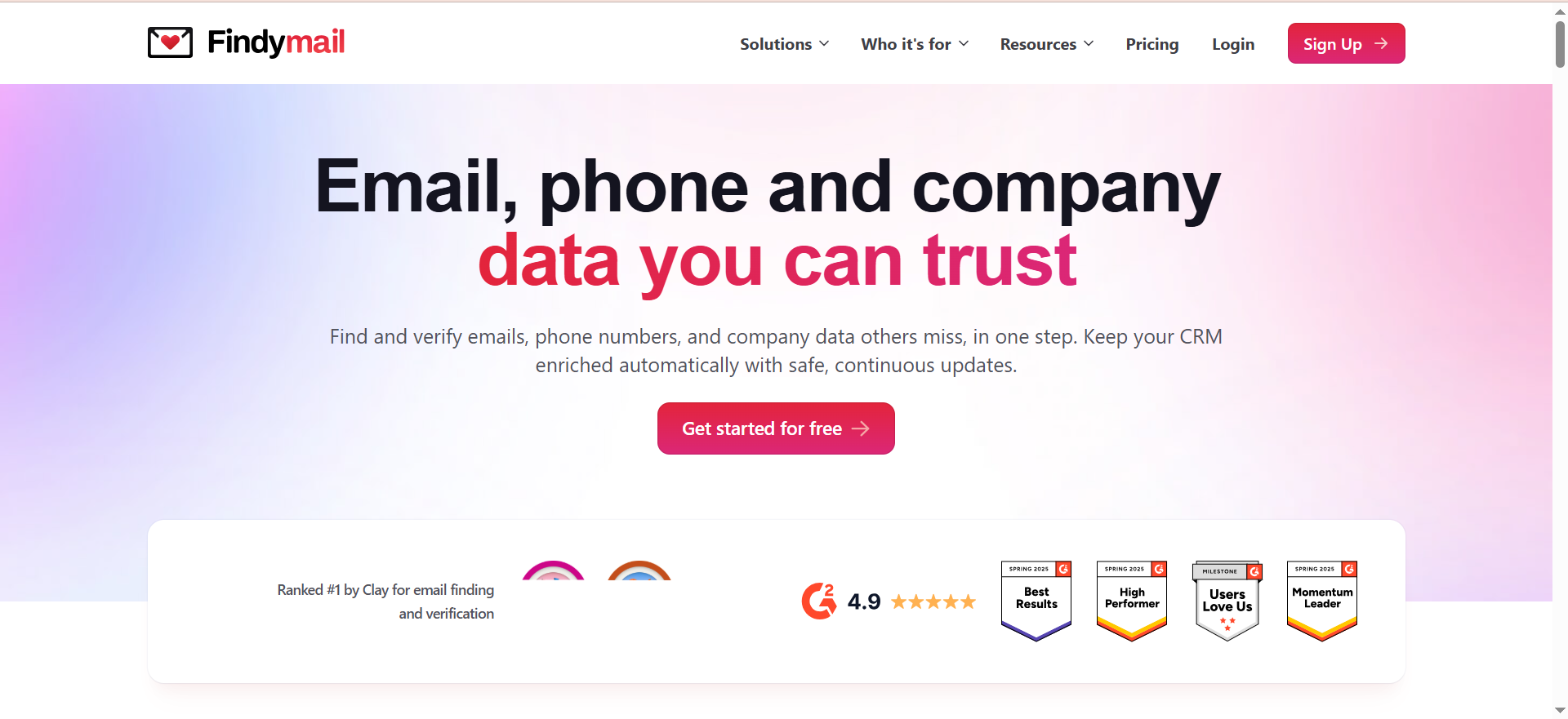
Findymail is a real-time email finder and verification tool built for B2B sales and marketing teams. Rather than pulling from a static database, Findymail crawls and verifies every address at the moment of lookup. The result is fewer emails returned overall, but a significantly lower bounce rate on the ones that do come back — the platform guarantees under 5% invalid emails, and multiple independent reviewers report bounce rates well under 3% in live campaigns.
Why Teams Use It
Sales teams switch to Findymail when they are tired of cleaning up after tools that return high volumes of unverified or catch-all addresses. The core appeal is simple: you upload a CSV of names and domains, and what comes back has already been triple-verified. There is no second step of running the output through a separate verification service, which saves both credits and time.
What It's Good For
Findymail excels at medium-to-large bulk enrichment workflows where data quality directly affects deliverability. Teams running cold outreach through Instantly, Smartlead, or Lemlist benefit most because Findymail integrates natively with those platforms. The Datacare feature also handles ongoing CRM enrichment — keeping contact records fresh as people change roles.
Beyond email finding, Findymail offers Intellimatch, an AI-powered lead finder that surfaces prospects based on real website content rather than rigid filters. The Signals feature monitors the web for intent signals from ideal customers around the clock.
When It's a Good Fit
Findymail fits teams that send 1,000+ cold emails per month and cannot afford bounce rates above 2-3%. It is also a strong choice for teams already using Instantly, Smartlead, or Lemlist since the native integrations eliminate CSV export/import steps. Growth-stage B2B SaaS companies running outbound as a primary channel will get the most value.
When It's Not a Good Fit
If your primary need is maximum coverage regardless of verification status — for example, building massive top-of-funnel awareness lists where some bounces are acceptable — Findymail's conservative approach will feel limiting. The tool returns no result for 25-35% of lookups where other tools would return an unverified guess. Teams on tight budgets under $50/month may also find the entry price higher than alternatives.
How to Use It
Upload a CSV file containing first name, last name, and company domain. Findymail processes the file, runs real-time verification on each contact, and returns a downloadable file with verified email addresses. You can also use the Chrome extension to find emails while browsing LinkedIn or company websites. For ongoing workflows, connect Findymail to your outreach tool via native integration or API.
Key Capabilities
Findymail's core capabilities include real-time email finding and triple verification, bulk CSV upload and processing, a Chrome extension for LinkedIn and web prospecting, a Phone Finder for mobile and direct dial numbers, Intellimatch AI lead matching, Signals for web-based intent monitoring, Datacare for CRM enrichment, and native integrations with Instantly, Smartlead, Lemlist, HubSpot, and Salesforce. The platform also offers API access for custom workflows.
Pricing
Findymail's plans scale by credit volume: $49/month for 1,000 credits, $99/month for 5,000 credits, and $249/month for 25,000 credits, with higher tiers available up to 100,000+ credits. Annual billing provides roughly a 17% discount (advertised as "2 months free"). Enterprise plans offer custom credit volumes with priority support and a dedicated account manager. You only pay for verified results — if Findymail cannot find or verify an email, no credit is consumed. Finding one email costs one credit, while retrieving a phone number costs ten credits. Unused credits roll over month to month, up to 2x your monthly plan allocation.
Free Tier?
No ongoing free plan. However, new users get 10 free credits to test the platform with no credit card required. The pay-per-verified model also means you are never charged for unsuccessful lookups, which effectively reduces waste compared to tools that consume credits on every attempt regardless of outcome.
Downsides / Limitations
The most significant limitation is lower match rates. Findymail intentionally skips unverifiable addresses, meaning 25-35% of lookups return nothing. For teams accustomed to tools that return a result for every lookup (verified or not), this feels like missing data — even though the returned data is more reliable. The starting price of $49/month is also higher than some competitors that offer entry tiers at $29-$39/month. There is no built-in campaign or outreach functionality, so you will need a separate tool for sending emails.
2. Snov.io
What It Does
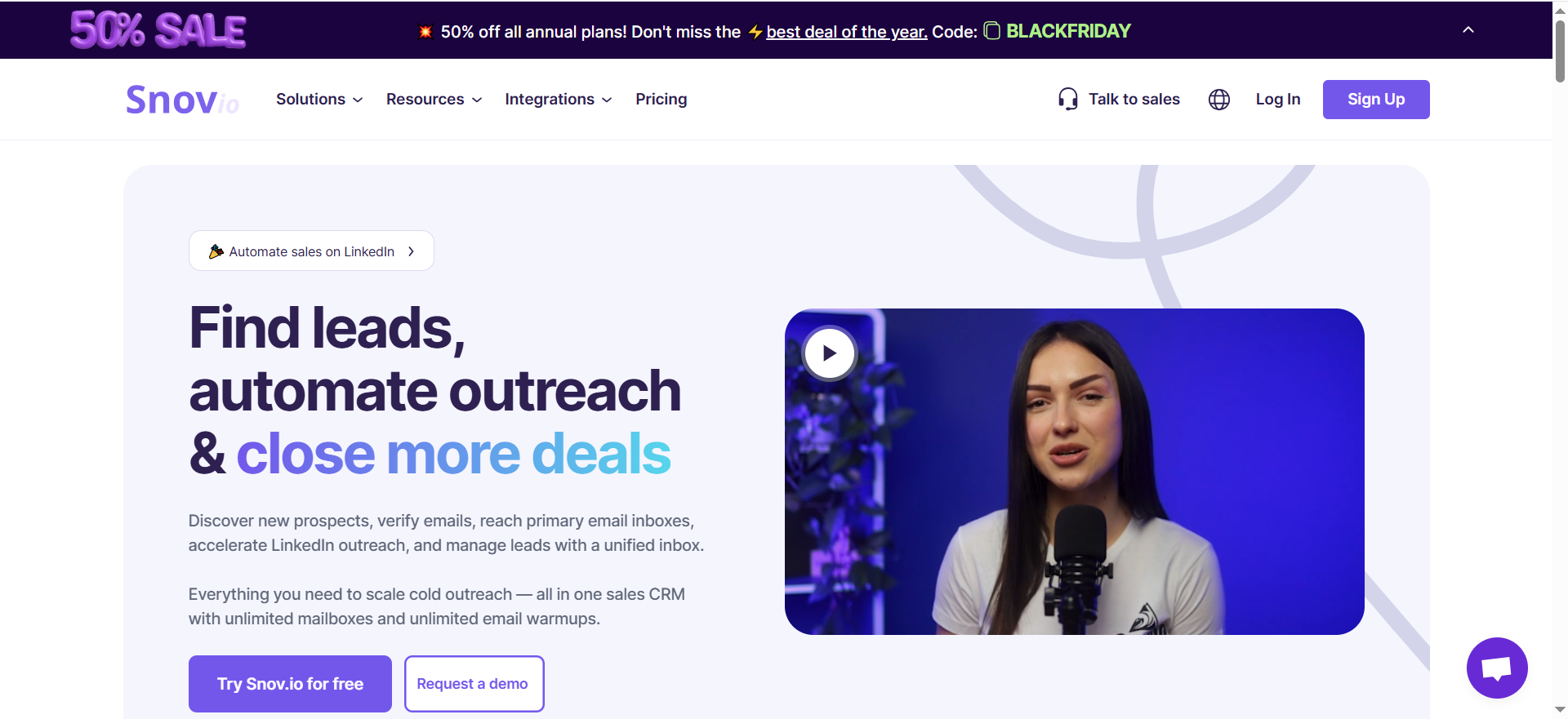
Snov.io is an all-in-one sales engagement platform that combines email finding, email verification, drip campaigns, email warm-up, and a lightweight CRM under one subscription. The email finder draws from a database of company profiles and supports multiple search filters, bulk CSV uploads, and a Chrome extension for LinkedIn prospecting.
Why Teams Use It
Teams choose Snov.io to consolidate their outbound stack. Instead of paying separately for an email finder, a verification tool, a campaign sender, and a warm-up service, Snov.io bundles everything together. This makes it attractive for early-stage sales teams or founders who want a single login for the entire prospecting-to-outreach workflow.
What It's Good For
Snov.io works well for teams that value workflow consolidation over best-in-class accuracy at any single step. The drip campaign builder lets you set up multi-step email sequences with conditions and delays directly from the same platform where you found the contacts. The 7-tier email verification process checks syntax, MX records, SMTP records, and additional signals, which adds a layer of quality control even if benchmark results on raw finding accuracy are modest.
When It's a Good Fit
Snov.io fits small-to-medium sales teams (2-10 people) that want to start outbound without assembling a multi-tool stack. If your monthly sending volume is under 5,000 emails and you prefer simplicity over maximum data quality, the all-in-one approach saves time and reduces integration headaches. The $39/month starting price also makes it accessible for bootstrapped teams and solo founders.
When It's Not a Good Fit
Teams that rely on bulk CSV enrichment for high-volume outbound will find Snov.io's verified match rate disappointing. In a 5,000-contact benchmark, Snov.io returned only 20.1% verified results — meaning roughly 4 out of 5 lookups either failed or returned unverified addresses. Additionally, finding and verifying consume credits separately, so the effective cost per verified contact on the Starter plan is higher than the headline math suggests. LinkedIn automation is also a separate add-on at $69/month per account slot.
How to Use It
You can search Snov.io's database using filters like job title, location, company size, and industry. For bulk operations, upload a CSV file with names and company domains. The Chrome extension lets you extract contacts directly from LinkedIn profiles and Sales Navigator. Found contacts can be pushed directly into drip campaigns within the same platform.
Key Capabilities
Snov.io's capabilities span email finding with search filters and company database access, bulk CSV processing, 7-tier email verification (syntax, MX, SMTP, and more), multi-step drip campaigns with A/B testing, email warm-up, a built-in CRM, Chrome extension for LinkedIn, API and webhook access, and team collaboration features. The platform integrates with HubSpot, Salesforce, Pipedrive, and other tools through native connectors and Zapier.
Pricing
Snov.io's pricing starts with a Trial plan offering 50 free credits, 100 email recipients, and 1 warm-up slot. The Starter plan is $39/month with 1,000 credits, 5,000 recipients, and 3 warm-up slots. Pro plans scale from Pro S at $99/month for 5,000 credits, through Pro M at $189/month for 20,000 credits, Pro L at $369/month for 50,000 credits, and Ultra at $738/month for 100,000 credits. Annual billing saves 25%, and 3-month billing saves 5%. The Custom Ultra tier offers 200,000+ credits with custom pricing.
Free Tier?
Yes — the Trial plan provides 50 credits, 100 recipients, and 1 email warm-up slot at no cost. However, premium features like integrations, bulk search, bulk verification, teamwork, A/B testing, and API access are not available on the Trial plan.
Downsides / Limitations
The headline limitation is bulk accuracy. At 20.1% verified match rate in independent testing, Snov.io finds far fewer valid emails per batch than competitors like Findymail (75.2%) or Skrapp (42.8%). The double credit consumption for finding plus verifying effectively doubles your cost per contact. LinkedIn automation requires a $69/month add-on per account, which significantly raises the total cost for teams that prospect heavily on LinkedIn. The CRM and campaign features, while convenient, are lightweight compared to dedicated tools.
3. Skrapp
What It Does
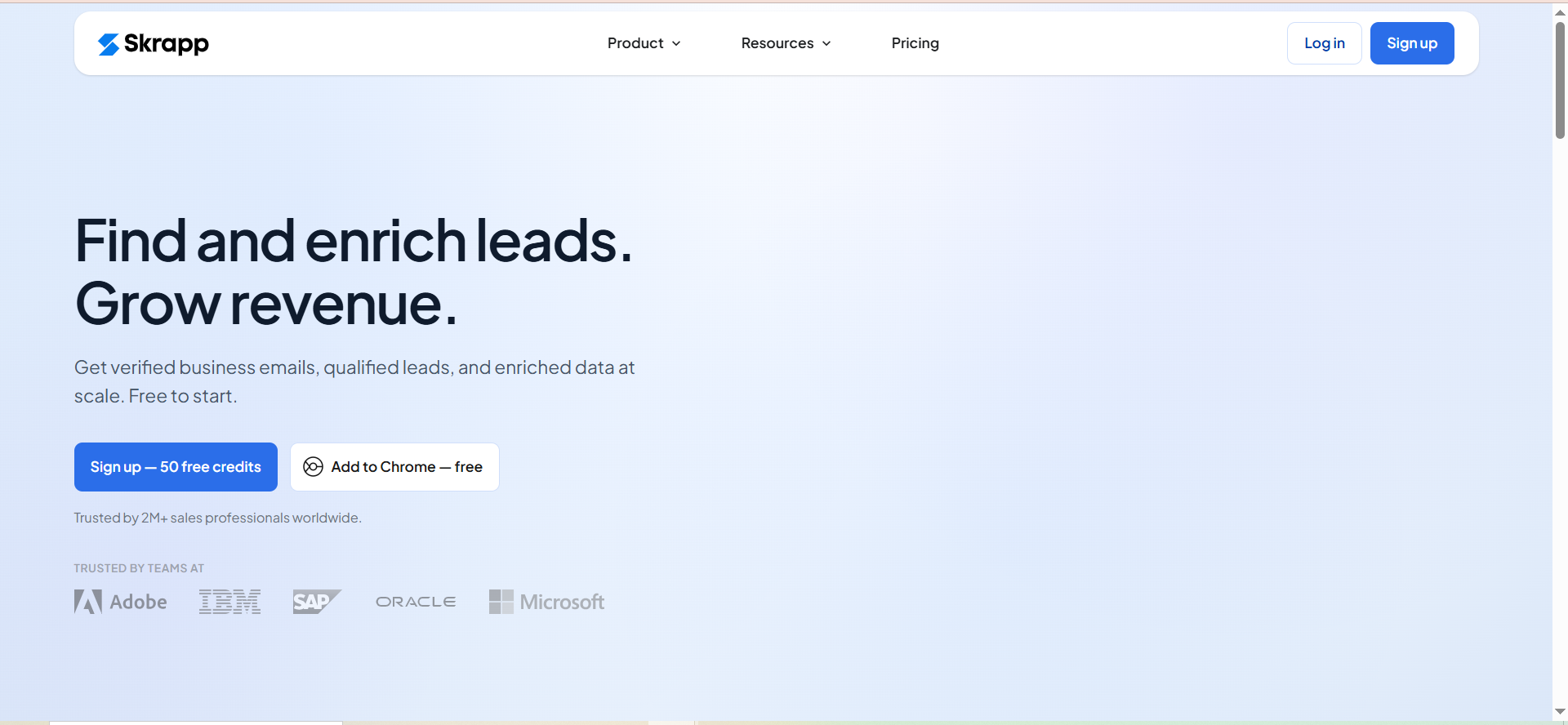
Skrapp is a B2B email finder centered on LinkedIn-driven prospecting. The platform offers a Chrome browser extension that finds email addresses while you browse professional profiles, a bulk email finder for processing lists, domain search for company-wide lookups, and a built-in email verifier. Skrapp also includes a Lead Search Database where you can search for professionals and companies using filters for role, industry, and location.
Why Teams Use It
Recruiters, SDRs, and small sales teams use Skrapp because the LinkedIn workflow is fast and intuitive. The Chrome extension lets you browse LinkedIn or Sales Navigator, click to find emails, and save contacts — all without leaving the browser. The free tier (50 emails/month) also provides a no-risk entry point for testing.
What It's Good For
Skrapp works well for LinkedIn-first prospecting workflows where you identify prospects on LinkedIn and need their email addresses to start outreach. The browser extension handles this one-at-a-time workflow smoothly. For small teams that process fewer than 2,000 contacts per month, the pricing is competitive and the interface requires almost no learning curve. CRM sync is available on paid plans to keep data flowing without manual exports.
When It's a Good Fit
Skrapp fits individual contributors and small teams (1-5 people) who prospect primarily through LinkedIn and need a simple, affordable email finder. If your workflow is "find prospect on LinkedIn, get their email, add to CRM," Skrapp handles that loop cleanly. The free plan makes it viable for freelancers and early-stage founders testing outbound.
When It's Not a Good Fit
If you need high-accuracy bulk enrichment, Skrapp is not the right choice. Independent benchmarks show a 42.8% verified rate — meaning more than half the emails returned may not reach an inbox. The platform also lacks modern enrichment features like waterfall enrichment, phone number data, buying signals, and intent data. Customer support responsiveness has been flagged as a concern in user reviews. Teams processing more than 5,000 contacts per month or running sophisticated multi-channel outbound sequences will quickly outgrow what Skrapp offers.
How to Use It
Install the Chrome extension, browse LinkedIn or Sales Navigator, and click the Skrapp icon on any profile to find the associated email address. For bulk operations, upload a CSV file with prospect information through the web interface. Use the domain search feature to find all available contacts at a specific company. Found contacts can be exported or pushed to your CRM through native integrations on paid plans.
Key Capabilities
Skrapp's capabilities include a Chrome browser extension for LinkedIn, Sales Navigator, and LinkedIn Recruiter, a bulk email finder with CSV processing, domain search for company-wide lookups, a built-in email verifier, a Lead Search Database with filters for role, industry, and location, AI enrichment on paid plans, and CRM sync on paid plans. The credit system only charges for emails returned with "Valid" or "Catch-all" status — no credits consumed on "Invalid" or "Unknown" results.
Pricing
Skrapp offers a Free plan with 50 credits per month for one user. The Professional plan starts at $39/month for 2,000 credits and 2 users, with tiers scaling through 5K, 10K, and 25K credits at higher price points. The Enterprise plan starts at $349/month for 50,000 credits and 15 users, with tiers available up to 500K credits. Annual billing provides a 25% discount. Credits roll over on paid plans, and Skrapp uses a fair credit policy — you are only charged for emails returned with "Valid" or "Catch-all" status.
Free Tier?
Yes — 50 credits per month at no cost, with no credit card required. The free plan includes the Chrome extension, email finder, and email verifier, but does not include bulk enrichment features, list exports, CRM sync, or AI enrichment.
Downsides / Limitations
The accuracy gap is the primary concern. Skrapp's homepage claims a high search success rate, but independent tests consistently measure 42.8% verified delivery — meaning roughly half the "found" emails may bounce. The platform has not kept pace with 2026 enrichment standards: no waterfall enrichment, no phone data, no buying signals, and limited CRM integrations compared to competitors. The feature set feels dated against tools like Findymail or Snov.io. Customer support has been described as slow in multiple reviews. There are no built-in outreach or campaign features.
4. Anymail Finder
What It Does
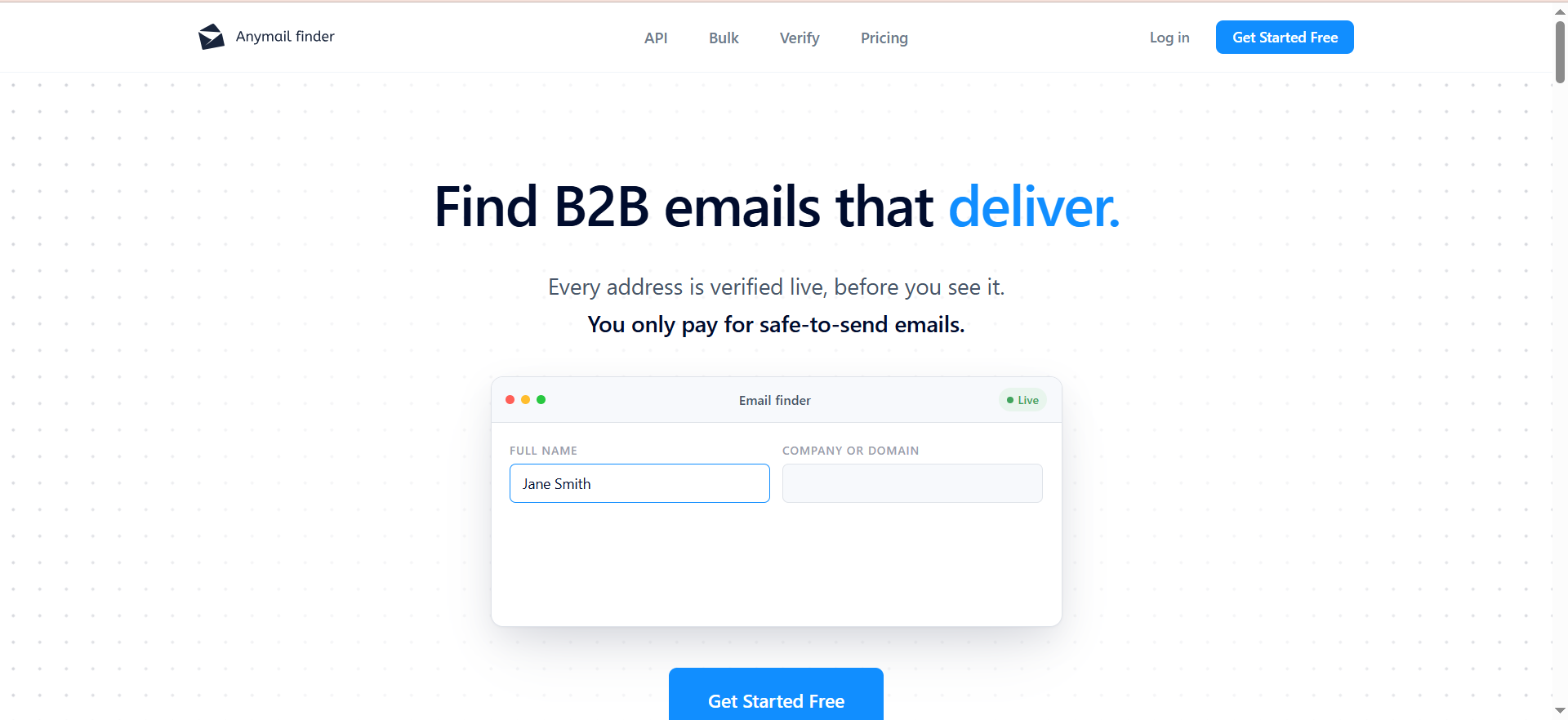
Anymail Finder is a pay-per-verified-email tool designed for teams that want to avoid wasting credits on undeliverable addresses. The platform searches for business email addresses by name, company, domain, URL, or decision-maker role, and only charges when it returns a verified, deliverable result. This "you only pay for what works" model is the core differentiator.
Why Teams Use It
Teams choose Anymail Finder when they have been burned by tools that charge credits regardless of whether the email is actually valid. The pricing model eliminates the guesswork: if Anymail Finder returns an email, it has been verified and carries a 97%+ deliverability guarantee. Unused credits also roll over with no cap while your subscription is active, which is unusual in this category and rewards consistent but variable usage patterns.
What It's Good For
Anymail Finder works well for low-to-medium volume prospecting where every contact matters. If you process 50-500 contacts per month and need each one to be highly deliverable — for example, account-based selling where you are targeting specific individuals at specific companies — the pay-per-verified model ensures you are not wasting budget. The credit rollover policy is also valuable for teams with inconsistent prospecting cadences.
When It's a Good Fit
Anymail Finder fits account-based sales teams, recruiters targeting specific individuals, and small businesses that prospect in bursts rather than at steady high volumes. If you are doing 200-1,000 lookups per month and deliverability matters more than speed or coverage, this tool delivers strong results at a competitive price point. The $29/month entry tier is also one of the more affordable starting prices among the tools reviewed here.
When It's Not a Good Fit
High-volume teams will struggle with two issues. First, processing speed: in one test, Anymail Finder took 155 minutes to process 1,000 leads via API, compared to 4 minutes for Findymail. That is roughly 39x slower. Second, coverage gaps: Anymail Finder includes catch-all verification, but find rates can still be lower than tools that return unverified guesses. International coverage also drops significantly outside the US and UK. Teams processing 5,000+ contacts per month or needing real-time enrichment in automated workflows will find the speed and coverage limitations unworkable.
How to Use It
Search by entering a name and company domain, a company URL, or a decision-maker role at a specific company. For bulk operations, upload a CSV or Excel file. The Chrome extension finds emails directly from LinkedIn profiles. Results are returned as downloadable files with only verified addresses included.
Key Capabilities
Anymail Finder's capabilities include email finding by name, company, domain, URL, or decision-maker role, bulk CSV and Excel upload, a LinkedIn Chrome extension, API access for automated workflows, credit rollover with no cap while subscribed, catch-all domain verification included, and a pay-per-verified model with 97%+ deliverability guarantee. Unlimited team members can share a single credit pool.
Pricing
Plans start at $29/month for 400 credits, scaling through $49/month for 1,000 credits, $89/month for 2,000 credits, $149/month for 5,000 credits, and $199/month for 10,000 credits, with higher tiers available up to 100,000 credits at $799/month. Annual billing saves 33%. New users receive 100 free credits to test the platform, though trial credits expire after 14 days. Remember that prices reflect verified emails only — you are not paying for failed lookups. Verification is included in every search result at no extra credit cost.
Free Tier?
No ongoing free plan. New users get 100 free trial credits that expire after 14 days. After that, the lowest paid tier starts at $29/month.
Downsides / Limitations
Processing speed is the standout weakness — 155 minutes for 1,000 leads via API makes Anymail Finder impractical for time-sensitive workflows or real-time enrichment pipelines. While the tool now includes catch-all verification, find rates can still be lower than competitors for certain datasets. International coverage is weak outside the US and UK. The platform focuses solely on email finding and verification — there are no built-in campaign, outreach, or CRM features.
5. Prospeo
What It Does
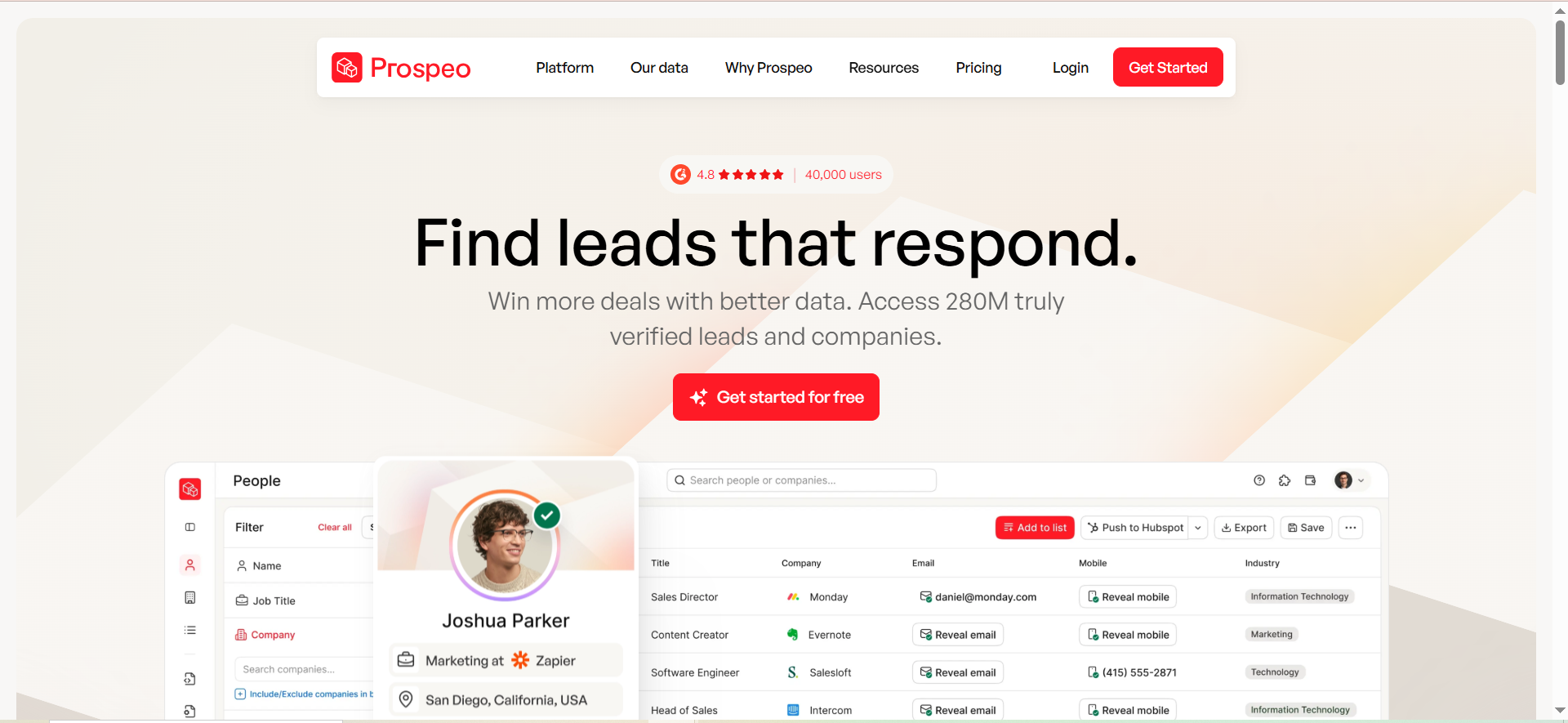
Prospeo is a B2B lead data and enrichment platform focused on email discovery and verification. The tool offers a Chrome extension for finding emails directly from LinkedIn profiles, a web-based search interface, CSV upload for bulk processing, and access to a database of verified profiles. Prospeo uses a proprietary verification process and claims 98% data accuracy on individual lookups.
Why Teams Use It
Solo SDRs and small sales teams use Prospeo for its Chrome extension, which is the product's strongest feature. The extension lets you browse LinkedIn or Sales Navigator, click to find a verified email, and get results in 2-3 seconds. For one-at-a-time prospecting workflows, the speed and accuracy are competitive.
What It's Good For
Prospeo excels at individual LinkedIn lookups. If your workflow involves manually browsing LinkedIn, identifying prospects, and grabbing their email one at a time, Prospeo handles that efficiently. The free tier (75 email credits per month plus 100 Chrome extension credits) is generous enough for solo prospectors to run a meaningful test before committing to a paid plan. Mobile number lookups are also available, adding another contact channel.
When It's a Good Fit
Prospeo fits solo SDRs and individual contributors who prospect through LinkedIn at low-to-medium volumes (under 500 contacts per month). If you primarily work one profile at a time and value a fast, reliable Chrome extension over bulk processing capabilities, Prospeo delivers a smooth workflow at $39/month or less. The free plan also makes it useful for freelancers and early-stage founders.
When It's Not a Good Fit
Bulk processing is where Prospeo breaks down. In one user report, importing 1,000 contacts via CSV returned only 45 email matches — a 4.5% hit rate — while consuming all 1,000 credits. At $39 for 1,000 credits, that works out to $0.87 per usable email, making it one of the most expensive options at scale. Credits do not roll over between months, so unused credits are lost. Mobile lookups cost 10 credits each, which further drains the budget. Teams running automated enrichment workflows or processing more than 500 contacts per month should look elsewhere.
How to Use It
Install the Chrome extension, browse LinkedIn or Sales Navigator, and click the Prospeo icon on any profile to find the verified email address. For bulk operations, upload a CSV file through the web interface. Use the search interface with filters to find prospects by role, company, industry, location, and other dimensions. Results can be exported as CSV or pushed to integrated tools.
Key Capabilities
Prospeo's capabilities include a Chrome extension for LinkedIn and Sales Navigator, access to a database of verified profiles and verified emails, search filters for prospecting, a proprietary verification process, CSV upload and processing, mobile number lookups, API access, and a free tier with 75 email credits and 100 extension credits per month.
Pricing
Prospeo offers a Free plan with 75 email credits per month and 100 Chrome extension credits per month. The Starter plan is $39/month with 1,000 credits. The Growth plan is $99/month with 5,000 credits. The Pro plan is $199/month with 20,000 credits. The Business plan is $369/month with 50,000 credits. Mobile phone lookups consume 10 credits each. Credits reset monthly and do not roll over.
Free Tier?
Yes — 75 email credits per month plus 100 Chrome extension credits per month, with no credit card required. This is one of the more generous free tiers in the category and provides enough volume for solo prospectors to evaluate the tool meaningfully.
Downsides / Limitations
The critical limitation is the disconnect between single-lookup accuracy and bulk coverage. Individual Chrome extension lookups work well (2-3 second response, high accuracy), but CSV bulk imports suffer from extremely low hit rates — as low as 4.5% in user reports. Credits do not roll over, so any unused credits at month-end are lost. Mobile lookups at 10 credits each drain the credit budget quickly. The platform lacks built-in outreach or campaign features, so you need a separate sending tool.
Get Listed / Advertise
Refreshed monthly — claim the next feature slot for your tool.
What Is a Bulk Email Finder and How Does It Work?
A bulk email finder is a tool that takes a list of names and company domains (usually uploaded as a CSV or Excel file) and returns verified business email addresses for each person on the list. The process typically involves querying a proprietary database, crawling public web sources, and running SMTP-level verification to confirm that the returned addresses are deliverable.
The workflow is straightforward: you prepare a spreadsheet with columns for first name, last name, and company domain, upload it to the tool, and download the enriched file with email addresses appended. Most tools charge on a credit-per-lookup or credit-per-verified-result basis.
What separates tools in this category is not the basic workflow — they all do roughly the same thing — but the quality of the output. Match rate (what percentage of your list gets an email), verification depth (how rigorously the tool confirms deliverability), and handling of edge cases like catch-all domains and role-based addresses are where meaningful differences emerge.
How to Evaluate Bulk Email Finder Accuracy Claims
Vendor accuracy claims are one of the most misleading metrics in this category. Most tools advertise 95-98% accuracy, but these numbers typically refer to the deliverability rate of emails the tool successfully returns — not the percentage of your input list that gets a valid result.
Here is the distinction: if you upload 1,000 contacts and a tool returns 200 emails with 98% of those being deliverable, the vendor reports 98% accuracy. But your actual coverage was only 20%. A different tool might return 700 emails with 85% deliverability. The second tool found more contacts, but the first has a higher accuracy headline.
When evaluating tools, ask for two separate numbers: the match rate (percentage of input records that return any email) and the verification rate (percentage of returned emails that are confirmed deliverable). Independent benchmarks that test multiple tools against the same dataset are the most reliable way to compare, since vendor-reported metrics use different methodologies and datasets.
What Is a Catch-All Domain and Why Does It Matter for Bulk Email Finding?
A catch-all domain is configured to accept every email sent to it — including addresses that do not actually exist at that company. Industry data shows that 8.6% to 15.25% of email addresses in typical B2B lists are catch-all, and some lists run as high as 30%.
This creates a problem for bulk email finders. When a tool pings a catch-all domain to verify an address, the server responds "yes, that address exists" regardless of whether it does. The tool then marks the email as valid and charges you a credit. But when you actually send an email to that address, it may silently fail, hard bounce after a delay, or land in a black hole — damaging your sender reputation in the process.
Tools handle catch-all domains differently. Findymail runs additional verification on catch-all addresses rather than skipping them entirely. Anymail Finder also includes catch-all verification. Skrapp counts catch-all addresses as valid results and charges a credit. Snov.io flags them separately. Prospeo includes them in verification results.
The best practice is to never mix catch-all addresses with your fully verified list. Keep them in a separate segment with lower sending volume and track bounce rates independently.
How Much Do Bulk Email Finders Actually Cost Per Verified Contact?
The headline price per credit rarely reflects the true cost per usable email. Here is a realistic breakdown for each tool reviewed in this guide.
Findymail charges $49/month for 1,000 credits, and since you only pay for verified results, the effective cost is approximately $0.049 per verified email. However, with 25-35% of lookups returning no result, you may need 1,300-1,500 lookups to get 1,000 verified emails.
Snov.io charges $39/month for 1,000 credits, but finding and verifying consume credits separately. This means 1,000 credits translates to roughly 500 verified contacts at approximately $0.08 each.
Skrapp charges $39/month for 2,000 credits at a 1:1 ratio (one credit per found email with Valid or Catch-all status). But with a 42.8% verified accuracy rate, many of those "found" emails may not actually reach an inbox.
Anymail Finder charges $29/month for 400 verified emails ($0.073 per email) or $149/month for 5,000 verified emails ($0.03 per email). The per-email cost drops significantly at higher volumes.
Prospeo charges $39/month for 1,000 credits. Individual lookups are efficient, but bulk CSV imports have shown hit rates as low as 4.5%, making the effective cost up to $0.87 per usable email at scale.
The takeaway: always calculate cost per verified, deliverable email rather than cost per credit. The cheapest credit is not the cheapest email.
Can You Use Bulk Email Finders with LinkedIn?
Yes, and LinkedIn integration is one of the most common use cases for these tools. All five tools reviewed in this guide offer Chrome extensions that work with LinkedIn and/or Sales Navigator.
The typical workflow involves browsing LinkedIn to identify prospects, clicking the tool's Chrome extension on a profile to find the associated email, and either saving the contact to a list within the tool or exporting it to your CRM. Some tools, like Skrapp and Prospeo, are built primarily around this LinkedIn-first workflow.
However, there is an important distinction between LinkedIn prospecting and bulk email finding. LinkedIn extensions work on individual profiles — one lookup at a time. Bulk email finding involves uploading a CSV of hundreds or thousands of contacts at once. Most tools support both workflows, but performance can differ significantly between them. Prospeo, for example, achieves high accuracy on individual LinkedIn lookups but very low match rates on bulk CSV uploads.
For teams that prospect heavily on LinkedIn and want to scale, look for tools that offer both a reliable Chrome extension and strong bulk CSV processing. Findymail and Snov.io handle both workflows well, though Snov.io's LinkedIn automation features require an additional $69/month add-on.
What Is the Difference Between Email Finding and Email Verification?
Email finding and email verification are related but distinct processes, and confusing them leads to wasted budget and unreliable data.
Email finding takes an input (typically a person's name and company domain) and searches for their business email address. The tool is answering the question: "What is this person's email?" The output is an email address that may or may not be deliverable.
Email verification takes a known email address and checks whether it is deliverable. The tool is answering a different question: "Will this email actually reach an inbox?" Verification typically involves checking syntax, MX records, SMTP response, spam trap databases, and role-based address lists.
Some tools combine both steps — Findymail, for example, verifies every address at the moment of finding and only returns verified results. Others treat finding and verification as separate actions that each consume credits — Snov.io uses this model, which means you pay twice (once to find, once to verify) for each contact.
If your tool does not verify during the finding step, you should always run the output through a dedicated verification service before sending. Sending to unverified addresses risks hard bounces, which can push your bounce rate above the 2% threshold that triggers sender reputation damage.
How to Improve Match Rates When Using Bulk Email Finders
Low match rates are the most common frustration with bulk email finders. Here are practical steps to improve results.
Start with clean input data. The most common cause of failed lookups is bad input: misspelled names, outdated company domains, generic domain names instead of the actual corporate domain, or missing fields. Before uploading, verify that company domains are current (people change jobs, companies rebrand) and names are spelled correctly.
Use the correct domain format. Many tools struggle when you provide a parent company domain instead of the subsidiary or division domain where the person actually works. For example, looking up someone at a Google subsidiary using "google.com" will likely fail — use the actual subsidiary domain.
Try multiple tools. No single tool has 100% coverage. Running the same list through two complementary tools (for example, Findymail for high-accuracy results and Snov.io for broader coverage) often yields better total coverage than relying on one tool alone. This waterfall approach is standard practice for high-volume outbound teams.
Segment your results. Separate verified, catch-all, and unverified results into different lists. Send to verified addresses immediately, test catch-all addresses with small batches first, and do not send to unverified addresses at all.
Keep lists fresh. B2B email data decays at approximately 2-3% per month as people change jobs, companies reorganize, and domains change. Re-verify any list that is more than 30 days old before sending.
Best Free Bulk Email Finder Tools in 2026
Among the five tools reviewed in this guide, three offer meaningful free tiers. If you are evaluating options at an earlier stage, see our guide on the best email finder tools for startups.
Skrapp provides 50 free credits per month with no credit card required. This is enough to test the LinkedIn Chrome extension workflow and run a small batch through the bulk finder. The main limitation is accuracy — independent tests show a 42.8% verified rate.
Prospeo offers 75 email credits per month plus 100 Chrome extension credits per month, also with no credit card required. The Chrome extension works well for individual LinkedIn lookups, but bulk CSV performance is significantly weaker.
Snov.io provides a Trial plan with 50 credits, 100 email recipients, and one email warm-up slot. However, premium features like bulk search, bulk verification, and API access are not available on the Trial.
Beyond these reviewed tools, Hunter.io offers 50 free credits per month and Tomba provides 75 free credits. Both support CSV upload for bulk processing.
Free tiers are useful for testing workflow fit and basic accuracy, but they are not designed for production-level prospecting. Once you are processing more than 100-200 contacts per month, you will need a paid plan.
How to Handle Email Data Decay in Bulk Prospecting Lists
Email data decays faster than most sales teams realize. Industry estimates put the annual decay rate at 25-30% for B2B email lists, driven by job changes, company mergers, domain migrations, and role shifts. In 2026, this rate has arguably increased as job mobility continues to rise.
The practical impact is that a list you built three months ago already has 6-8% of its addresses pointing to abandoned inboxes. Sending to these addresses generates hard bounces, which damage your sender domain reputation and can trigger ESP throttling or blacklisting.
Three habits reduce the damage. First, set an expiration policy: any email address not verified within the last 30 days should be re-verified before sending. Most bulk email finders offer verification-only workflows at lower credit costs. Second, monitor bounce rates per campaign — if a batch exceeds 2% hard bounces, stop the campaign and re-verify the remaining list. Third, use CRM enrichment features (like Findymail's Datacare) to automatically refresh contact data on a rolling basis rather than treating enrichment as a one-time event.
Bulk Email Finder vs Email Scraper: What Is the Difference?
The terms "email finder" and "email scraper" are often used interchangeably, but they describe fundamentally different approaches — and the distinction matters for both data quality and legal compliance.
An email finder searches structured databases and runs verification checks to return business email addresses associated with specific individuals. The data sources are typically proprietary databases, public business directories, company websites, and verified records. Finders return curated results with verification status.
An email scraper crawls web pages, social media profiles, forums, and other unstructured sources to extract any email addresses it encounters. Scrapers prioritize volume over accuracy and typically return raw, unverified addresses along with a high percentage of role-based, outdated, and personal email addresses that are inappropriate for B2B outreach.
All five tools in this guide are email finders, not scrapers. They search structured databases and verify results before returning them — a key distinction for teams building outbound sales workflows that depend on clean data. The distinction matters because scraped email lists carry significantly higher legal risk under regulations like GDPR and CAN-SPAM, produce higher bounce rates, and are more likely to damage sender reputation.
FAQs
Upload limits vary by tool. Snov.io supports bulk CSV uploads, and Anymail Finder accepts large file uploads. Findymail, Skrapp, and Prospeo all support CSV uploads, though maximum file sizes depend on your plan tier. Most teams will not hit technical limits before they hit credit limits.
These tools are designed for B2B business email addresses — the ones associated with corporate domains. They generally do not find or return personal email addresses (Gmail, Yahoo, Outlook personal, etc.). If a business professional only uses a personal email for work (common at very small companies), most tools will return no result rather than surfacing the personal address.
Independent benchmarks show verified match rates ranging from 16.9% (Prospeo) to 75.2% (Findymail) on the same 5,000-contact dataset. Vendor-claimed accuracy rates of 95-98% refer to different metrics — typically the deliverability rate of successfully found emails, not the coverage rate across your entire input list. Always distinguish between match rate and deliverability rate when evaluating tools.
Bulk email finders themselves are legal tools, but how you use the data determines compliance. In the US, CAN-SPAM requires including opt-out mechanisms and honoring unsubscribe requests. Under GDPR (EU), you need a lawful basis for processing personal data — "legitimate interest" is commonly cited for B2B outreach, but it requires a documented assessment and is not a blanket permission. Always include an unsubscribe option, honor opt-out requests promptly, and consult legal counsel if you are sending to EU contacts.
Anymail Finder offers the lowest entry price at $29/month for 400 verified emails. Among tools with free tiers, Prospeo (75 emails + 100 extension credits/month) and Skrapp (50 credits/month) offer the most generous free plans. However, the cheapest tool is not always the most cost-effective — calculate cost per verified, deliverable email rather than cost per credit to compare real value.
Re-verify any list older than 30 days before sending a campaign. B2B email data decays at approximately 2-3% per month, and even a list built 60 days ago may have 4-6% undeliverable addresses. For frequently used prospect lists, consider using a tool with automated CRM enrichment to keep records fresh continuously. It depends on the tool. Findymail and Anymail Finder verify during the finding process and only return verified results, so no separate verification is needed. Snov.io includes built-in verification but charges separate credits for it. Skrapp includes basic verification. Prospeo uses a proprietary verification process. If your tool returns unverified or catch-all results, running the output through a dedicated verification service before sending is strongly recommended.
It depends on the tool. Findymail and Anymail Finder verify during the finding process and only return verified results, so no separate verification is needed. Snov.io includes built-in verification but charges separate credits for it. Skrapp includes basic verification. Prospeo uses a proprietary verification process. If your tool returns unverified or catch-all results, running the output through a dedicated verification service before sending is strongly recommended.
Get Listed / Advertise
Refreshed monthly — claim the next feature slot for your tool.