

TL;DR
If you are building or scaling an outbound program in 2026, the tool you pick for cold email will shape your deliverability, your cost per booked meeting, and how fast you can ramp new campaigns. The market has shifted significantly — Google and Microsoft now enforce SPF, DKIM, and DMARC for all bulk senders, spam complaint thresholds sit at 0.3%, and messages that fail compliance get rejected at the server level, not just filtered to spam.
That means your cold email tool is no longer just a sequencer. It is your deliverability engine, your warmup manager, and often your lead database rolled into one.
We tested and compared the five tools that sales-led SaaS teams at the Growth and Series A stage use most: Instantly, Smartlead, Apollo, Lemlist, and Reply. This guide breaks down exactly what each one does well, where it falls short, and what it actually costs once you factor in add-ons and scaling. If you are a Head of Growth, Founder, or RevOps lead trying to pick the right platform for your outbound stack, this is the comparison you need.
Instantly is the strongest all-around pick for teams that want flat-fee scaling with unlimited email accounts and built-in warmup. Smartlead is the best option for agencies managing multiple client accounts. Apollo gives you the largest B2B contact database bundled with outreach. Lemlist wins on multichannel personalization. Reply is built for teams that need email, LinkedIn, calls, and SMS coordinated in one workflow.
Table of Contents
Best Tools for Cold Email Outreach (Quick Comparison)
| Feature | Instantly | Smartlead | Apollo | Lemlist | Reply |
|---|---|---|---|---|---|
| Starting Price | $37.60/mo (annual) | $39/mo (flat) | $49/user/mo | $79/user/mo | $49/mo (volume) |
| Pricing Model | Flat-fee | Flat-fee | Per-seat + credits | Per-seat | Volume or per-seat |
| Unlimited Email Accounts | Yes (all plans) | Yes (all plans) | No | No (3-5 per user) | No |
| Built-in Warmup | Yes (unlimited) | Yes (unlimited) | Yes (basic) | Yes (Lemwarm) | Yes (unlimited) |
| Lead Database | Yes (450M+ contacts) | No | Yes (265M+ contacts) | Yes (limited) | Yes (1B contacts) |
| AI Reply Agent | Yes | Yes | Yes (AI Assistant) | No | Yes (Jason AI) |
| Multichannel | No | No | Yes (limited) | Yes | Yes |
| Best For | Volume senders, startups | Agencies, white-label | Data + outreach combo | Personalization-heavy | True multichannel |
1. Instantly
What It Does
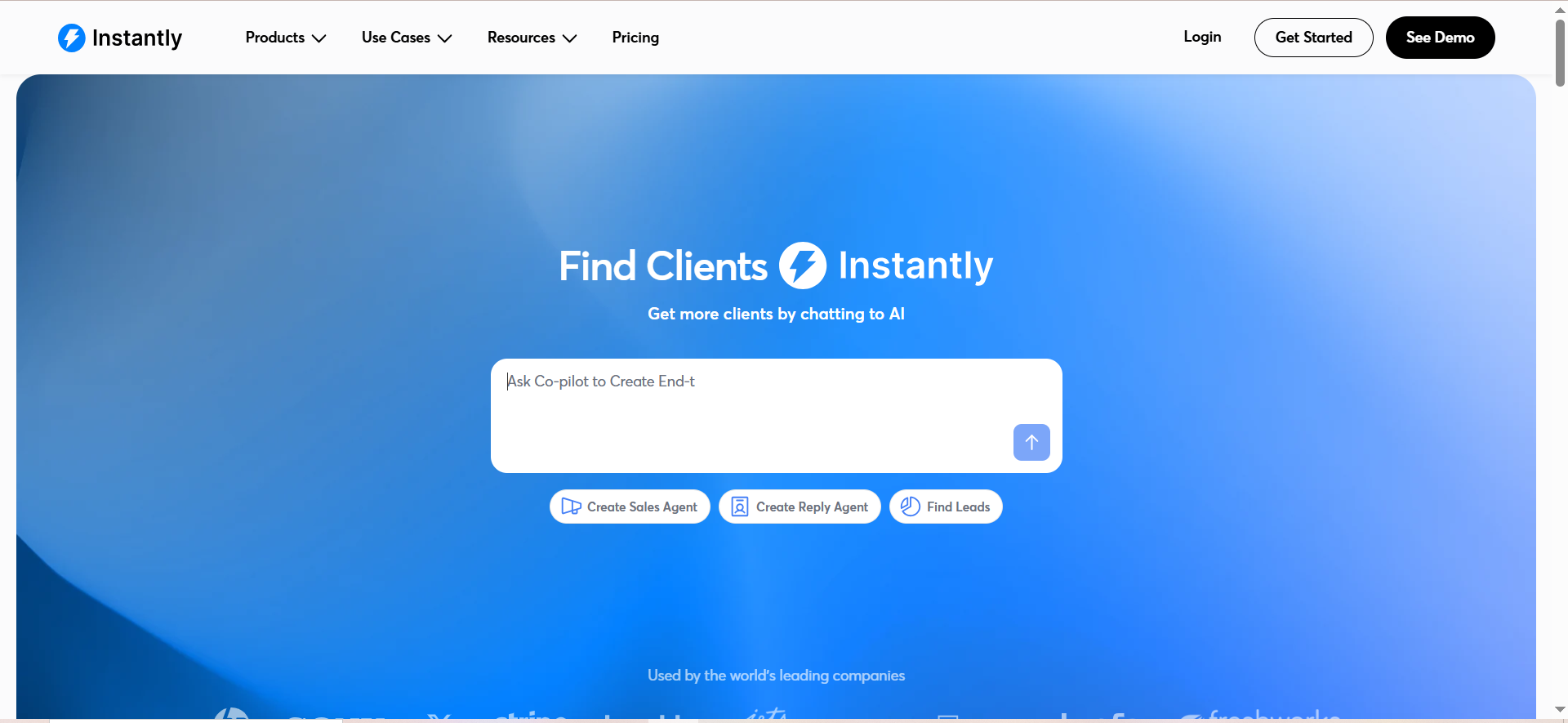
Instantly is a cold email outreach platform that combines automated email sequences, a built-in B2B lead database, unlimited email account connections, deliverability tools, and an AI-powered CRM into one workspace. It is designed for sales teams that want to run high-volume outbound campaigns without paying per seat or per email account.
Why Teams Use It
The main draw is the unlimited email account model. Most competitors either cap your sending accounts or charge extra for each one. Instantly lets you connect as many inboxes as you want on every paid plan, which makes it significantly cheaper to scale. The built-in warmup engine (rebuilt in May 2025) averages 88-94% inbox placement rates, and the platform includes a unified inbox (Unibox) that consolidates replies across all your accounts into one view.
What It's Good For
Instantly works best for teams running volume-based outbound where you need to rotate across many sending accounts to maintain deliverability. The combination of unlimited accounts, built-in warmup, and flat-fee pricing means your cost per lead stays predictable as you scale from 1,000 to 50,000 contacts per month.
When It's a Good Fit
Choose Instantly when you are a sales-led SaaS team at the Growth or Series A stage running email-first outbound. It is ideal if you plan to scale past 5-10 sending accounts, want predictable monthly costs, and do not need LinkedIn or phone steps built into your sequences. Teams that rely on high email volume with strong deliverability get the most value here.
When It's Not a Good Fit
Instantly is not the right pick if you need true multichannel outreach with LinkedIn automation, cold calling, or SMS steps baked into your sequences. The platform is email-only for campaign execution. It is also not ideal if you need a robust contact database as your primary prospecting tool — Instantly's SuperSearch (450M+ contacts) is an add-on starting at $47/mo on top of your outreach plan, so the total cost rises quickly if you lean on it.
How to Use It
Set up your sending accounts and let the warmup engine run for 2-3 weeks before launching campaigns. Build sequences with A/B subject line testing, schedule sends across time zones, and use the lead finder to pull contacts if needed. Unibox handles all replies in one place, and the AI Reply Agent responds to positive leads within five minutes.
Key Capabilities
Unlimited email account connections on all plans, built-in email warmup with 88-94% inbox placement, Unibox (unified inbox across all accounts), AI Reply Agent for fast lead response, SuperSearch lead database (450M+ contacts, add-on), A/B testing for subject lines and email copy, campaign analytics and deliverability dashboard, CRM module (add-on), and API access.
Pricing
Instantly uses flat-fee pricing that does not scale with team size. The Growth plan starts at $37.60/month (annual) or $47/month for 1,000 active contacts and 5,000 emails per month. The Hypergrowth plan at $97/month increases limits to 25,000 active contacts and 125,000 emails per month. The Light Speed plan goes higher for teams at serious volume. All plans include unlimited email accounts and unlimited warmup. The SuperSearch data tool starts at $47/mo extra, and the CRM module costs $47-$97/mo extra.
Free Tier?
No permanent free tier. Instantly offers a 14-day free trial on paid plans so you can test the platform before committing.
Downsides and Limitations
Email-only sequences — no LinkedIn, phone, or SMS steps. SuperSearch and CRM are paid add-ons, which means the "all-in-one" positioning requires extra spend. The lead database (450M+ contacts) is smaller than Apollo's (265M+). Reporting and analytics, while functional, are less granular than dedicated sales engagement platforms. No native LinkedIn automation means you will need a separate tool if multichannel matters to your workflow.
2. Smartlead
What It Does
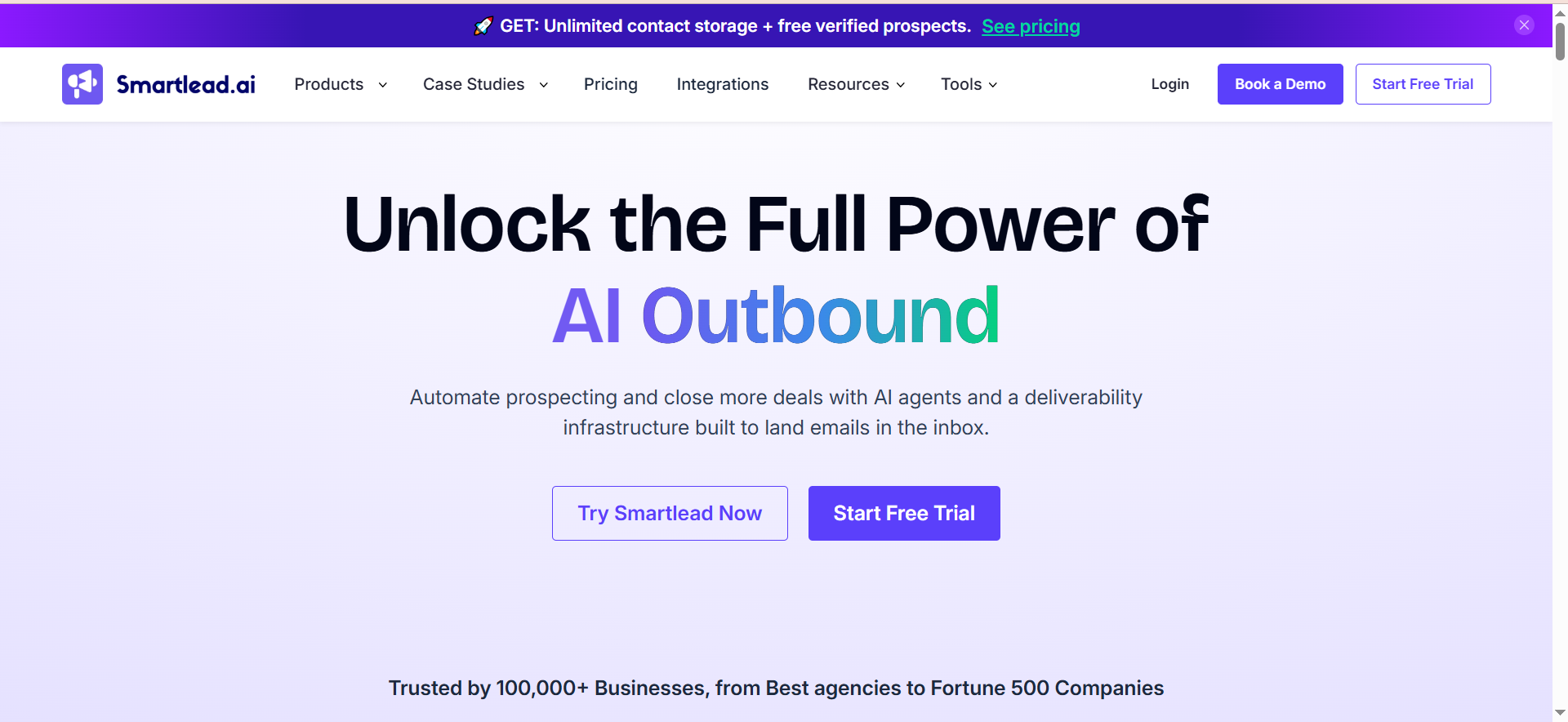
Smartlead is a cold email infrastructure platform built for high-volume sending and agency operations. It provides unlimited email accounts, unlimited warmup, sub-account structures, white-labeling, and a unified inbox designed for teams managing multiple clients or large outbound programs simultaneously.
Why Teams Use It
Smartlead's core strength is its agency-first architecture. The white-label capability, client sub-accounts, and multi-workspace structure make it the go-to choice for agencies running cold email campaigns on behalf of multiple clients. For in-house teams, the unlimited email accounts and warmup on every plan keep scaling costs predictable.
What It's Good For
Smartlead excels when you need to manage cold email at scale across multiple brands, domains, or client accounts. The sub-sequence branching, A/B testing, and reply-based pausing give campaign managers fine-grained control over messaging flows. Inbox rotation across unlimited connected mailboxes keeps deliverability stable even at high volume.
When It's a Good Fit
Choose Smartlead if you are an agency managing outbound for multiple clients and need white-labeled workspaces, or if you are an in-house team running 10+ sending accounts that need centralized inbox management. It is also a strong pick for teams that want flat-fee pricing without per-seat costs.
When It's Not a Good Fit
Smartlead is not the right choice if you need a built-in lead database — the platform does not include one, so you will need a separate data provider like Apollo, ZoomInfo, or similar. It is also not ideal for teams that need multichannel outreach beyond email, as Smartlead focuses exclusively on email sequences. If your primary need is contact data discovery rather than campaign execution, look elsewhere.
How to Use It
Connect your sending accounts, configure warmup settings, and organize campaigns by client or project using sub-accounts. Build multi-step sequences with A/B testing and conditional branching based on reply status. The unified inbox surfaces all prospect responses across accounts, and you can assign conversations to team members.
Key Capabilities
Unlimited email accounts and unlimited warmup on all plans, white-label client portals (add-on at $29/month per client), sub-account and multi-workspace management, multi-step sequences with A/B testing and sub-sequence branching, reply-based pausing, auto-rotation across connected mailboxes, unified inbox for team collaboration, API access on Pro and above, and webhook integrations.
Pricing
Smartlead uses flat-fee pricing. The Basic plan starts at $39/month for 2,000 active leads with 5-10 inbox connections. The Pro plan at $94/month unlocks 30,000 active leads, unlimited email accounts, API access, and white-labeled client portals. The Unlimited Smart plan at $174/month and Unlimited Prime at $379/month raise limits further for high-volume operations. Annual billing saves roughly 17%. White-labeling is $29/month per client
workspace on top of your plan.
Free Tier?
No permanent free tier. Smartlead offers a 14-day free trial.
Downsides and Limitations
No built-in lead database — you need a separate data provider. Email-only sequences with no LinkedIn, phone, or SMS automation. White-labeling costs add up quickly for agencies managing many clients ($29/month per workspace). The interface can feel complex for solo operators or small teams that do not need multi-client management. Onboarding has a steeper learning curve compared to simpler tools like Instantly.
3. Apollo
What It Does
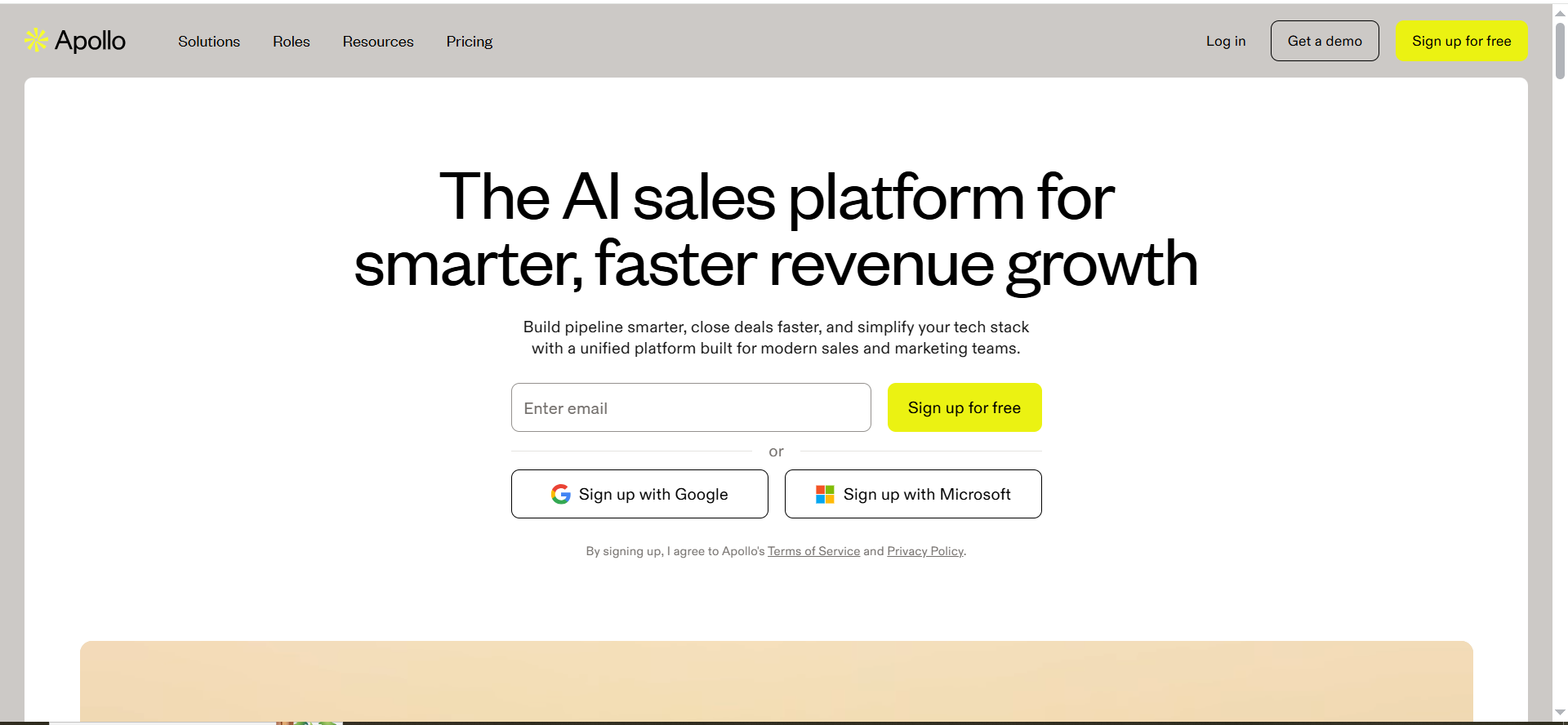
Apollo is a B2B sales intelligence and engagement platform that combines a database of over 265 million contacts with built-in email sequencing, phone dialing, and multi-touch campaign workflows. It positions itself as an all-in-one prospecting and outreach solution where you find leads and contact them from the same platform.
Why Teams Use It
The primary reason teams choose Apollo is the contact database. With 265M+ contacts and advanced filtering (by industry, company size, technology stack, job title, and more), Apollo eliminates the need for a separate data provider. The March 2026 launch of the AI Assistant — a fully agentic GTM operating system that executes workflows from natural language prompts — added another layer of capability.
What It's Good For
Apollo works best when your team's biggest bottleneck is finding the right prospects, not just sending emails. If you are currently paying for a separate lead database (ZoomInfo, Lusha, etc.) plus a separate sequencing tool, Apollo consolidates both. The built-in email warmup, deliverability scoring, and sequence automation handle the outreach side, while the database handles prospecting.
When It's a Good Fit
Choose Apollo when you need data and outreach in one platform and your team is comfortable with a credit-based system. It is a strong fit for Series A and Growth-stage SaaS companies that want to reduce tool sprawl and have 1-10 SDRs running outbound. The free plan is also genuinely useful for solo founders or early-stage teams testing outbound before committing budget.
When It's Not a Good Fit
Apollo is not ideal if your primary concern is sending volume and deliverability at scale. The per-seat pricing ($49-$119/user/month) and credit-based system mean costs escalate quickly as your team grows. Credits expire monthly, phone number lookups cost 8x more than email lookups, and overage credits cost $0.20 each. If you are running 20+ sending accounts and care most about inbox placement rates, a dedicated sending tool like Instantly or Smartlead will give you better infrastructure.
How to Use It
Start by building prospect lists using Apollo's filters — narrow by industry, company size, funding stage, job title, and technology stack. Export contacts into sequences, set up multi-step email campaigns with follow-ups, and track opens, clicks, and replies. Use the AI Assistant for natural language workflow automation, and connect your CRM for bi-directional data sync.
Key Capabilities
265M+ contact database with advanced filtering, built-in email sequencing and task management, AI Assistant (agentic workflow automation, launched March 2026), email warmup and deliverability scoring, phone dialer (credits required), Chrome extension for LinkedIn prospecting, CRM integrations (Salesforce, HubSpot, etc.), intent data and buying signals, and API access.
Pricing
Apollo uses per-seat pricing with a credit-based system. The Free plan includes 100 email credits/month. Basic starts at $49/user/month (annual) with 1,000 email credits/month. Professional at $79/user/month adds 2,000 credits, advanced reports, and AI features. Organization at $119/user/month unlocks 4,000 credits, advanced security, and custom roles. Monthly billing adds 15-25%. Real-world costs for teams doing heavy outbound typically run $150-$400/user/month once credit overages and add-ons are factored in.
Free Tier?
Yes. Apollo offers a genuinely functional free plan with 100 email credits per month, basic sequencing, and limited database access. It is one of the best free options for testing cold email outreach before upgrading.
Downsides and Limitations
Per-seat pricing becomes expensive at scale — a 5-person SDR team on Professional runs $395/month before overages. Credits expire monthly with no rollover. Phone number lookups consume 8x more credits than email lookups. Data accuracy can vary — some contacts are outdated or unverified. Email infrastructure is not as robust as dedicated sending tools like Instantly or Smartlead. The platform tries to do everything, which means some individual features (like the email warmup) are less polished than best-of-breed alternatives.
4. Lemlist
What It Does
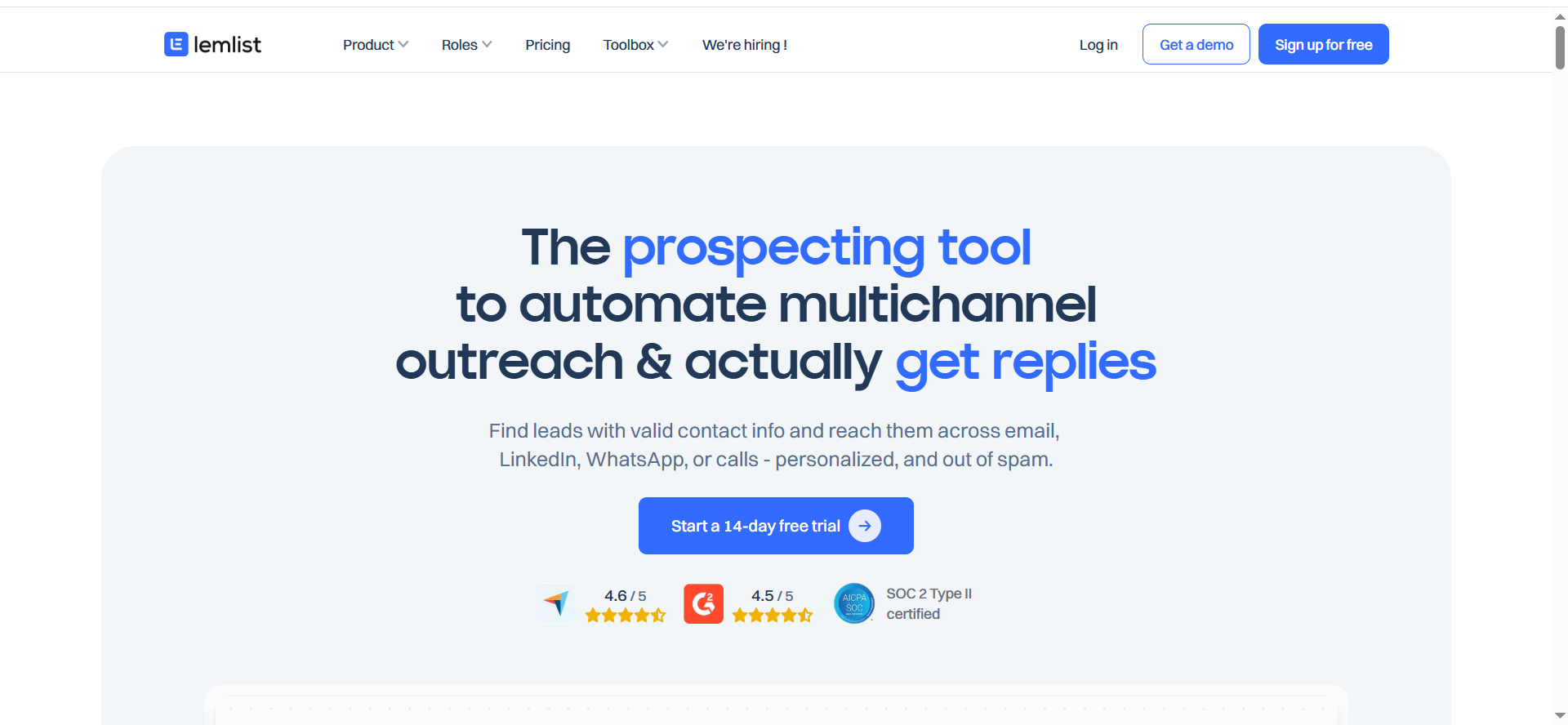
Lemlist is a multichannel sales engagement platform that combines cold email, LinkedIn automation, and cold calling into one workflow. It stands out for its personalization capabilities — including personalized images and video — and its built-in Lemwarm deliverability tool.
Why Teams Use It
Teams choose Lemlist when personalization and multichannel sequencing are top priorities. The ability to embed personalized images (with the prospect's name, company logo, or website screenshot) directly into emails sets Lemlist apart from volume-focused tools. Adding LinkedIn connection requests, profile visits, and messages into the same sequence means you can run coordinated multichannel campaigns without switching between platforms.
What It's Good For
Lemlist excels in outreach scenarios where quality matters more than quantity. If you are targeting a smaller, high-value prospect list (500-5,000 contacts) and want every touchpoint to feel tailored, Lemlist gives you more personalization options than any other tool on this list. The Multichannel Expert plan adds LinkedIn automation and cold calling to create true multi-touch sequences.
When It's a Good Fit
Choose Lemlist when your outreach strategy prioritizes personalization over volume, you want LinkedIn automation built into your email sequences, and your team size is small enough that per-seat pricing does not break the budget. It is a strong fit for B2B SaaS teams selling to mid-market or enterprise buyers where a personalized approach drives better reply rates.
When It's Not a Good Fit
Lemlist is not the right choice for high-volume, email-first outbound. The per-seat pricing ($69-$99/user/month) makes it expensive to scale, and the 3-5 sending email limit per user means you cannot rotate across dozens of inboxes like you can with Instantly or Smartlead. If your strategy is volume-based (10,000+ contacts per month) with inbox rotation as the primary deliverability lever, Lemlist will cost significantly more and give you less sending infrastructure.
How to Use It
Build your prospect list using Lemlist's lead finder or import from a CSV. Create sequences that combine email steps with LinkedIn actions (connection requests, messages, profile visits) and optional cold call tasks. Add personalized images or videos to email steps using dynamic variables. Lemwarm runs in the background to keep your sender reputation healthy.
Key Capabilities
Multichannel sequences (email + LinkedIn + cold calling), personalized images and video in emails, Lemwarm built-in email warmup, lead database with enrichment credits (1,000-1,500/user/month), A/B testing, CRM integrations (HubSpot, Salesforce, Pipedrive), Aircall integration for cold calling, and up to 3-5 sending addresses per user depending on plan.
Pricing
Lemlist uses per-seat pricing. Email Pro starts at $79/user/month (monthly) or $55/user/month (annual), including email campaigns, Lemwarm, 3 sending addresses, and 1,000 enrichment credits per user per month. Multichannel Expert costs $109/user/month (monthly) or $87/user/month (annual), adding LinkedIn automation, cold calling, Aircall integration, 5 sending addresses, and 1,500 enrichment credits. Enterprise (Outreach Scale) is custom-quoted with a 5-seat minimum, adding SSO, custom roles, dedicated account manager, and advanced API access.
Free Tier?
No permanent free tier. Lemlist offers a 14-day free trial.
Downsides and Limitations
Per-seat pricing is expensive at scale — a 5-person team on Multichannel Expert runs $435/month (annual) or $545/month on monthly billing. Limited to 3-5 sending addresses per user, which restricts inbox rotation strategies. No AI reply agent — you handle all responses manually or with basic automation rules. The lead database is smaller and less robust than Apollo's. LinkedIn automation requires a LinkedIn account with Sales Navigator for best results, adding another cost layer. Not built for high-volume email-first strategies.
5. Reply
What It Does
Reply is a multichannel sales engagement platform that coordinates outreach across email, LinkedIn, phone calls, and SMS in a single workflow. It includes Jason AI — an AI assistant that writes email drafts, handles responses, qualifies leads, and books meetings — plus a built-in contact database of over 1 billion B2B contacts.
Why Teams Use It
Reply is the most complete multichannel tool on this list. While Lemlist offers email plus LinkedIn, Reply adds phone and SMS steps with deeper automation. Jason AI handles a significant portion of the response management workflow — it drafts replies, qualifies incoming leads, and can book meetings autonomously. For teams running true multichannel outreach where every channel matters, Reply bundles it all at one price.
What It's Good For
Reply works best for sales teams that have proven their outbound motion and want to layer additional channels on top of email. If you have already established that your ICP responds better to a combination of email, LinkedIn touches, and phone calls, Reply gives you one place to orchestrate all of it. The AI capabilities (Jason AI) also reduce the manual work of handling replies and booking meetings.
When It's a Good Fit
Choose Reply when your outreach strategy genuinely uses multiple channels and you need them coordinated in one sequence. It is a strong fit for mid-size sales teams (5-20 SDRs) at Growth-stage SaaS companies that have outgrown email-only outbound and want LinkedIn, phone, and SMS integrated without managing separate tools.
When It's Not a Good Fit
Reply is not the right choice if email is your primary (or only) outreach channel. The pricing reflects the multichannel capabilities, so you are paying for LinkedIn, phone, and SMS functionality even if you only use email. For email-first teams, Instantly or Smartlead deliver better value and better email-specific infrastructure. Reply's per-seat pricing also makes it expensive if you need to scale to many users.
How to Use It
Build prospect lists using Reply's data (1B+ contacts with 50 free lookups/month) or import your own. Create multichannel sequences that start with email, add LinkedIn connection requests and messages, schedule phone call tasks, and optionally include SMS steps. Jason AI drafts personalized first lines, handles incoming replies, and qualifies leads. Connect your CRM for bi-directional sync.
Key Capabilities
Multichannel sequences (email + LinkedIn + phone + SMS), Jason AI (automated drafting, reply handling, lead qualification, meeting booking), built-in contact database (1B+ contacts), unlimited email warmup on connected mailboxes, A/B testing, CRM integrations (Salesforce, HubSpot, Pipedrive, etc.), Zapier and API integrations, meeting scheduling, and call recording.
Pricing
Reply offers multiple pricing structures. The Email Volume plan starts at $49/month for 1,000 active contacts with 5,000 emails/month (email only). The Multichannel plan starts at $89/user/month, including email, LinkedIn, calls, and SMS with AI credits. The Agency plan starts at $166/month with white-label capability and multiple client accounts. A 5-person SDR team on the Multichannel plan at $89/user/month costs $445/month plus inbox costs.
Free Tier?
Reply offers a limited free plan with 200 data credits per month and basic email features. It is functional for testing but restrictive for actual outbound campaigns.
Downsides and Limitations
The multichannel pricing means email-only users overpay for features they do not use. Per-seat costs add up quickly for larger teams. The contact database, while large (1B+ contacts), has variable data quality. LinkedIn automation requires an active LinkedIn account and works best with Sales Navigator. The platform has a steeper learning curve than email-only tools due to the multichannel complexity. Jason AI, while capable, occasionally needs manual oversight for nuanced reply handling.
How to Choose the Right Cold Email Tool for Your Team
The right cold email tool depends on three things: your primary outreach channel, your team size, and how fast you plan to scale.
If email is your only channel and you want to scale sending volume quickly, Instantly and Smartlead are the clear frontrunners. Both offer flat-fee pricing with unlimited email accounts, which means your cost stays predictable whether you are running 5 inboxes or 50. Instantly edges ahead for in-house teams with its lead database and AI reply agent. Smartlead wins for agencies that need white-labeled client workspaces.
If you need data and outreach in one platform, Apollo is the most cost-effective option. You get a 265M+ contact database with advanced filters and built-in sequencing, which eliminates the need to pay for a separate prospecting tool. The trade-off is per-seat pricing and a credit system that can get expensive at high volume.
If personalization is your competitive edge, Lemlist gives you personalized images, video, and LinkedIn automation in one sequence. It is the best tool for smaller teams targeting high-value accounts where every touchpoint needs to feel tailored.
If you run true multichannel outreach across email, LinkedIn, phone, and SMS, Reply is the only tool that coordinates all four channels in a single workflow with AI-powered reply handling.
Start by defining which of these scenarios matches your current outbound motion. Then use the pricing models in this guide to calculate your real monthly cost at your expected team size and sending volume.
What Email Deliverability Features Matter Most in 2026
Email deliverability is harder in 2026 than it has ever been. Google and Microsoft now require SPF, DKIM, and DMARC authentication for all bulk senders. Messages that fail compliance get rejected at the server level. Spam complaint rates must stay below 0.3%.
The deliverability features that matter most are email warmup quality, inbox rotation, and sending behavior controls. Warmup quality means the tool is not just sending fake emails back and forth — it is generating real engagement signals (opens, replies, movements out of spam) from a high-quality inbox network. Instantly and Smartlead lead here with unlimited warmup on all plans and inbox placement rates averaging 88-94%.
Inbox rotation — the ability to spread your sending volume across multiple email accounts automatically — is the second critical feature. This is where unlimited email account models (Instantly, Smartlead) have a structural advantage over per-seat tools (Apollo, Lemlist, Reply) that limit how many sending addresses each user can connect.
Sending behavior controls matter too. Your tool should let you set daily sending limits per account, randomize send times, and gradually ramp new accounts. The recommended starting point for new domains is 5-10 emails per day, gradually increasing over 4-6 weeks. A warmed-up Google Workspace inbox can safely handle about 40-50 emails per day.
Flat-Fee vs Per-Seat Pricing: Which Model Works Better for Cold Email
This is one of the most important decisions you will make, and it has nothing to do with features.
Flat-fee tools (Instantly, Smartlead) charge a fixed monthly price regardless of how many people on your team use the platform. Per-seat tools (Apollo, Lemlist, Reply) charge per user, which means your cost scales linearly with team size.
For a solo founder or a team of 1-2, the difference is negligible. But for a team of 5+ SDRs, the math diverges quickly. A 5-person team on Lemlist Multichannel Expert at $109/user/month costs $545/month. The same team on Instantly Growth at $37.60/month (annual) costs $37.60/month — the entire team shares the same account.
The per-seat model makes sense when each user needs their own workspace, CRM integration, and individual analytics (common in larger sales orgs). The flat-fee model makes sense when you want to maximize sending volume per dollar and your team can share a centralized dashboard.
Calculate your expected team size over the next 12 months, then model both pricing structures. The tool with better features at $50/month might cost 3x more than the tool with good-enough features at $37.60/month once you scale to 5 users.
How Many Email Accounts Do You Need for Cold Outreach at Scale
The general rule in 2026 is to keep each email account at 40-50 sends per day for warmed-up Google Workspace inboxes. Going higher risks triggering spam filters and damaging your sender reputation.
That means the number of email accounts you need is a direct function of your daily sending volume. If you want to send 500 emails per day, you need roughly 10-13 sending accounts. At 1,000 emails per day, you need 20-25 accounts. At 5,000 emails per day, you need 100+ accounts.
This is exactly why the unlimited email account model matters. With Instantly or Smartlead, connecting 25 or 100 accounts does not change your monthly cost. With per-seat tools, adding more sending addresses either requires more user licenses or hits per-user account caps (Lemlist limits you to 3-5 sending addresses per user).
For most Growth-stage SaaS teams starting outbound, plan for 5-10 sending accounts initially and scale to 20-30 within 6 months. Make sure every account goes through at least 2-3 weeks of warmup before touching any cold prospects.
Do You Need a Separate Lead Database or an All-in-One Platform
This depends on whether prospecting or campaign execution is your bigger bottleneck.
If you already have a reliable source of prospect data (existing CRM lists, purchased data, a VA team that manually prospects), you do not need a built-in database. Pick the tool with the best sending infrastructure and deliverability — that is Instantly or Smartlead.
If finding the right prospects is your main challenge, Apollo is the strongest option. Its 265M+ contact database with advanced filters (industry, company size, funding stage, technology stack, job title) is comparable to dedicated data providers like ZoomInfo but bundled with outreach tools. The free plan even gives you 100 email credits per month to start prospecting at zero cost.
Reply also includes a large contact database (1B+ contacts) but limits free lookups to 50 per month, with more credits available on paid plans. Lemlist and Instantly offer smaller databases as add-ons.
The all-in-one approach reduces tool sprawl and simplifies your stack, but dedicated data providers typically offer fresher, more accurate data. If data quality is critical to your outbound results, consider using Apollo or a separate database for prospecting and a dedicated sending tool for campaign execution.
What Is Email Warmup and Why Does Every Cold Email Tool Include It
Email warmup is the process of gradually building a sending reputation for a new (or dormant) email account by simulating natural email activity — sends, opens, replies, and movements out of spam — before you start sending cold outreach.
Every cold email tool includes warmup because without it, your emails will land in spam. New email accounts have no sending history. Spam filters treat them as suspicious by default. Warmup solves this by generating positive engagement signals that tell email providers your account is legitimate and your messages are wanted.
The quality of warmup varies significantly between tools. The best warmup systems (Instantly, Smartlead) use networks of real inboxes that exchange messages, open them, reply to them, and move them from spam to inbox — all automatically. This creates the engagement patterns that email providers look for when deciding whether to deliver your messages.
For brand-new domains, plan for 2-4 weeks of warmup before sending any cold emails. Start at 5-10 warmup emails per day and gradually increase. Rushing this process defeats the purpose. Even after your campaigns are live, keep warmup running on all your sending accounts to maintain your sender reputation over time.
Can You Run Cold Email Outreach Without Getting Blacklisted
Yes, but it requires disciplined infrastructure management. Getting blacklisted typically happens when you send too many emails too fast from accounts without established reputations, trigger high bounce rates by emailing unverified addresses, or accumulate spam complaints above the 0.3% threshold.
The prevention checklist is straightforward. First, verify every email address before sending — use a verification service to remove invalid, catch-all, and risky addresses from your lists. Second, warm up every sending account for 2-4 weeks before launching campaigns. Third, keep daily sending volume at 40-50 emails per warmed-up account. Fourth, use inbox rotation to spread volume across multiple accounts. Fifth, monitor your bounce rate (keep it under 3%) and spam complaint rate (keep it under 0.3%).
All five tools in this guide include features that help with blacklist prevention — warmup, sending limits, and deliverability dashboards. Instantly and Smartlead provide the most robust infrastructure for staying off blacklists because their unlimited account model makes it easy to distribute volume across many senders.
The biggest risk factor is not the tool — it is your list quality and sending discipline. A great tool with a bad list will still get you blacklisted.
What Reply Rates Should You Expect From Cold Email in 2026
According to industry benchmarks, the average cold email reply rate in 2026 is approximately 3.4%. Top-quartile performers hit 5.5% or above, and the top 10% reach reply rates above 10%.
These numbers vary significantly based on your targeting quality, email copy, and deliverability. A well-targeted campaign to a curated list of 500 ideal prospects will dramatically outperform a spray-and-pray campaign to 50,000 generic contacts, even if the second campaign uses a "better" tool.
The factors that influence reply rates most (in order of impact) are list quality and targeting accuracy, relevance of your opening line to the prospect's current situation, timing relative to the prospect's buying cycle, deliverability and inbox placement, and subject line quality.
Your tool choice influences the deliverability factor and can help with personalization (Lemlist's dynamic images, Apollo's data enrichment, Reply's Jason AI for drafting). But the biggest lever is always the quality of your prospect list and the relevance of your message.
If your reply rates are consistently below 2%, the problem is almost certainly your targeting or your copy — not your tool. If they are between 2-5%, your tool's deliverability features and warmup quality can be the difference between average and top-quartile performance.
Is Cold Email Still Effective for B2B Sales in 2026
Yes, cold email remains one of the most cost-effective channels for B2B outbound sales in 2026. The teams that call it "dead" are typically the ones sending generic templates to unverified lists without proper deliverability infrastructure.
What has changed is the bar for execution. The compliance requirements (SPF, DKIM, DMARC), stricter spam filtering, and the 0.3% complaint threshold mean that sloppy outbound simply does not work anymore. But disciplined teams with clean data, proper warmup, relevant personalization, and controlled sending volume are seeing strong results.
The cost economics still favor cold email over most alternatives. Compared to paid advertising, content marketing, or event sponsorships, the cost per booked meeting from well-executed cold email outreach is typically 3-10x lower. The tools on this list make it possible to run professional outbound campaigns starting at $37.60-$50/month — a fraction of what any other acquisition channel costs.
The key shift in 2026 is that cold email has become a technical discipline, not just a copywriting exercise. Your infrastructure (domains, inboxes, warmup, rotation) matters as much as your messaging. The tools in this guide handle most of that infrastructure for you, which is exactly why choosing the right one matters.
How Do AI Features in Cold Email Tools Actually Work
AI features in cold email tools fall into three categories: drafting, reply handling, and workflow automation.
Drafting AI uses prospect data (name, company, role, industry, recent activity) to generate personalized email copy. Apollo's AI Assistant and Reply's Jason AI both generate first lines and full email drafts based on prospect profiles. The quality is usually good enough for first drafts but almost always benefits from human review and editing.
Reply handling AI reads incoming responses, classifies them (interested, not interested, out of office, wrong person), and either drafts a follow-up or takes an action. Instantly's AI Reply Agent responds to positive leads within five minutes. Reply's Jason AI qualifies leads and can book meetings autonomously. Smartlead's AI Assistant detects intent and drafts personalized replies.
Workflow automation is the newest category. Apollo's AI Assistant (launched March 2026) accepts natural language prompts and executes multi-step workflows inside the platform — building prospect lists, creating sequences, and adjusting campaigns based on performance data.
The practical impact of these AI features is time savings on repetitive tasks. They do not replace your outbound strategy, your targeting decisions, or your understanding of your buyer. They make the execution faster and more consistent, especially for teams handling high response volume.
FAQs
Instantly is the best cold email tool for startups because of its flat-fee pricing, unlimited email accounts, and built-in warmup. You can scale from a few hundred sends per day to thousands without your costs increasing per team member. The Growth plan starts at $37.60/month (annual), making it accessible for early-stage teams.
Yes, Apollo offers a free plan with 100 email credits per month and basic sequencing capabilities. It is one of the few tools that lets you both find prospects and email them without paying anything. The free tier is limited but functional for solo founders or small teams testing outbound.
Instantly and Smartlead lead on deliverability because they both offer unlimited email accounts with unlimited warmup on every plan. Instantly's rebuilt warmup engine (May 2025) averages 88-94% inbox placement rates. The unlimited account model also lets you spread sending volume across more inboxes, which is the most effective way to maintain deliverability at scale.
Yes, Lemlist's Email Pro plan ($79/user/month) is email-only and does not include LinkedIn automation. However, at that price point, Instantly ($37.60/month flat, annual) and Smartlead ($39/month flat) offer more sending capacity and better deliverability infrastructure for less money. Lemlist's real value shows up in the Multichannel Expert plan where you combine email with LinkedIn.
For a solo operator, you can run a full stack for $37.60-$50/month using Instantly or Smartlead with your own prospect data. For a team of 5 SDRs, expect $37.60-$100/month on a flat-fee tool (Instantly, Smartlead) or $250-$545/month on per-seat tools (Apollo, Lemlist, Reply). Add $47-$200/month if you need a built-in lead database, and $10-$30/month per domain for email accounts and infrastructure.
Both offer flat-fee pricing with unlimited email accounts and warmup, but they serve different primary use cases. Instantly is better for in-house sales teams because it includes a lead database (SuperSearch), AI Reply Agent, and CRM module. Smartlead is better for agencies because it offers white-labeled client portals, sub-account management, and multi-workspace architecture.
Yes, email warmup is essential in 2026. Without it, new email accounts have no sending reputation and your messages will land in spam. All five tools in this guide include built-in warmup. Plan for 2-4 weeks of warmup before launching any cold campaigns from new accounts.