

TL;DR
Running outbound email at scale in 2026 means juggling deliverability, personalization, multichannel sequencing, and lead data — often across dozens of mailboxes and thousands of contacts per month. The right email outreach tool handles all of that without forcing your team to duct-tape five separate products together.
After evaluating the current landscape, the five tools that consistently surface for B2B outbound teams are Instantly, Smartlead, Apollo, Lemlist, and Reply. Instantly and Smartlead dominate pure cold email volume plays. Apollo combines prospecting data with outreach in a single platform. Lemlist leads on personalization and multichannel sequencing. Reply leans into AI-driven automation with its Jason AI agent.
This guide breaks down each tool by what it actually does well, where it falls short, current pricing, and which team profile it fits best — so you can shortlist without running five separate trials.
Table of Contents
Best Email Outreach Tools for B2B Marketing (Quick Comparison)
| Tool | Starting Price | Best For | Free Tier |
|---|---|---|---|
| Instantly | $30/mo (annual) | High-volume cold email with unlimited mailboxes | 14-day trial |
| Smartlead | $39/mo | Agencies running client outreach at scale | No |
| Apollo | $0 (Free plan) | Teams needing prospecting data + outreach in one tool | Yes |
| Lemlist | $63/user/mo (annual) | Personalized multichannel campaigns | 14-day trial |
| Reply | $49/mo | AI-powered multichannel sequences | 14-day trial |
1. Instantly
What It Does
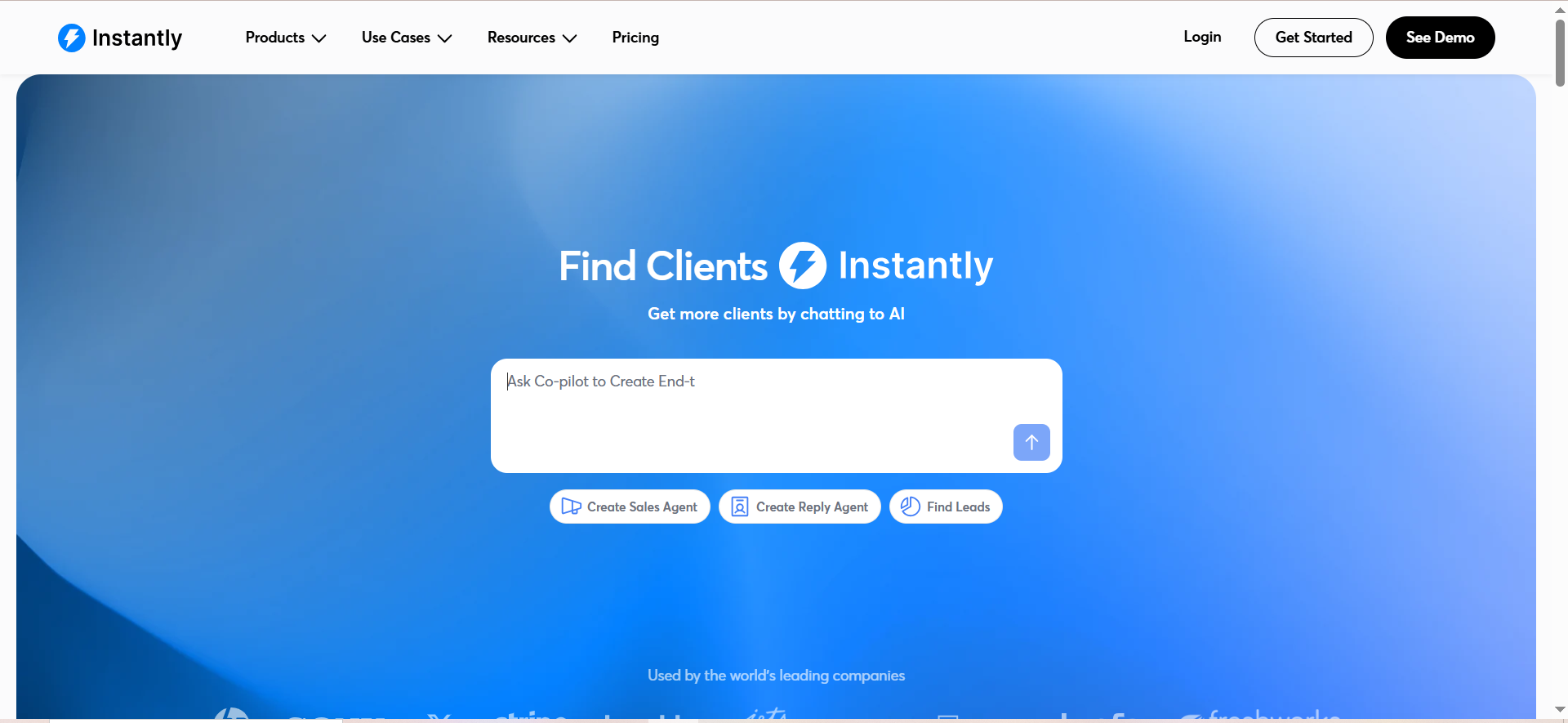
Instantly is a cold email platform built for volume. It lets you connect unlimited email accounts, warm them up automatically, and run sequenced campaigns to thousands of prospects — all from a single dashboard. The platform also includes a built-in B2B lead database, a unified inbox for managing replies, and deliverability monitoring tools like inbox placement tests and blacklist checks.
Why Teams Use It
Teams gravitate toward Instantly because it removes the per-seat and per-mailbox cost barriers that make other tools expensive to scale. If you are managing 20, 50, or 100 sending accounts across a team, Instantly does not charge extra for each one. The built-in warmup means new mailboxes are ready to send within days rather than weeks, and the Unibox consolidates every reply from every account into a single stream so nothing gets lost.
What It Is Good For
Instantly excels at high-volume cold email execution. If your outbound motion is primarily email-driven and you need to send tens of thousands of messages per month across rotated mailboxes, Instantly handles the infrastructure side cleanly. The A/Z testing lets you test multiple subject lines and body variations simultaneously, and the AI Copilot can help draft and optimize email copy.
When It Is a Good Fit
Instantly fits best when your team runs email-first outbound at scale. Growth-stage SaaS companies with dedicated SDR teams, lead gen agencies managing multiple client accounts, and founders running their own outbound all benefit from the unlimited mailbox model. If you are sending fewer than 1,000 emails per month or need heavy LinkedIn and phone integration, Instantly may be more platform than you need.
When It Is Not a Good Fit
If your outbound strategy depends heavily on multichannel sequences — LinkedIn touches, phone calls, SMS — Instantly is not the right primary tool. It is built around email, and while it integrates with other tools via Zapier and Make, native multichannel sequencing is not its strength. Teams that need tight CRM workflows or advanced reporting out of the box may also find the platform limited compared to tools like Apollo or Reply.
How to Use It
Getting started involves connecting your email accounts (Google Workspace or Outlook), enabling warmup, uploading or building a lead list using the built-in Lead Finder, and creating your first sequence. The campaign builder is straightforward: set your sequence steps, add variants for A/Z testing, configure sending schedules, and launch. Replies flow into Unibox, where you can filter by campaign, label conversations, and respond directly.
Key Capabilities
Instantly's core capabilities include unlimited email accounts and warmup across all plans, A/Z testing for subject lines and email body variants, Unibox for centralized reply management, a B2B Lead Finder with email verification, inbox placement testing and blacklist monitoring, IP sharding and rotation on higher tiers (SISR), an AI Copilot for drafting and optimizing email copy, and integrations with HubSpot, Salesforce, Pipedrive, Google Sheets, Slack, Zapier, and Make.
Pricing
Instantly's outreach plans start at $30 per month on annual billing ($37 monthly) for the Growth plan, which includes 2,000 contacts and 10,000 emails per month. The Hypergrowth plan at $97 per month expands to 25,000 contacts and 100,000 emails with premium support. Light Speed at $358 per month covers 100,000 leads and 500,000 emails. Lead Finder plans are separate, starting at $37.90 per month for 1,000 leads.
Free Tier?
No permanent free tier. Instantly offers a 14-day free trial on paid plans so you can test the platform before committing.
Downsides and Limitations
Instantly does not offer native multichannel sequencing — no built-in LinkedIn automation or calling. The CRM module is a separate product and still maturing compared to dedicated CRMs. Reporting is functional but not as deep as platforms like Apollo. The Lead Finder database, while useful, is a separate cost on top of the outreach subscription. Teams relying on phone outreach or LinkedIn touches will need to pair Instantly with additional tools.
2. Smartlead
What It Does
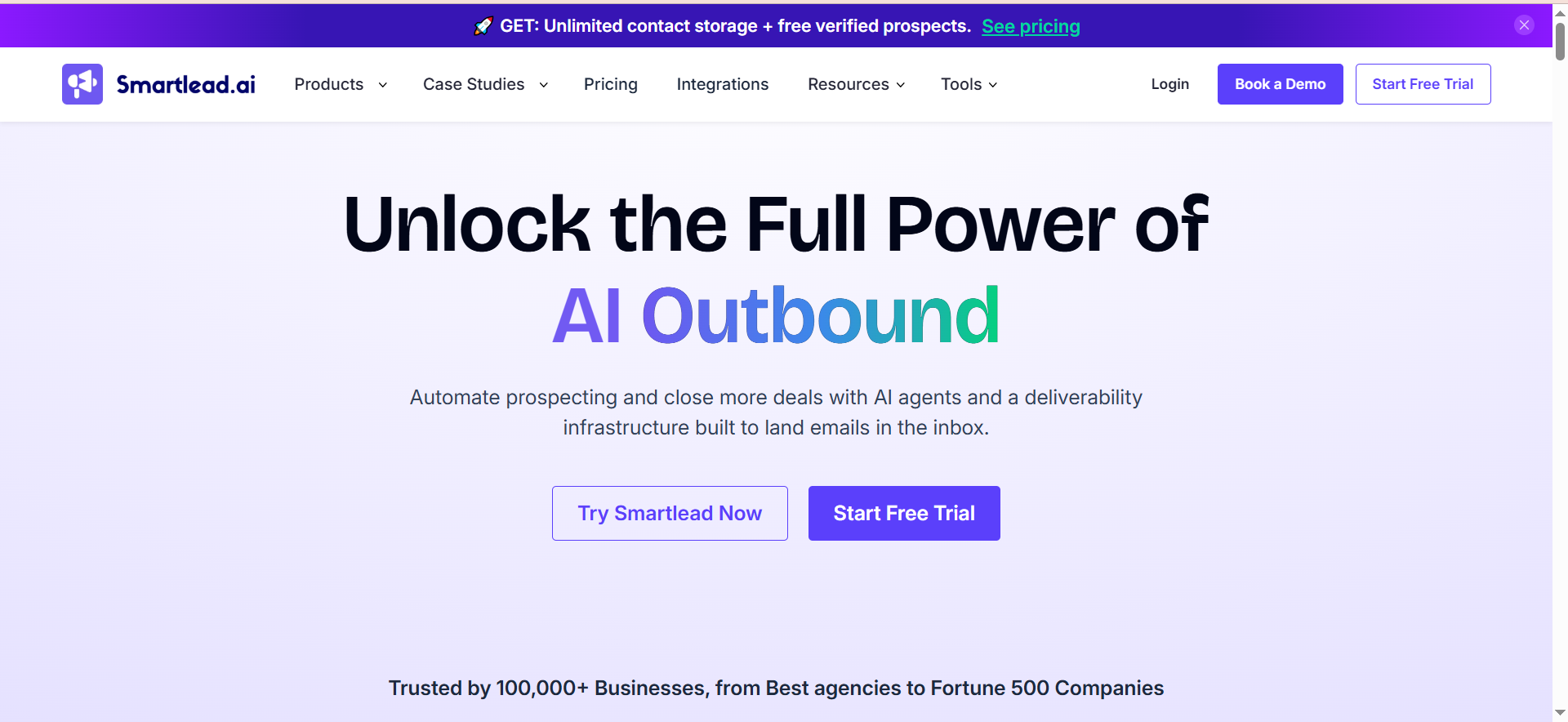
Smartlead is a cold email infrastructure platform designed for high-volume sending and agency use. It provides unlimited mailbox connections, AI-powered email warmup, automated follow-up sequences, and a unified master inbox. The platform has expanded into a suite of add-on products including SmartProspect for lead sourcing, SmartAgents for AI-driven workflows, SmartInfra for dedicated sending servers, and SmartDialer for multichannel calling.
Why Teams Use It
Agencies and high-volume outbound teams use Smartlead because it was purpose-built for managing multiple client campaigns from a single account. The white-label capability lets agencies brand the platform as their own, and the per-client workspace model keeps campaigns, data, and reporting cleanly separated. The unlimited mailbox model on all plans means adding new sending accounts never triggers a pricing surprise.
What It Is Good For
Smartlead is strongest at managing large-scale cold email operations where you need granular control over sending infrastructure. If you are an agency running outbound for 10 or 20 clients simultaneously, or a growth team managing dozens of sending domains, Smartlead handles the plumbing — warmup, rotation, deliverability — without requiring manual oversight. The master inbox pulls replies from every connected account into one view, making it manageable even at scale.
When It Is a Good Fit
Smartlead fits best for cold email agencies, lead generation firms, and internal teams sending over 10,000 emails per month across multiple domains. If white-labeling matters — showing your brand rather than Smartlead's to clients — this is one of the few platforms that offers it natively. Teams that are primarily email-focused and want infrastructure flexibility will get the most value.
When It Is Not a Good Fit
Smartlead is not ideal if you need built-in lead data. Unlike Apollo or Lemlist, Smartlead does not include a contact database — you need to bring your own lists or pair it with a separate data provider. The platform also lacks native email verification, meaning you need an external tool like ZeroBounce or NeverBounce to clean lists before importing. Teams looking for tight CRM integration or native multichannel (LinkedIn, phone) may find the ecosystem incomplete without add-ons.
How to Use It
Setup starts with connecting your email accounts and enabling warmup across all of them. You then import your lead lists (pre-verified), build sequences with follow-up steps, and configure sending schedules. The master inbox collects all replies, and you can tag, filter, and respond directly. Agencies set up separate client workspaces and optionally apply white-label branding.
Key Capabilities
Smartlead's key capabilities include unlimited email accounts and AI warmup on all plans, a unified master inbox for reply management, white-label branding for agencies with per-client workspaces, SmartProspect for lead sourcing, SmartAgents for AI-driven campaign workflows, SmartInfra for dedicated sending servers, SmartDialer for multichannel calling, and API access on Pro plans and above.
Pricing
Smartlead starts at $39 per month for the Base plan with 2,000 contacts and 6,000 emails. The Pro plan at $94 per month adds 30,000 active leads, white-label access, and API connectivity. Unlimited Smart at $174 per month is built for agencies with significantly expanded capacity. Unlimited Prime at $379 per month supports up to 12 million unique leads and 60 million emails. Annual billing saves 17 percent across all plans. White-labeling is an additional $29 per month per client workspace.
Free Tier?
No. Smartlead does not offer a free plan or a free trial at the time of writing.
Downsides and Limitations
The biggest gap is the lack of built-in email verification — sending to unverified lists risks bounces, sender reputation damage, and blacklisting, so you need a separate verification tool. There is no native B2B contact database, meaning lead sourcing is an extra step and cost. The UI can feel utilitarian compared to more polished platforms. Multichannel features (calling, LinkedIn) exist as add-ons rather than core functionality, and the add-on pricing can add up quickly for agencies managing multiple clients.
3. Apollo
What It Does
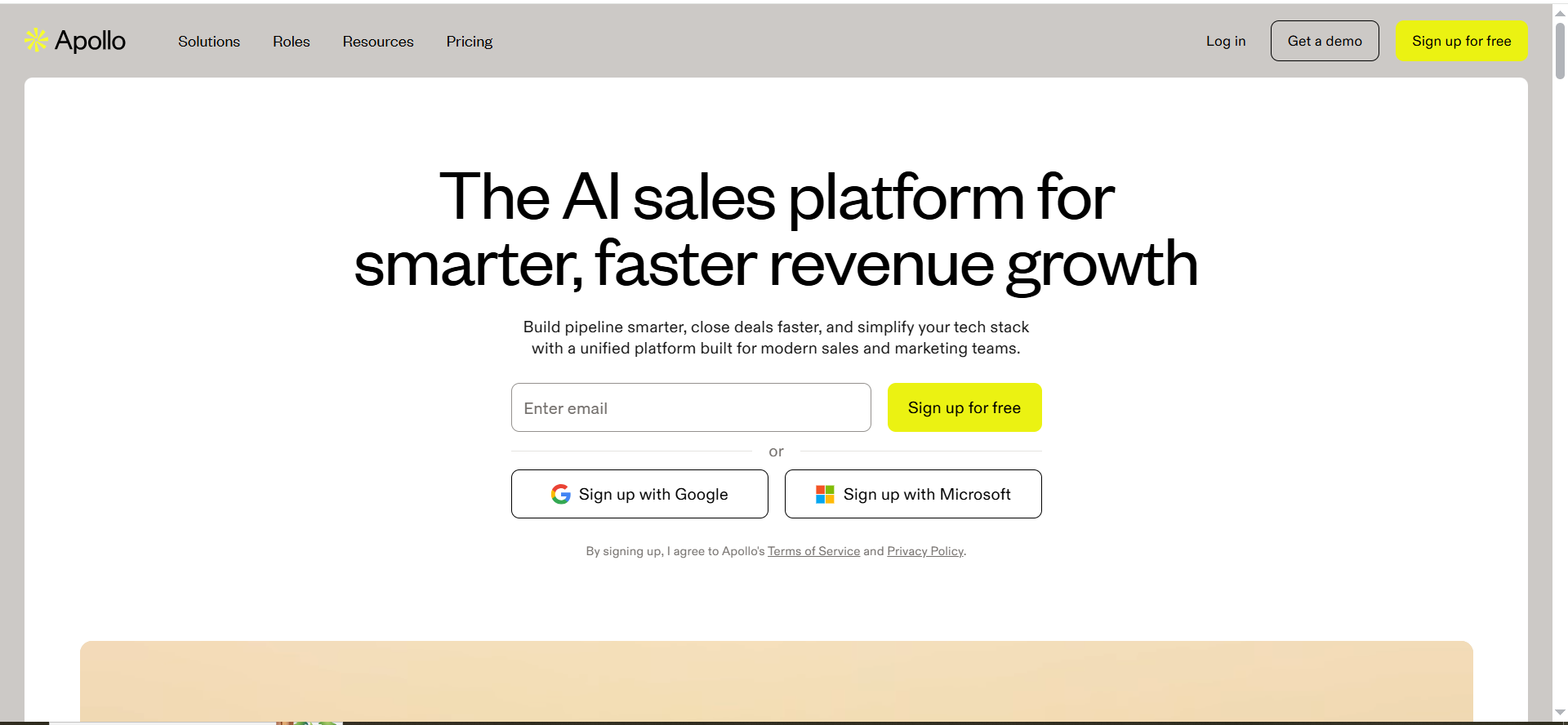
Apollo is a sales intelligence and engagement platform that combines a massive B2B contact database with built-in email sequencing, a dialer, and CRM-like pipeline management. It aims to be the all-in-one tool where you find prospects, enrich their data, sequence outreach, and track deals — without needing separate tools for each step.
Why Teams Use It
Teams choose Apollo because it collapses the prospecting-to-outreach workflow into a single platform. Instead of paying for a data provider, a separate sequencing tool, and a CRM, Apollo bundles all three. The free plan is genuinely functional — most competitors gate their databases or limit sequences — making it accessible for early-stage teams that cannot justify multiple subscriptions.
What It Is Good For
Apollo is strongest when your team needs to source leads and run outreach from the same interface. The database includes over 275 million contacts with filtering by industry, company size, job title, technology stack, and dozens of other attributes. Once you build a list, you can drop prospects directly into a sequence without exporting and importing. The Chrome extension lets you capture leads while browsing LinkedIn or company websites and add them to campaigns in a few clicks.
When It Is a Good Fit
Apollo fits best for B2B SaaS teams at the Series A to Growth stage who want a single platform for prospecting and outreach. If your SDRs currently toggle between a data tool, a sequencing tool, and a CRM, Apollo can consolidate that stack. Founders doing their own outbound also benefit from the generous free plan, which includes database access and two active sequences.
When It Is Not a Good Fit
If you are sending at very high volume — tens of thousands of emails per month across dozens of mailboxes — Apollo's per-seat pricing and credit system become expensive compared to Instantly or Smartlead. Agencies managing multiple client accounts will find Apollo's structure limiting since it is built around team seats, not client workspaces. Teams that prioritize advanced deliverability features like IP rotation or inbox placement testing may find Apollo's deliverability suite less mature than dedicated cold email platforms.
How to Use It
Start by building prospect lists using Apollo's database filters. Once you have a list, create a sequence with email steps (and optionally phone and LinkedIn tasks on Professional plans). Apollo handles email sending, tracks opens and replies, and surfaces engaged prospects. The built-in CRM lets you move deals through stages, and integrations with Salesforce and HubSpot sync data bidirectionally.
Key Capabilities
Apollo's key capabilities include a B2B database with over 275 million contacts and advanced filtering, unlimited email sequences on paid plans with A/B testing, a built-in dialer with call recording on Professional plans, CRM-like deal tracking and pipeline management, a Chrome extension for capturing leads from LinkedIn and websites, email warmup and deliverability tools, bidirectional integrations with Salesforce and HubSpot, and intent data and job change alerts on higher tiers.
Pricing
Apollo's Free plan includes database access, two active sequences, and the Chrome extension. The Basic plan is $49 per user per month on annual billing ($59 monthly) with unlimited sequences and CRM integrations. Professional at $79 per user per month (annual) adds the dialer, call recording, and A/B testing. Organization at $119 per user per month (annual) adds advanced reporting, security settings, and increased credit allocations. Credits are consumed when revealing contact details — one credit per business email, five per mobile number.
Free Tier?
Yes. Apollo offers a genuinely functional free plan with database access, two active sequences, the Chrome extension, and limited monthly credits (5 mobile, 10 export). It is one of the most generous free tiers in the category.
Downsides and Limitations
The credit system is the primary friction point. While email credits are technically unlimited on paid plans, accessing contact details — emails, phone numbers — consumes credits that can run out fast for teams doing heavy prospecting. Real costs often run two to three times the advertised rate once credit overages are factored in. Data accuracy, while improving, is not always reliable for mobile numbers. The platform can feel overwhelming for smaller teams due to the sheer number of features and settings. Deliverability tooling is improving but still not as robust as dedicated platforms like Instantly or Smartlead.
4. Lemlist
What It Does
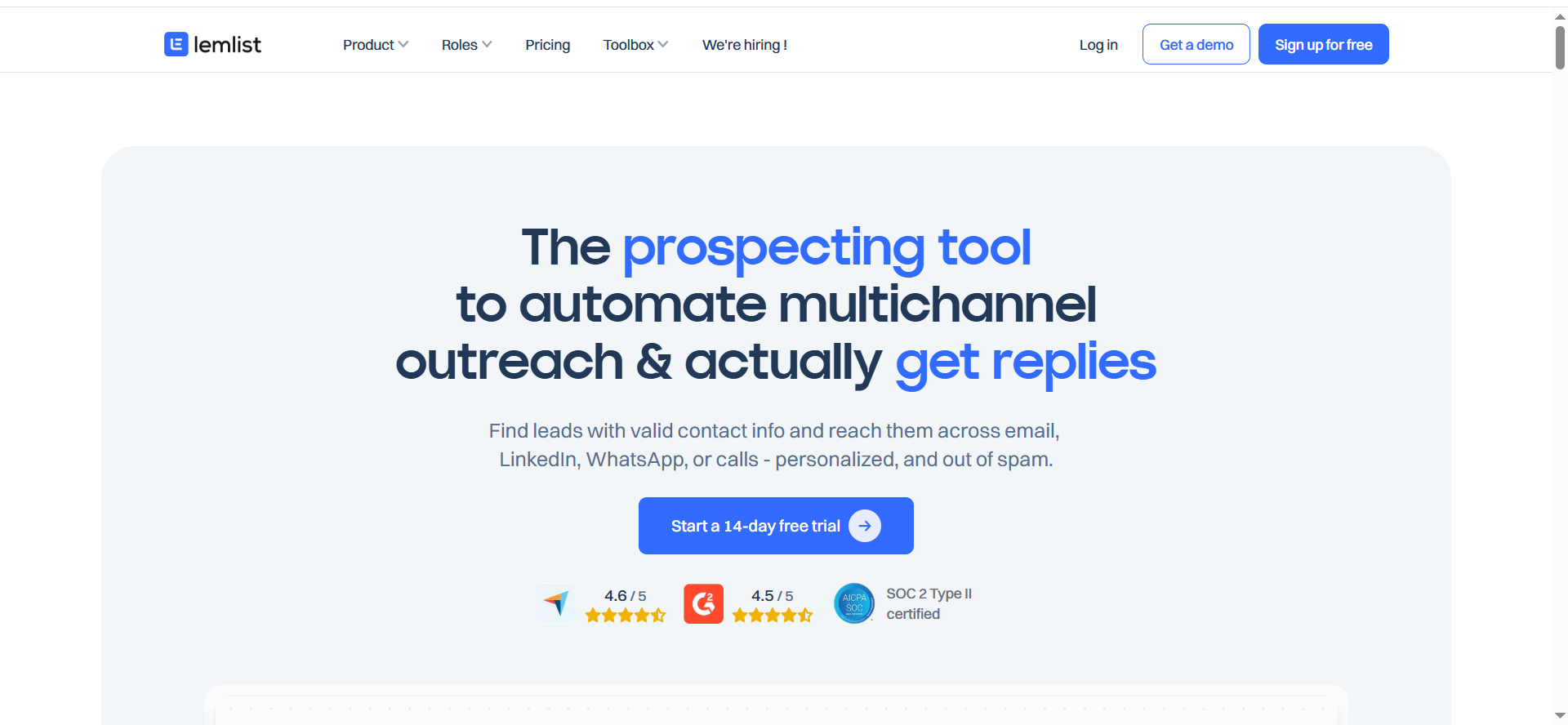
Lemlist is a multichannel outreach platform that combines email sequencing with LinkedIn automation and calling. Its differentiator is deep personalization — the platform lets you create custom images, dynamic landing pages, and AI-generated personalized opening lines at scale. Lemlist also includes a 450-million-plus lead database for sourcing prospects directly within the platform.
Why Teams Use It
Teams use Lemlist when personalization is a core part of their outreach strategy. The custom image feature — embedding a prospect's name, company logo, or headshot into screenshots and visuals — creates emails that look hand-crafted even when sent to hundreds of prospects. The AI-powered variable generation can write unique opening lines for each contact based on their LinkedIn profile or company data, which moves response rates beyond what generic templates achieve.
What It Is Good For
Lemlist is strongest for teams running multichannel campaigns where email, LinkedIn, and calls work together in a single sequence. If your outbound motion involves connecting on LinkedIn, following up via email with a personalized visual, and then calling warm prospects, Lemlist handles all of that natively without requiring separate tools or Zapier connections. The built-in lead database and enrichment credits also mean you can source and sequence prospects without leaving the platform.
When It Is a Good Fit
Lemlist fits best for B2B teams at the Growth stage who run outbound across multiple channels and prioritize personalization over raw volume. If your response rates matter more than your send volume — selling a high-ACV product where each reply is valuable — Lemlist's personalization engine justifies the per-seat cost. Sales teams of 3 to 20 reps that want multichannel sequencing without cobbling together multiple tools will find the workflow seamless.
When It Is Not a Good Fit
If your outbound strategy is high-volume cold email — 50,000-plus sends per month — Lemlist's per-seat pricing makes it expensive compared to Instantly or Smartlead. The platform caps sending accounts at 3 per user on Email Pro and 5 on Multichannel Expert, which limits mailbox rotation for high-volume senders. Agencies needing white-label capabilities will not find them here. Teams that need unlimited mailbox scaling will hit a ceiling.
How to Use It
Start by sourcing prospects from the built-in database or importing your own list. Build a multichannel sequence with email, LinkedIn (connection request, message, profile visit), and call steps. Use the AI personalization to generate custom opening lines and create personalized images for each prospect. Set your sending schedule, enable warmup on your email accounts, and launch. Replies and LinkedIn responses flow into a unified inbox.
Key Capabilities
Lemlist's key capabilities include multichannel sequencing across email, LinkedIn, and phone, AI-powered personalized opening lines and email copy, custom image personalization with dynamic variables, a 450-million-plus B2B lead database with enrichment credits, email warmup and inbox rotation, automated LinkedIn visits, connection requests, and messages, integrations with HubSpot, Salesforce, and Pipedrive, and A/B testing across sequence steps.
Pricing
Lemlist's Email Pro plan starts at $63 per user per month on annual billing ($79 monthly) and includes up to 3 sending accounts, warmup, personalization features, and 1,000 enrichment credits. Multichannel Expert at $87 per user per month (annual) or $109 monthly adds LinkedIn automation, calling, and up to 5 sending accounts. Outreach Scale is custom-priced with a five-seat annual minimum and includes advanced permissions, SSO, and a dedicated account manager.
Free Tier?
No permanent free tier. Lemlist offers a 14-day free trial to test the platform before committing to a paid plan.
Downsides and Limitations
Per-seat pricing makes Lemlist expensive for larger teams — a 10-person SDR team on Multichannel Expert pays $870 per month on annual billing. The cap on sending accounts per user (3 or 5 depending on plan) limits mailbox rotation for high-volume senders. LinkedIn automation requires a LinkedIn account per user and carries the inherent risk of LinkedIn restrictions. The lead database, while large, uses a credit system that can run out fast if you are prospecting aggressively. No white-label or agency-specific features exist.
5. Reply
What It Does
Reply is a multichannel sales engagement platform that combines email, LinkedIn, phone, and SMS outreach with an AI agent called Jason that can autonomously find prospects, handle responses, and book meetings. The platform is designed to automate as much of the outbound workflow as possible — from lead sourcing through meeting booking — with AI handling the heavy lifting.
Why Teams Use It
Teams use Reply when they want to push the automation boundary further than most tools allow. Jason AI can generate email sequences, respond to prospect objections, and book meetings without human intervention for routine conversations. This appeals to teams that want their reps spending time on calls rather than writing follow-ups. The multichannel approach means sequences can span email, LinkedIn, calls, and SMS from a single workflow.
What It Is Good For
Reply is strongest for teams that want AI-assisted outreach where the platform handles not just sending but also responding and qualifying. If your team gets enough replies that manually triaging and responding becomes a bottleneck, Jason AI can handle first-level responses — answering questions, overcoming common objections, and proposing meeting times. The multichannel sequencing also makes it a fit for teams that need email plus LinkedIn plus phone in a coordinated workflow.
When It Is a Good Fit
Reply fits best for mid-market B2B teams that run multichannel outbound and want to reduce the manual work of reply handling. Growth-stage companies with 5 to 30 reps, agencies managing multiple client sequences, and teams selling into competitive markets where speed-to-respond matters will get the most value. If you are evaluating tools and AI-driven reply management is a priority, Reply is one of the few platforms that offers it natively.
When It Is Not a Good Fit
If your outbound motion is purely email-focused and high-volume, Reply's multichannel pricing structure is more expensive than Instantly or Smartlead for the same sending capacity. The LinkedIn automation and calling features that justify the Multichannel plan price are separate add-ons, which means the advertised price does not reflect the full cost. Teams that need deep deliverability tooling (inbox placement tests, IP rotation) may find Reply's email infrastructure less specialized than dedicated cold email platforms.
How to Use It
Set up your email accounts and enable warmup. Build or import your prospect list — Reply includes a contact database for lead sourcing. Create a multichannel sequence with email, LinkedIn, phone, and SMS steps. Configure Jason AI's parameters for auto-responding and meeting booking. Launch the sequence and monitor engagement from the unified inbox. Reply integrates with major CRMs for syncing contact and deal data.
Key Capabilities
Reply's key capabilities include multichannel sequencing across email, LinkedIn, phone, and SMS, the Jason AI agent for autonomous prospecting, response handling, and meeting booking, unlimited email inboxes and warmup on all plans, a built-in contact database for lead sourcing, AI-powered email copy generation and optimization, white-label and multi-client support on Agency plans, integrations with Salesforce, HubSpot, Pipedrive, and other CRMs, and detailed analytics and reporting across channels.
Pricing
Reply's Email Volume plan starts at $49 per month for email-only outreach with 1,000 emails included. The Multichannel plan at $89 per month adds LinkedIn, phone, and SMS, though LinkedIn automation ($69/month) and calling ($29/month) are separate add-ons, bringing the real multichannel cost to approximately $187 per month. The Agency plan starts at $166 per month with white-label features and multi-client account management.
Free Tier?
No permanent free plan. Reply offers a 14-day free trial so you can test the platform before committing to a paid plan.
Downsides and Limitations
The biggest issue is pricing transparency. The Multichannel plan advertises at $89 per month but requires add-ons for LinkedIn automation and calling, making the actual multichannel cost significantly higher. Jason AI, while promising, can feel unpredictable in its responses if not carefully configured — poorly set parameters can result in off-brand or inaccurate replies going out to prospects. The email infrastructure is solid but not as specialized as Instantly or Smartlead for pure cold email volume. The UI has improved but still carries complexity that newer platforms have streamlined.
What Is Email Outreach in B2B Marketing?
Email outreach in B2B marketing is the process of sending targeted, personalized emails to prospects who have not previously engaged with your brand. Unlike marketing automation — which nurtures inbound leads with drip campaigns — email outreach is an outbound motion where your team proactively contacts decision-makers at target accounts to start conversations, book meetings, and generate pipeline.
The distinction matters because the tools, strategies, and metrics are fundamentally different from email marketing. Outreach tools are built for sending from individual mailboxes (not marketing platforms like Mailchimp), managing deliverability across multiple sending domains, and handling reply-based conversations rather than click-based engagement. The goal is a reply, not an open.
Modern B2B email outreach typically involves building a list of prospects from a B2B database, writing personalized sequences with multiple follow-up steps, sending across rotated mailboxes to protect deliverability, and managing replies in a unified inbox. The tools covered in this guide handle all of those steps to varying degrees.
How to Choose the Right Email Outreach Tool for Your Team
Choosing an email outreach tool comes down to four factors: your sending volume, your channel mix, your team size, and whether you need built-in prospecting data.
If your outbound motion is email-only and high-volume, Instantly and Smartlead offer the best cost-per-email economics because they do not charge per seat and include unlimited mailboxes. If you need multichannel sequencing — email plus LinkedIn plus phone — Lemlist and Reply handle that natively. If you want prospecting data bundled with your outreach tool so your reps are not switching between platforms, Apollo is the strongest option.
Team size also matters. Per-seat pricing (Apollo, Lemlist) scales linearly, so a 15-person SDR team pays 15 times the per-seat rate. Volume-based pricing (Instantly, Smartlead, Reply) stays flat regardless of how many people use the platform, which is more cost-effective for larger teams. Agencies should look specifically at Smartlead and Reply for white-label capabilities.
Email Outreach vs Marketing Automation: What Is the Difference?
Email outreach and marketing automation serve different parts of the funnel and use fundamentally different infrastructure. Marketing automation platforms like HubSpot, Marketo, or Mailchimp send emails from a shared sending domain to opted-in contacts. They are built for nurturing leads who have already shown interest — downloading a whitepaper, signing up for a webinar, visiting a pricing page.
Email outreach tools send from individual mailboxes (your rep's actual email address) to contacts who have not opted in. The emails are designed to look and feel like personal, one-to-one messages. Deliverability depends on sender reputation at the mailbox and domain level, which is why outreach tools include warmup, rotation, and inbox placement testing — features that marketing automation platforms do not need.
The practical difference is intent: marketing automation nurtures existing interest, while email outreach creates new interest. Most B2B teams use both — outreach to fill the top of the funnel and marketing automation to nurture and convert.
How Many Emails Can You Send with Cold Outreach Tools?
Sending limits depend on both the tool and your email infrastructure. Here is a realistic breakdown.
Instantly's Growth plan allows 10,000 emails per month, scaling to 500,000 on Light Speed. Smartlead's Base plan covers 6,000 per month, scaling to 60 million on Unlimited Prime. Apollo does not publish hard sending limits on paid plans but applies a fair-use policy, with the free plan capping at roughly 250 per day. Lemlist allows unlimited email sends on all paid plans but caps sending accounts at 3 to 5 per user. Reply's Email Volume plan starts at 1,000 emails per month.
The real constraint is usually your email infrastructure, not the tool. Google Workspace and Microsoft 365 both limit individual mailboxes to roughly 500 emails per day. Sending beyond that requires multiple mailboxes rotated across the tool. This is why unlimited mailbox platforms like Instantly and Smartlead are popular for high-volume operations — you can connect 20 or 50 mailboxes and distribute volume across them.
Do Email Outreach Tools Include Lead Databases?
Some do, some do not. Apollo includes the largest built-in database with over 275 million contacts and is the only tool in this comparison with a genuinely functional free tier for prospecting. Lemlist offers a 450-million-plus lead database with enrichment credits included in paid plans. Instantly includes a B2B Lead Finder as a separate product with its own pricing. Reply includes a contact database for lead sourcing.
Smartlead does not include a built-in contact database. If you use Smartlead, you need to source leads separately from a provider like Apollo, ZoomInfo, or a similar B2B data platform and import them.
For teams that want prospecting and outreach in a single platform, Apollo and Lemlist offer the most integrated experience. For teams that already have their own data pipeline or preferred data provider, the lack of a built-in database in tools like Smartlead is not a drawback — it just means one more integration to manage.
What Is Email Warmup and Why Does It Matter?
Email warmup is the process of gradually building a new mailbox's sending reputation by sending and receiving emails in a controlled pattern before using it for outreach. When you set up a fresh email account and immediately send 200 cold emails, inbox providers like Gmail and Outlook flag it as suspicious, and your messages end up in spam.
Warmup tools simulate natural email activity — sending emails to a network of other mailboxes, generating opens and replies, and moving messages out of spam folders. This signals to inbox providers that the mailbox is legitimate, building the reputation needed to reliably land in primary inboxes.
Every tool in this comparison includes some form of warmup. Instantly and Smartlead offer unlimited warmup across all connected mailboxes. Apollo includes a deliverability suite with warmup features. Lemlist includes inbox warmup with deliverability boost. Reply includes warmup on all plans. The quality and speed of warmup varies across platforms, but the feature itself is now table stakes for any serious cold email tool.
How to Improve Email Deliverability in B2B Outreach
Deliverability is the single most important factor in cold email success. If your emails land in spam, nothing else matters — not your copy, your targeting, or your offer.
Start with proper domain and mailbox setup. Use dedicated sending domains (not your primary business domain), configure SPF, DKIM, and DMARC records, and warm up every mailbox before sending campaigns. Tools like Instantly and Smartlead handle warmup automatically, but DNS configuration is still your responsibility.
Verify your email lists before sending. Bounced emails damage sender reputation faster than almost anything else. Use a verification service like ZeroBounce, NeverBounce, or the built-in verification in tools that offer it (Instantly includes email verification in its Lead Finder). Smartlead notably does not include verification, making this an essential external step.
Monitor your sending volume and patterns. Ramp up gradually — start with 20 to 30 emails per day per mailbox and increase slowly. Avoid sending large batches at once, and stagger your campaign sends throughout the day. Use mailbox rotation to distribute volume across accounts.
Write emails that get engagement. Inbox providers track reply rates, so emails that generate responses improve your reputation. Personalization, relevance, and concise copy all contribute to higher reply rates, which in turn improve deliverability for future sends.
Can You Use Email Outreach Tools with Your CRM?
Yes, and you should. All five tools in this comparison integrate with major CRMs, though the depth of integration varies.
Apollo offers the deepest CRM integration because it includes CRM-like functionality natively. It syncs bidirectionally with Salesforce and HubSpot, meaning contacts, activities, and deal stages flow in both directions automatically. Lemlist integrates with HubSpot, Salesforce, and Pipedrive for syncing contact data and campaign activity. Reply integrates with Salesforce, HubSpot, Pipedrive, and other CRMs for contact and deal syncing. Instantly connects to HubSpot, Salesforce, and Pipedrive, plus Zapier and Make for custom workflows. Smartlead offers CRM integrations via API on Pro plans and above.
The key consideration is whether you need the outreach tool to be your system of record or just a sending engine that feeds data back to your CRM. Apollo can serve as both. The other tools are best used as outreach engines that sync activity data into a dedicated CRM.
What Is the Best Email Outreach Tool for Agencies?
Agencies have specific requirements that narrow the field: white-label capabilities, multi-client workspace management, and volume-based pricing that does not scale linearly with headcount.
Smartlead is the strongest agency pick. It offers native white-label branding at $29 per month per client workspace, unlimited mailboxes, and volume-based pricing that stays flat regardless of team size. Agencies can manage 20 clients from a single account with clean separation between workspaces.
Reply is the second-best option for agencies with its Agency plan starting at $166 per month, offering white-label features and multi-client account management.
Instantly works well for agencies operationally — unlimited mailboxes and volume-based pricing — but does not offer white-label branding, which matters if you want to present the platform to clients under your own brand.
Apollo and Lemlist are not designed for agency use. Their per-seat pricing and team-oriented architecture do not translate well to managing multiple client accounts.
How Much Do Email Outreach Tools Cost in 2026?
Costs vary dramatically depending on your team size, sending volume, and feature requirements. Here is a realistic cost breakdown for a team of 5 reps sending 20,000 emails per month.
Instantly: $97 per month (Hypergrowth plan) covers the entire team — no per-seat charges. Add $37.90 for Lead Finder if you need built-in data. Total: approximately $135 per month.
Smartlead: $94 per month (Pro plan) for the team. Add $29 per client workspace if you are white-labeling. Add roughly $20 per month for email verification. Total: approximately $115 to $145 per month.
Apollo: $49 per user per month times 5 users equals $245 per month on Basic annual. Professional at $79 per user is $395 per month. Credits for data access add to the real cost.
Lemlist: $63 per user per month times 5 equals $315 per month on Email Pro annual. Multichannel Expert is $435 per month.
Reply: $89 per month (Multichannel plan). Adding LinkedIn and calling brings it to roughly $187 per month. The Agency plan at $166 per month may be more cost-effective for larger operations.
The pattern is clear: volume-based tools (Instantly, Smartlead, Reply) are dramatically cheaper for larger teams, while per-seat tools (Apollo, Lemlist) offer more features per user but scale linearly with headcount.
Email Outreach Tools with LinkedIn Automation
Three of the five tools in this guide offer LinkedIn automation as part of their multichannel sequencing.
Lemlist includes native LinkedIn automation on its Multichannel Expert plan — automated profile visits, connection requests, and messages within your outreach sequence. This is built into the platform and does not require a separate subscription.
Reply offers LinkedIn automation as an add-on to its Multichannel plan at $69 per month. This covers automated LinkedIn actions within sequences but is not included in the base Multichannel price.
Apollo includes LinkedIn tasks in its sequences on Professional plans and above, but these are manual tasks (prompting the rep to take action) rather than automated LinkedIn actions. Apollo does not automate LinkedIn interactions directly.
Instantly and Smartlead do not include LinkedIn automation. If LinkedIn is part of your outbound workflow with these tools, you need a separate LinkedIn automation tool integrated via API or Zapier.
What Are the Best Free Email Outreach Tools?
Among the tools in this guide, Apollo is the only one with a genuinely functional free tier. The free plan includes access to the B2B contact database, two active email sequences, the Chrome extension, and limited monthly credits. It is a legitimate starting point for founders or small teams doing early outbound without a tool budget.
Instantly offers a 14-day free trial, and Lemlist offers the same, but neither has a permanent free plan. Smartlead does not offer a free plan or trial. Reply offers a 14-day free trial but no permanent free plan.
Outside of this comparison, tools like Mailshake, Woodpecker, and Snov offer limited free tiers or trials, but none match Apollo's free plan for combined database access and outreach functionality.
Frequently Asked Questions
For early-stage B2B startups with limited budgets, Apollo's free plan is the strongest starting point. It gives you access to a large contact database and two active outreach sequences at no cost. Once you outgrow the free tier, Instantly's Growth plan at $30 per month (annual) offers the best value for email-only outbound.
Yes, and many teams do. A common setup pairs a data tool (Apollo) with a sending tool (Instantly or Smartlead). You prospect and enrich contacts in Apollo, then export and import into your sending platform for execution. This gives you the best database with the best sending infrastructure.
Most tools recommend 2 to 4 weeks of warmup before sending at full volume. Instantly and Smartlead offer the fastest warmup processes, often getting mailboxes ready within 10 to 14 days. The timeline depends on your sending volume targets — higher volumes require longer warmup periods.
The tools themselves provide compliance features — unsubscribe links, suppression lists, and opt-out management. However, compliance responsibility falls on the user. B2B cold email is generally permissible under legitimate interest provisions in GDPR and under CAN-SPAM regulations, but you must include an unsubscribe mechanism, honor opt-out requests promptly, and ensure your messaging is relevant to the recipient's professional role.
Industry benchmarks for B2B cold email typically range from 1 to 5 percent reply rates, with well-targeted, personalized campaigns reaching 8 to 15 percent. Tools with strong personalization features like Lemlist tend to produce higher reply rates per email, while volume-focused tools like Instantly and Smartlead generate more total replies through scale.