

TL;DR
Most sales reps start their prospecting the same way: they have a company domain and need to find the right person to email. The problem is that not every domain search tool handles this well. Some burn credits on failed lookups, others return unverified addresses that bounce and damage your sender reputation, and a few charge enterprise prices for what should be a basic feature.
This guide compares five domain search tools for email finding — Snov.io, Skrapp, Findymail, GetEmail, and Voila Norbert — and breaks down what each does well, where each falls short, and which type of team each one fits best. If you run outbound at any scale, the comparison table below will save you hours of trial-and-error.
Get Listed / Advertise
Refreshed monthly — claim the next feature slot for your tool.
Table of Contents
Best Domain Search Tools for Email Finding (Quick Comparison)
| Feature | Snov.io | Skrapp | Findymail | GetEmail | Voila Norbert |
|---|---|---|---|---|---|
| Starting Price | $39/mo | $39/mo | $49/mo | $58.80/mo | $49/mo |
| Credits at Entry Tier | 1,000 | 2,000 | 1,000 | 300 | 1,000 leads |
| Charge on Failed Lookup | Yes | No (pay-per-success) | No (verified results only) | Yes | No |
| Built-in Verification | Yes (7-tier) | Yes | Yes (< 5% bounce guarantee) | Yes | Yes (multi-step) |
| Catch-all Handling | Flags separately | Flags separately | Flags separately | Limited | Flags separately |
| Chrome Extension | Yes | Yes | Yes | Yes | Yes |
| Bulk Domain Search | Yes (CSV upload) | Yes (CSV upload) | Yes (CSV upload) | Yes (CSV upload) | Yes (CSV upload) |
| Credit Rollover | No | Yes | Yes (up to 2x) | No | Yes |
| CRM Integrations | HubSpot, Salesforce, Pipedrive | HubSpot, Salesforce | HubSpot, Salesforce, Pipedrive | Salesforce, HubSpot, Outreach | HubSpot, Salesforce |
| Best For | Full-stack prospecting + outreach | LinkedIn-first prospecting | Accuracy-critical outbound | Individual rep lookups | Accurate verified finding |
1. Snov.io
What It Does
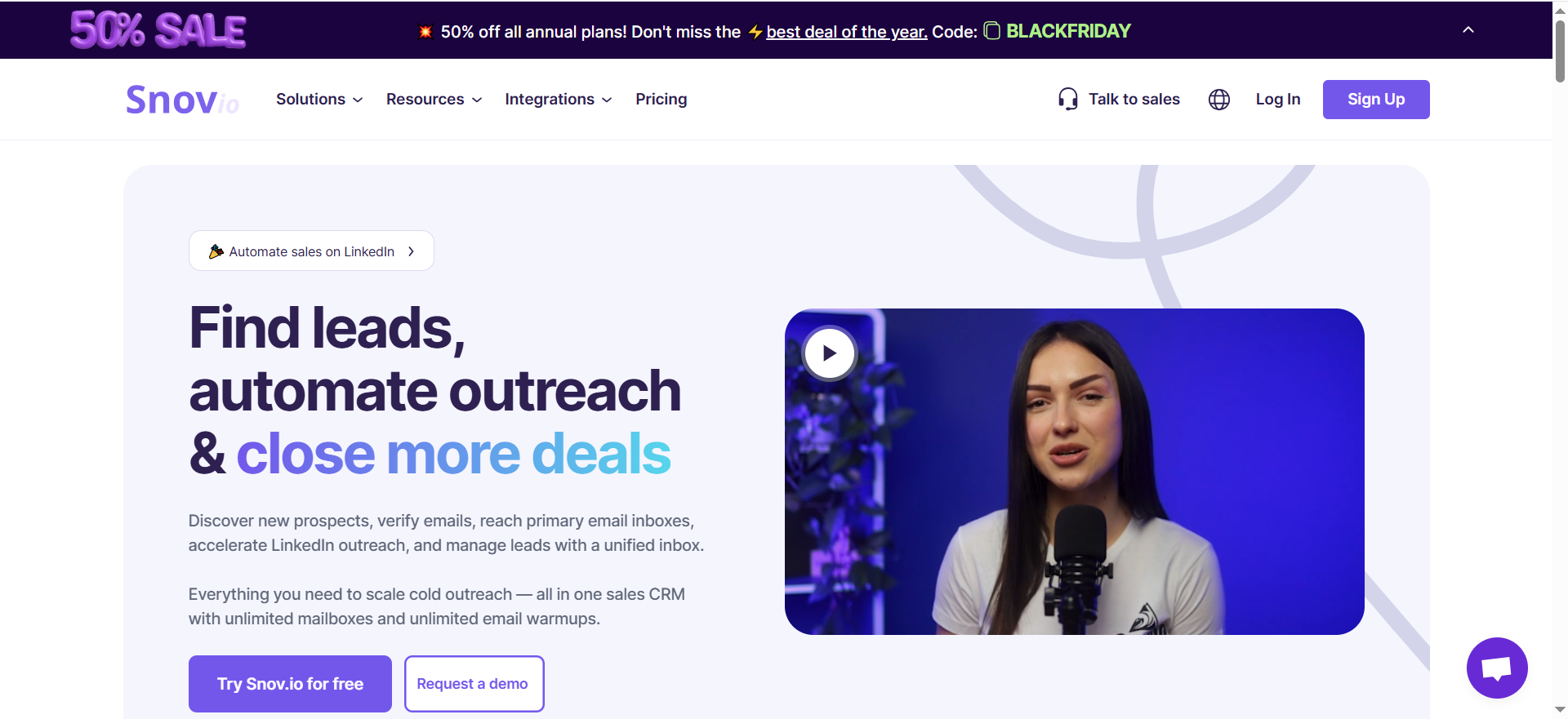
Snov.io is a full-stack lead generation platform that combines domain search, email finding, verification, and outreach automation in a single interface. You enter a company domain and Snov.io searches its database of company profiles to surface associated email addresses. It also supports name-plus-domain lookups, LinkedIn profile extraction, and bulk CSV uploads for high-volume prospecting.
Why Teams Use It
Teams choose Snov.io because it eliminates tool-switching. Instead of paying for a separate email finder, verifier, and outreach platform, Snov.io bundles all three. The domain search feeds directly into campaign sequences, which means a rep can go from "I have a company domain" to "I'm running a drip campaign" without leaving the platform. The 7-tier email verification runs automatically on every contact found, so there is no manual step between finding and sending.
What It's Good For
Snov.io handles the full prospecting workflow: domain-based email discovery, LinkedIn extraction, email verification, drip campaigns with behavioral triggers, and inbox warming. The Chrome extension works on company websites, Google search results, and LinkedIn profiles, making it useful for reps who prospect across multiple surfaces throughout the day.
When It's a Good Fit
Snov.io fits teams that want one platform for finding, verifying, and emailing contacts. If your workflow involves prospecting on LinkedIn, enriching contacts from company domains, and running multi-step email sequences, Snov.io consolidates all of that. It works well for small-to-midsize sales teams (2–15 reps) running outbound in North America and Europe where its database coverage is strongest.
When It's Not a Good Fit
If your outbound volume is low (under 100 lookups per month), Snov.io's credit system wastes money because credits are consumed whether a lookup succeeds or not. Teams focused exclusively on data accuracy over workflow automation may find the accuracy rate insufficient for high-stakes accounts. Coverage drops noticeably outside North America, so teams targeting APAC, LATAM, or SMB verticals should test before committing.
How to Use It
Sign up for a free trial or paid plan, install the Chrome extension, and navigate to the Domain Search feature. Enter a company domain (e.g., "stripe.com") to see all indexed email addresses at that domain. Filter results by job title, department, or seniority. For bulk searches, upload a CSV of domains. Found contacts feed directly into Snov.io's campaign builder where you can create email sequences with conditional logic.
Key Capabilities
Snov.io's core capabilities include domain search across its company profiles database, individual name-plus-domain email lookup, bulk domain search via CSV upload, LinkedIn email extraction via Chrome extension, 7-tier email verification (syntax, MX records, SMTP, and more), multi-channel campaign builder with email and LinkedIn steps, inbox warming and deliverability monitoring, and CRM sync with HubSpot, Salesforce, and Pipedrive.
Pricing
Snov.io offers a free trial with 50 credits. Paid plans start at $39/month (Starter, 1,000 credits). The Pro S tier is $99/month (5,000 credits), Pro M is $189/month (20,000 credits), and Pro L is $369/month (50,000 credits). Annual billing saves 25% across all plans. All paid plans include unlimited team seats. LinkedIn automation costs an additional $69/month per LinkedIn account slot. Credits are shared across finding, verifying, and searching — they do not separate by function.
Free Tier?
Yes. Snov.io offers a free trial with 50 credits and access to core features including the email finder, verifier, and Chrome extension. The free tier is useful for testing but insufficient for any real prospecting volume.
Downsides / Limitations
Credits do not roll over between billing periods, so unused credits are lost. The shared credit pool means finding, verifying, and searching all draw from the same balance, which can drain credits faster than expected. Accuracy can vary for US B2B contacts and drops further for SMBs and international targets. LinkedIn automation is a paid add-on, not included in base plans.
2. Skrapp
What It Does
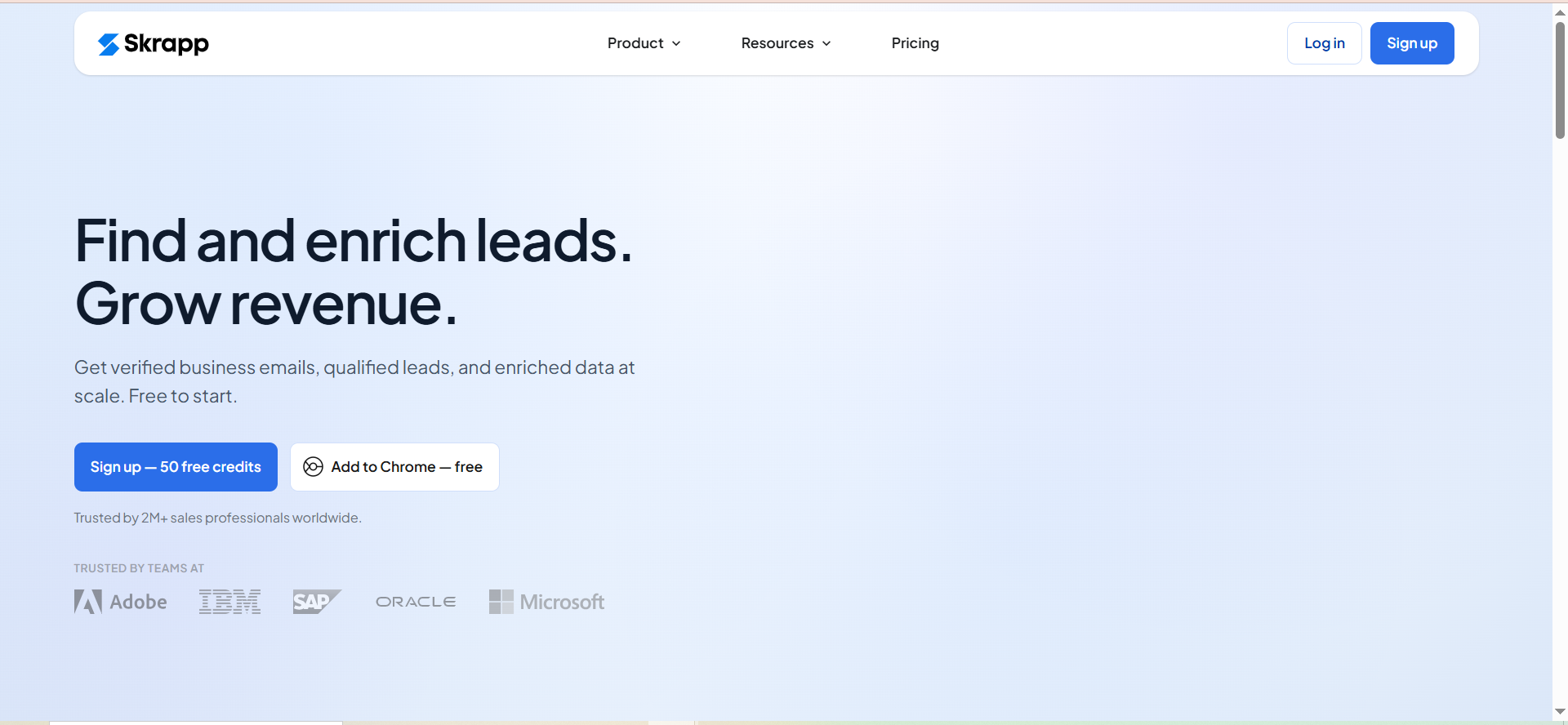
Skrapp is a B2B email finder built around domain search and LinkedIn prospecting. Enter a company domain or company name and Skrapp generates a list of verified business email addresses associated with that organization. It also offers a LinkedIn Chrome extension for extracting contact details from profiles and company pages while browsing.
Why Teams Use It
Teams use Skrapp for its pay-per-success credit model — you only spend a credit when the tool returns a "Valid" or "Catch-all" result. Failed lookups and "Invalid" or "Unknown" results do not consume credits. This makes Skrapp one of the more cost-efficient options for teams that prospect across a mix of well-known enterprises and smaller companies where hit rates vary.
What It's Good For
Skrapp handles domain-based email finding, LinkedIn-based contact extraction, bulk email finding via CSV upload, and email verification. The lead search database lets you filter by role, industry, and location to build targeted prospect lists without needing a separate data provider.
When It's a Good Fit
Skrapp fits LinkedIn-heavy prospecting workflows. If your reps spend most of their day on LinkedIn and Sales Navigator identifying targets, then use a domain search to enrich those contacts with verified emails, Skrapp's Chrome extension and credit model align well. The credit rollover policy (unused credits carry to the next month) benefits teams with variable prospecting volumes.
When It's Not a Good Fit
Independent accuracy tests show Skrapp's verified rate at around 42.8% in benchmarks, which is below the category average. If your outbound depends on consistently high data quality — say, you are emailing C-suite at enterprise accounts where a bounce damages your domain — Skrapp's accuracy gap becomes a liability. The platform also lacks built-in outreach automation, so you will need a separate tool for email sequences.
How to Use It
Create an account and install the Chrome extension. For domain search, enter a company name or domain in Skrapp's Company Email Finder. The tool returns a list of associated email addresses quickly. For bulk finding, upload a CSV with names and domains. For LinkedIn prospecting, browse profiles or company pages with the extension active and Skrapp extracts available contact information.
Key Capabilities
Skrapp's capabilities include domain-based company email search, LinkedIn Chrome extension for profile and company page extraction, bulk email finding via CSV upload with names and domains, lead search database with filters for role, industry, and location, email verification integrated into the finding process, CRM integrations with HubSpot and Salesforce, credit rollover on unused credits, and multi-page LinkedIn enrichment on paid plans.
Pricing
Skrapp offers a free plan with 50 credits per month. The Professional plan starts at $39/month for 2,000 credits with 2 user seats. Higher Professional tiers offer 5,000, 10,000, and 25,000 credits at increasing prices. The Enterprise plan starts at $349/month for 50,000 credits with 15 users, with higher tiers available up to 500,000 credits. Annual billing saves 25% (Professional starts at $29/month annually). All paid plans support multiple users.
Free Tier?
Yes. The free plan includes 50 credits per month with access to the email finder, Chrome extension, and basic features. Credits roll over, so if you do not use all 50 in a given month, they carry to the next.
Downsides / Limitations
Third-party accuracy benchmarks put Skrapp's verified rate at approximately 42.8%, well below what the company claims. Accuracy drops further for smaller businesses and niche domains. There is no built-in outreach or campaign automation — Skrapp is purely a finding and verification tool, so you need a separate platform for email sequences. The lead search database is smaller than some competitors.
3. Findymail
What It Does
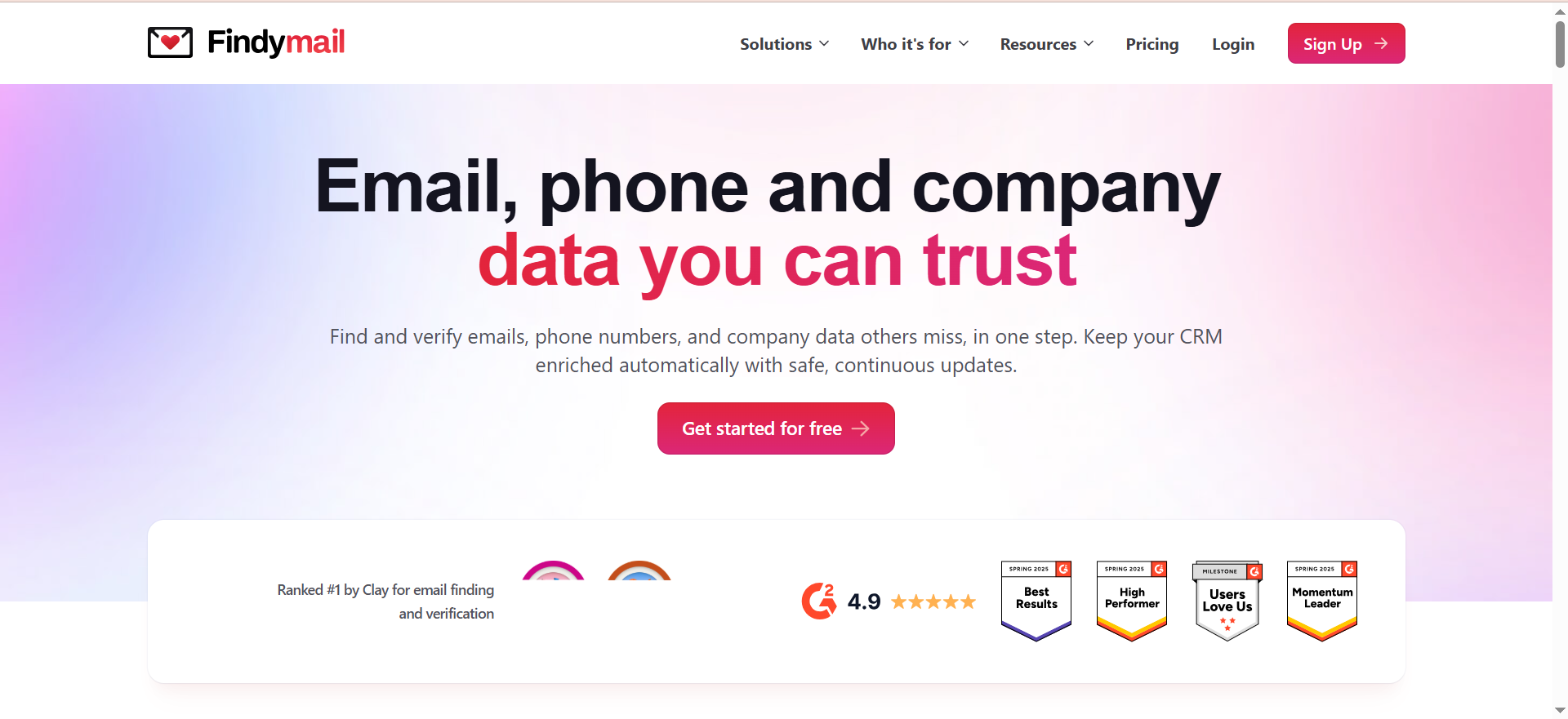
Findymail is a B2B contact data provider focused on delivering verified emails and phone numbers with a guarantee of less than 5% bounce rate. Enter a name and company domain, and Findymail runs a real-time search and verification before returning the result. It only charges a credit when it finds a verified email — failed lookups are free.
Why Teams Use It
Teams choose Findymail for data quality. In Clay's independent provider benchmark, Findymail ranked first for both best non-catch-all email verifier and best work email finder by region. An independent benchmark of 20,000 contacts measured Findymail's hard bounce rate at 1.1%. For outbound teams where deliverability directly impacts pipeline, that level of accuracy justifies the pricing.
What It's Good For
Findymail handles email finding with built-in verification, phone number finding, bulk enrichment via CSV upload, CRM data cleaning through its Datacare service, and AI-powered lead finding through Intellimatch. The Intellimatch feature lets you describe your target company in plain language and surfaces matches based on website content rather than rigid database filters.
When It's a Good Fit
Findymail is the right choice for outbound teams running high-volume campaigns where bounce rates directly impact sender reputation and pipeline. If you send more than 500 cold emails per week and cannot afford deliverability issues, Findymail's sub-5% bounce guarantee and pay-for-verified-results model make it the safest option in this list. It also fits teams already using Clay, as Findymail integrates natively as an enrichment provider.
When It's Not a Good Fit
Findymail's enrichment rate can be lower than some competitors, meaning a portion of lookups return no result. If your prospecting targets niche industries, small companies, or regions outside North America and Europe, you may need a second data provider to fill gaps. The tool also lacks built-in outreach automation, so it is a finding-and-verifying tool only.
How to Use It
Sign up and access the email finder. Enter a prospect's name and company domain to get a verified email. For bulk finding, upload a CSV with names and domains. Install the Chrome extension for in-browser lookups on LinkedIn. For CRM cleaning, use the Datacare feature to connect your CRM and let it automatically enrich and clean your contact database.
Key Capabilities
Findymail's core capabilities include single and bulk email finding with real-time verification, phone number finder, Chrome extension for LinkedIn-based lookups, Intellimatch AI lead finder using natural language targeting, Datacare CRM cleaning and enrichment service, Signals feature for monitoring real-time intent signals, native integrations with HubSpot, Salesforce, Pipedrive, Close, Copper, Zoho, and Clay, and credit rollover up to 2x monthly allowance.
Pricing
Findymail offers a free trial with 10 credits (no credit card required). Paid plans start at $49/month for 1,000 finder and verifier credits (Basic). The Starter plan is $99/month for 5,000 credits. Business is $249/month for 15,000 credits, and Business Plus is $399/month for 30,000 credits. Enterprise pricing is custom for higher volumes. Annual billing gives two months free, bringing the entry tier to approximately $41/month. Phone number lookups cost 10 credits each (compared to 1 credit per email).
Free Tier?
No dedicated free plan. Findymail offers a free trial with 10 credits and no credit card required. The pay-for-verified-results model means you are not charged for lookups that fail, which limits waste even on paid plans.
Downsides / Limitations
Findymail's enrichment rate can be lower than some competitors, meaning you may need a fallback data source for harder-to-find contacts. Phone number lookups at 10 credits each drain your balance quickly if you need both email and phone for each contact. There is no built-in email outreach — Findymail is strictly a data tool.
Get Listed / Advertise
Refreshed monthly — claim the next feature slot for your tool.
4. GetEmail
What It Does
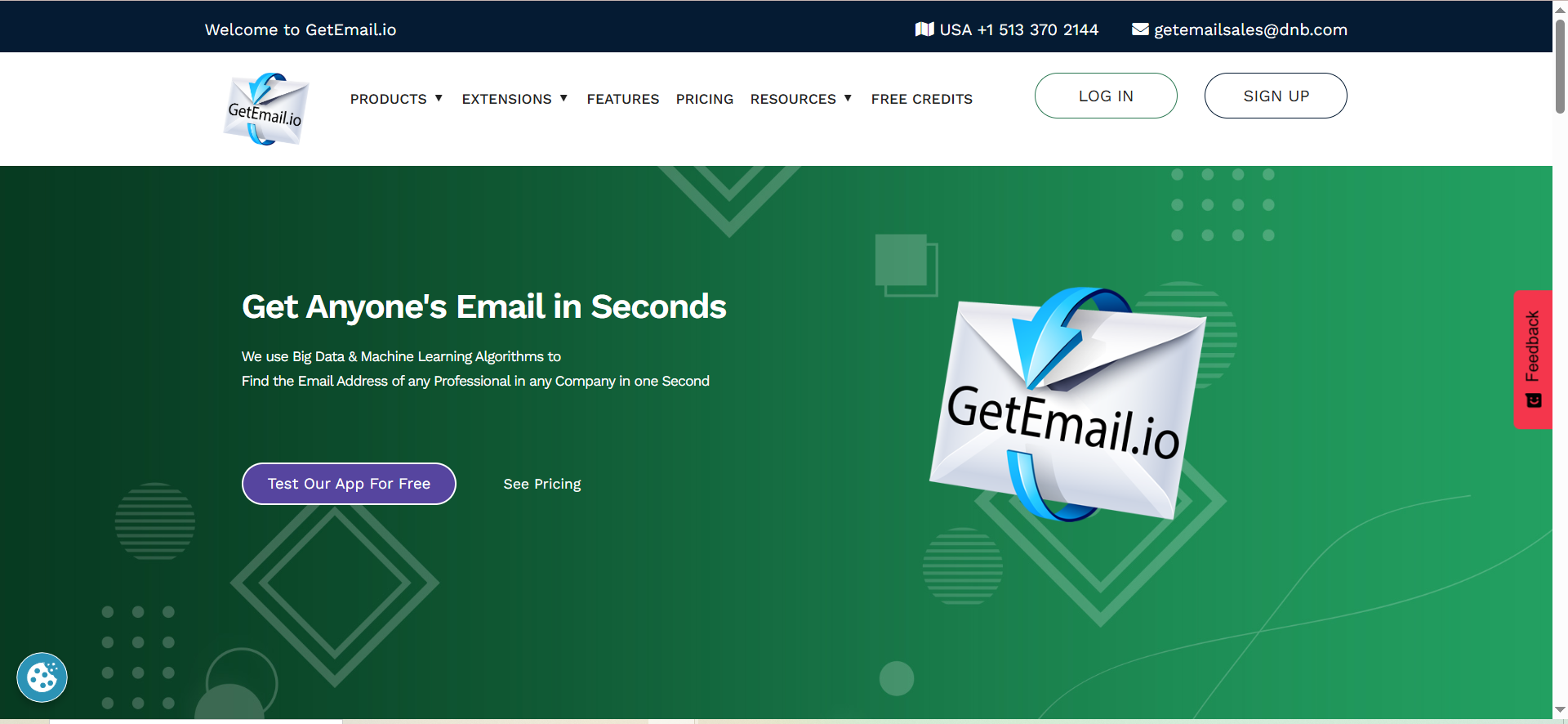
GetEmail is an AI-powered email finder that takes a first name, last name, and company domain and returns a professional email address. The tool uses big data and machine learning algorithms to predict and verify email patterns at a given domain. It also offers a Chrome extension for quick lookups while browsing LinkedIn or company websites.
Why Teams Use It
Individual reps use GetEmail for its simplicity. The interface is minimal: enter a name and domain, get an email. There is no complex setup, no workflow builder, and no learning curve. For reps who need a handful of email lookups per day and value speed over volume, GetEmail delivers results quickly.
What It's Good For
GetEmail handles single email lookups by name and domain, bulk email finding via CSV upload, domain search to find all contacts at a company, and email verification. The Chrome extension works on LinkedIn and company websites for on-the-go lookups. Integrations include Salesforce, HubSpot, and other platforms in its integration directory.
When It's a Good Fit
GetEmail fits individual reps or very small teams (1–3 people) who perform fewer than 20 lookups per day and prefer a simple, no-frills tool. If you already use Salesforce or HubSpot and want a lightweight Chrome extension that drops emails directly into your CRM, GetEmail covers that use case. The integration list makes it plug-and-play for reps already embedded in a sales stack.
When It's Not a Good Fit
GetEmail charges credits whether a lookup succeeds or not, and credits do not roll over. At $58.80/month for just 300 credits, the effective cost per lookup is $0.196 — significantly more expensive per attempt than Findymail or Voila Norbert. User reviews consistently cite outdated email addresses and missing results as recurring issues. If you are running outbound at any meaningful volume, the credit policy and accuracy limitations make GetEmail an expensive choice with unreliable output.
How to Use It
Create an account and access the email finder. Enter a first name, last name, and company domain to run a lookup. For bulk searches, upload a CSV file with names and domains. Install the Chrome extension for lookups on LinkedIn profiles and company websites. Results can be exported or pushed directly to connected CRMs.
Key Capabilities
GetEmail's capabilities include AI-powered email finding by name and domain, bulk email finder via CSV upload, domain search for company-wide email discovery, Chrome extension for LinkedIn and website lookups, email verification with catch-all detection, integrations with Salesforce and HubSpot among other platforms, and API access for custom workflows.
Pricing
GetEmail offers a free plan with 10 credits per month. Paid plans include Basic at $58.80/month for 300 credits, Standard at $118.80/month for 1,000 credits, Premium at $178.80/month for 2,000 credits, and Ultra at $478.80/month for 10,000 credits. Annual billing saves up to 25%. Every lookup consumes a credit regardless of whether the tool finds a valid email. Credits do not roll over between billing periods.
Free Tier?
Yes. GetEmail offers a free plan with 10 credits per month. The free tier is useful for testing the tool's accuracy against your specific target domains before committing to a paid plan.
Downsides / Limitations
The credit-on-every-attempt model is the most expensive billing structure among the five tools in this guide. At $58.80 for 300 credits, you pay $0.196 per attempt — and many attempts return no result or an outdated address. User reviews on Capterra and Trustpilot flag outdated emails, missing results, and inconsistent verification as common problems. Coverage for niche domains and SMBs is limited.
5. Voila Norbert
What It Does
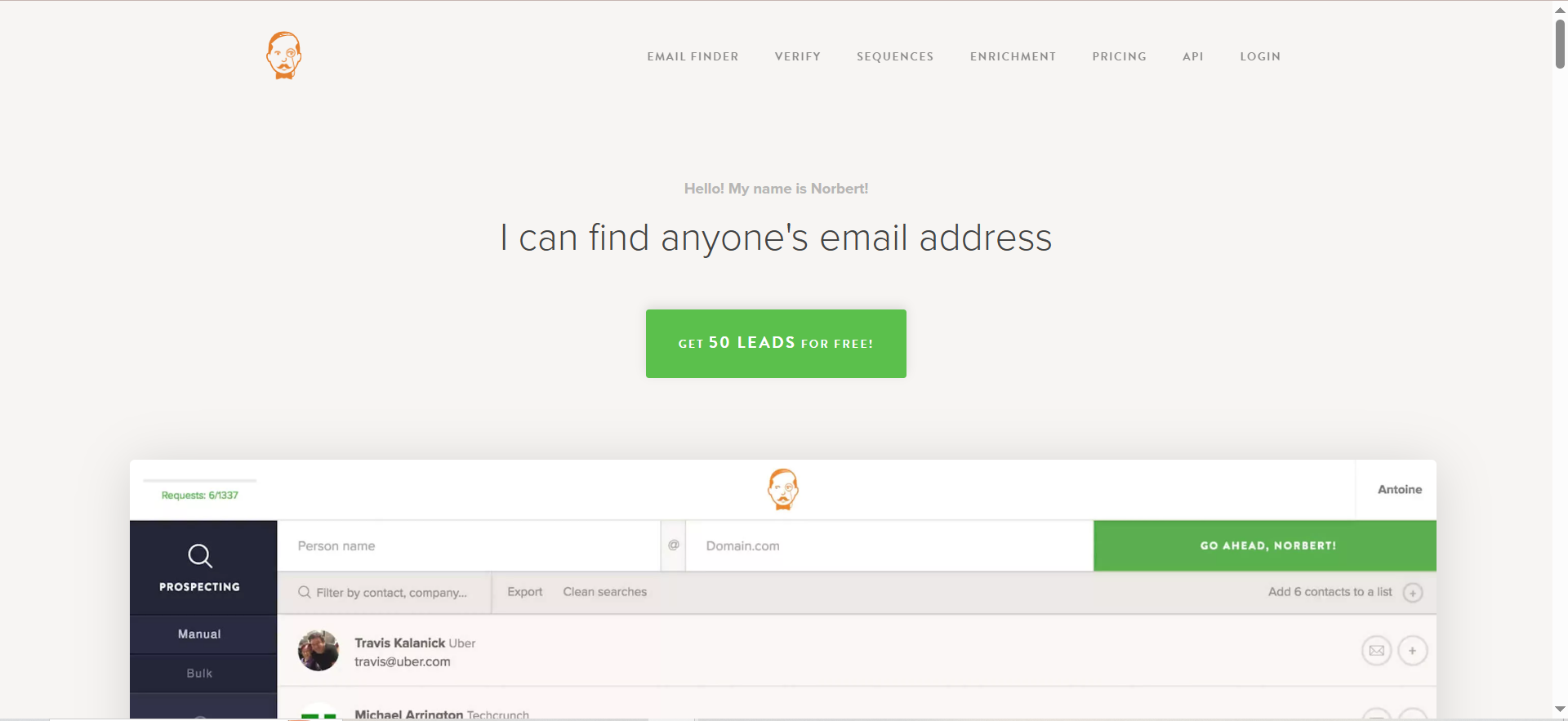
Voila Norbert finds professional email addresses using a person's full name and company domain. It runs a multi-step verification process before returning results, which means every email you receive has already passed validation checks. The tool supports single lookups, bulk finding via CSV upload, email verification as a standalone service, and contact enrichment with data like job title and social profiles.
Why Teams Use It
Teams choose Voila Norbert for its accuracy track record and transparent pricing. Ahrefs voted it the most accurate bulk email finder in their annual test. The credit rollover policy — unused credits carry to the next month — is rare in this category and makes it a practical choice for teams with fluctuating prospecting volumes. You only pay for successful email finds, so you are never charged when the tool cannot locate a result.
What It's Good For
Voila Norbert handles email finding by name and domain, bulk email finding via CSV, standalone email verification, and contact enrichment. The verification service is priced separately on a pay-as-you-go basis ($0.003/email), which lets teams verify existing lists without subscribing to a full finding plan. Integrations cover major CRMs and email marketing platforms.
When It's a Good Fit
Voila Norbert fits teams that need reliable email finding at moderate volume (500–5,000 lookups per month) without overpaying for features they do not use. The 50 free trial credits let you evaluate the tool before paying. If your volume varies month to month, the credit rollover prevents waste. It is ideal for founders and small sales teams validating their outbound motion before investing in a premium tool.
When It's Not a Good Fit
Voila Norbert requires both a full name and a company domain to run a search — you cannot search by job title, company name alone, or LinkedIn URL. If your workflow starts with a company name or LinkedIn profile rather than a specific person's name, Voila Norbert adds an extra research step before you can use the tool. There is no built-in outreach automation, LinkedIn scraping, or campaign sequencing.
How to Use It
Sign up for an account and get 50 free trial credits. Enter a prospect's full name and company domain in the search bar. For bulk finding, upload a CSV file with names and domains. Install the Chrome extension for lookups while browsing. To verify an existing list, use the standalone verification service and upload your CSV — pricing is pay-as-you-go at $0.003 per email.
Key Capabilities
Voila Norbert's capabilities include email finding by full name and company domain, bulk email finding via CSV upload, standalone email verification at $0.003/email (pay-as-you-go), contact enrichment with job title and social profiles, Chrome extension for browser-based lookups, CRM integrations with HubSpot and Salesforce, credit rollover on unused monthly credits, and unlimited team members on all plans.
Pricing
Voila Norbert's prospecting plans include Valet at $49/month for 1,000 leads, Butler at $99/month for 5,000 leads, Advisor at $249/month for 15,000 leads, and Counselor at $499/month for 50,000 leads. Annual billing saves roughly 20% (Valet drops to $39/month). Email verification is a separate service at $0.003/email with volume discounts. Voila Norbert also offers a separate Sequences product for email outreach starting at $19/user/month. All plans include unlimited team members.
Free Tier?
No dedicated free plan. Voila Norbert offers 50 free credits on signup to test the tool's accuracy and workflow before committing to a paid plan.
Downsides / Limitations
The tool requires both a full name and a company domain — no partial searches, no LinkedIn URL input, no company-name-only lookups. This adds friction when you have incomplete prospect data. There is no built-in outreach, no LinkedIn automation, and no campaign sequencing (though a separate Sequences product is available). The enrichment and verification services are priced separately, so the total cost can add up if you need finding, verifying, and enriching as a bundle.
What Is a Domain Search Tool for Email Finding?
A domain search tool for email finding is software that takes a company's website domain (like "stripe.com") and returns professional email addresses associated with that organization. These tools crawl publicly available data, business directories, and proprietary databases to identify employees and their contact information at a given company. The core function is simple: input a domain, get back a list of email addresses — filtered by role, department, or seniority depending on the tool.
Domain search tools differ from general email finders in one important way. A general email finder might work from a LinkedIn URL, a phone number, or a company name alone. A domain search tool specifically requires a website domain as its primary input and uses that domain to map the organization's email structure before returning results. This makes them especially useful in account-based prospecting where you already know which company you want to target.
How Do Domain Search Email Finders Work?
Domain search email finders combine several data collection and verification methods to return results. First, they crawl publicly available sources — websites, social media profiles, press releases, conference attendee lists, and business directories — to build a database of known email addresses associated with specific domains. Second, they analyze email patterns at a given domain. If a tool has already confirmed that three employees at a company use the same email format, it can predict with reasonable confidence that other employees follow the same pattern.
Once a potential email is identified, the tool runs verification checks. These typically include syntax validation (is the email formatted correctly?), MX record lookup (does the domain have a mail server?), and SMTP verification (does the mail server accept messages for this address?). Some tools like Snov.io run a 7-tier verification process, while Findymail verifies in real time before returning results. The quality of this verification step is what separates reliable domain search tools from tools that return guesses dressed up as verified contacts.
Are Domain Search Email Finders Accurate?
Accuracy varies significantly across tools and depends on the target company's size, region, and industry. Based on independent testing, Findymail leads the pack with a measured hard bounce rate of 1.1% across 20,000 contacts. Voila Norbert has been independently rated as the most accurate bulk email finder by Ahrefs. Snov.io's accuracy can vary for US B2B contacts at mid-to-large companies. Skrapp's verified rate was measured at 42.8% in independent benchmarks.
The accuracy numbers that vendors publish on their websites are marketing claims, not benchmarks. The only metric that matters for your team is the bounce rate you see after sending a real campaign. Before committing to any tool, run a test batch of 100–200 lookups against domains you already have verified contacts for, then measure how many match. That test will tell you more than any published accuracy percentage.
How to Find All Email Addresses Associated with a Domain
To find all email addresses at a specific domain, use a domain search tool's bulk domain lookup feature. The process is straightforward across most tools: navigate to the domain search page, enter the target domain, and the tool returns every indexed email address associated with that domain. Most tools let you filter results by job title, department, seniority level, or location.
For more thorough coverage, use multiple tools in sequence. No single domain search tool has complete coverage of every company. Start with your primary tool, export the results, then run the same domain through a second tool to catch contacts the first one missed. Tools like Snov.io, Skrapp, and Voila Norbert all support domain-level search where you input a domain and get back all known contacts.
Domain Search vs LinkedIn Email Finder — Which Is Better?
Domain search and LinkedIn email finding serve different starting points in the prospecting workflow. Use domain search when you know the company you want to target and need to find multiple contacts across departments. Use LinkedIn email finding when you have already identified a specific person on LinkedIn and need their email address.
Domain search is better for account-based prospecting at scale. If you are targeting 50 companies and need 3–5 contacts at each, a domain search tool lets you bulk-process all 50 domains and get a complete list. LinkedIn email finding is better for one-off, relationship-driven outreach where you are targeting a specific individual you have already researched. Many tools in this guide — including Snov.io, Skrapp, and Findymail — support both methods, so the choice often comes down to where your workflow starts rather than which tool you buy.
Do Domain Search Tools Verify Emails Automatically?
Most modern domain search tools include built-in verification as part of the finding process. Snov.io runs a 7-tier verification that checks syntax, MX records, and SMTP records on every found contact. Findymail verifies in real time before returning any result and guarantees less than 5% invalid emails. Voila Norbert runs a multi-step verification automatically. Skrapp verifies during the finding process and only charges credits for results that come back as "Valid" or "Catch-all."
GetEmail includes verification but charges credits on every lookup attempt regardless of the outcome, so the verification step does not save you money on failed searches. If you are working with an older contact list that was not originally sourced through one of these tools, you should still run it through a standalone verification service before sending. Built-in verification covers newly found emails but does not account for addresses that have gone stale since they were last checked.
What Is a Catch-All Domain and Why Does It Matter for Email Finding?
A catch-all domain is a mail server configuration where the server accepts email sent to any address at that domain, regardless of whether a specific mailbox exists. This makes SMTP-level verification unreliable because the server always responds positively — there is no way to confirm whether a specific person's mailbox actually exists.
Catch-all domains matter because they can inflate your apparent verification rate while masking deliverability risk. A tool might mark a catch-all email as "verified" when in reality there is no guarantee the message reaches anyone. The better domain search tools — Snov.io, Skrapp, Findymail, and Voila Norbert — flag catch-all addresses separately so you can decide whether to include them in your campaigns. If you send to catch-all addresses, expect higher bounce rates and consider lowering your sending volume on those contacts.
How Many Credits Do Domain Search Tools Typically Use Per Lookup?
Credit consumption varies by tool and action type. For standard email finding (name + domain), most tools charge 1 credit per lookup. Findymail and Voila Norbert only charge that credit when they return a verified result — failed lookups are free. Snov.io and GetEmail charge 1 credit per attempt regardless of outcome.
Phone number lookups are more expensive. Findymail charges 10 credits per phone number, making phone lookups 10x the cost of email lookups. Verification-only actions typically cost 0.5–1 credit depending on the tool, or are priced separately on a pay-as-you-go basis like Voila Norbert's $0.003/email verification rate. When comparing pricing across tools, calculate your effective cost per verified email by dividing your monthly plan cost by the number of verified results you actually receive — not the number of credits in your plan.
Can Domain Search Tools Find Personal Emails?
Domain search tools are designed to find professional (business) email addresses, not personal ones. They search databases of company email addresses, crawl business-related sources, and analyze corporate email patterns. If you input a company domain, the tool returns work emails — not Gmail, Yahoo, or other personal addresses.
Some tools may occasionally surface personal emails if those addresses appear in business contexts (conference registrations, GitHub profiles, blog author bios), but this is incidental rather than intentional. If you need personal email addresses, you would need a different category of tool — and you should carefully consider the legal and ethical implications of contacting people at personal addresses for business purposes, especially under GDPR and similar regulations.
Are Domain Search Email Finders GDPR Compliant?
The tools themselves provide features that support GDPR compliance — such as do-not-contact list management, data processing agreements, and the ability to delete prospect data on request. However, the tool being compliant does not make your usage of it compliant. GDPR compliance depends on how you collect, store, process, and use the data, not just which software sourced it.
Under GDPR, sending unsolicited B2B emails to contacts in the EU typically requires a lawful basis for processing, most commonly "legitimate interest." You need to be able to demonstrate that your outreach is relevant to the recipient's professional role and that you have balanced your interest against their privacy rights. You must also provide clear opt-out mechanisms and honor unsubscribe requests promptly. Before running outbound campaigns targeting EU-based contacts, consult your legal team to ensure your specific use case meets the requirements.
How to Evaluate Domain Search Tools Before Buying
Start with a test batch, not a feature comparison chart. Pick 100–200 contacts at companies you already have verified emails for. Run them through the tool and measure three things: hit rate (how many lookups return a result), accuracy rate (how many returned emails match your known-good addresses), and cost per verified email (plan price divided by verified results).
Beyond the test batch, evaluate five criteria that determine real-world value. First, credit model — does the tool charge per attempt or per verified result? Second, catch-all handling — does it flag catch-all addresses separately? Third, bulk processing speed — can it handle your volume without bottlenecks? Fourth, CRM integration depth — does it connect natively to your sales stack? Fifth, credit rollover policy — do unused credits carry over or reset? These five factors create a more reliable comparison than feature lists or published accuracy claims.
What Is the Difference Between Email Finding and Email Scraping?
Email finding and email scraping are often confused but work differently and carry different risk profiles. Email finding uses structured databases, pattern matching, and verification APIs to locate and confirm professional email addresses. The data sources are typically business directories, public company records, social profiles, and proprietary databases built over time. The output is a verified, deliverable email address tied to a specific person and company.
Email scraping, by contrast, crawls web pages and extracts any email address that appears in the page source code — contact forms, footer links, team pages, unstructured text. Scrapers do not verify what they find or confirm that the address belongs to a specific person. The output is a raw list of email-shaped strings with no guarantee of accuracy, relevance, or deliverability. Scraping also raises more significant legal and compliance concerns, particularly under GDPR and CAN-SPAM, because the data collection method lacks the consent and relevance safeguards that finding tools build into their process.
Best Free Domain Search Tools for Email Finding
Among the five tools in this guide, Skrapp offers a free plan with 50 credits per month with credit rollover. Snov.io's free trial includes 50 credits. GetEmail offers a free plan with 10 lookups per month. Voila Norbert gives 50 free credits on signup to test the tool. Findymail offers a free trial with 10 credits.
For teams testing whether domain search fits their workflow, starting with Snov.io's or Skrapp's free plan gives the most room to evaluate before committing budget. Combine two free tiers (e.g., Snov.io + Skrapp) to compare accuracy and coverage across your target domains without spending anything.
How to Reduce Bounce Rates When Using Domain Email Finders
Bounce rate management starts before you send a single email. First, choose a tool that verifies in real time during the finding process — Findymail, Voila Norbert, and Snov.io all include built-in verification. Second, separate catch-all addresses from verified addresses in your export. Send to verified addresses at normal volume, and send to catch-all addresses at reduced volume or run them through an additional verification service first.
Third, re-verify any contact list that is more than 30 days old. People change jobs, companies restructure, and email addresses go stale faster than most teams expect. Fourth, warm up new sending domains before launching high-volume campaigns — most domain search tools like Snov.io include inbox warming features, or you can use a standalone warming tool. Fifth, monitor your bounce rate per campaign and per data source. If a specific tool consistently produces bounces above 3%, switch providers for that segment of your list. Keeping bounces below 2% protects your sender reputation and ensures long-term deliverability.
Frequently Asked Questions
Findymail leads on accuracy with an independently measured hard bounce rate of 1.1% across 20,000 contacts. It guarantees less than 5% invalid emails and only charges for verified results. Voila Norbert also ranks highly, with Ahrefs naming it the most accurate bulk email finder in their annual test.
Not necessarily. All five tools in this guide include built-in verification. Snov.io uses a 7-tier verification process, Findymail verifies in real time before returning results, and Voila Norbert runs multi-step validation automatically. However, if you are working with older contact lists or importing data from other sources, a standalone verification pass is still recommended.
On a per-credit basis, Snov.io's Starter plan at $39/month for 1,000 credits and Skrapp's Professional plan at $39/month for 2,000 credits offer the lowest entry points. However, Snov.io charges on every lookup attempt, while Findymail and Skrapp only charge for successful results — so effective cost per verified email may differ from the listed price. Skrapp and Snov.io also offer free plans for basic testing.
Coverage varies by tool and target domain. All five tools perform best with well-known B2B companies in North America and Europe. Accuracy and hit rates drop for small businesses, niche industries, and companies outside these regions. GetEmail and Skrapp show the most noticeable coverage gaps for SMB and non-English domains based on independent reviews.
Most tools use a credit-per-lookup model, but the billing trigger varies. Snov.io and GetEmail charge a credit on every lookup attempt, whether successful or not. Skrapp, Findymail, and Voila Norbert use pay-per-success models where credits are only consumed when the tool returns a valid or catch-all result. Credit rollover policies also differ — Findymail rolls over up to 2x, Skrapp and Voila Norbert roll over unused credits, while Snov.io and GetEmail reset monthly.
These tools source data from publicly available information and business directories. Most offer compliance features like do-not-contact list management and data processing agreements. However, compliance ultimately depends on how you use the data — sending unsolicited emails to EU contacts without a lawful basis for processing can violate GDPR regardless of the tool you use. Consult your legal team before running outbound campaigns in regulated markets.
Yes. All five tools offer CRM integrations. Snov.io and Findymail integrate with HubSpot, Salesforce, and Pipedrive. Skrapp connects to HubSpot and Salesforce. GetEmail integrates with Salesforce and HubSpot among other platforms. Voila Norbert connects to HubSpot, Salesforce, and various email marketing platforms. Most also offer API access for custom integrations.
Get Listed / Advertise
Refreshed monthly — claim the next feature slot for your tool.