

If you want on-page SEO wins that go beyond “add more keywords,” use tools that help you (1) cover the right entities, (2) match SERP expectations, and (3) structure content so search engines and AI systems can extract it cleanly. In practice:
- Pick InLinks when entity discovery + internal linking are core to your strategy.
- Pick Surfer when you need fast, competition-based on-page guidance inside a content editor.
- Pick Clearscope when editorial teams want a clean, quality-focused optimizer with strong topic coverage workflows.
- Pick Semrush when you want optimization inside a broader SEO suite (keywords, competitive research, content tools).
- Pick MarketMuse when content strategy + topic modeling + updating existing content at scale matters most
📋 Get Listed / Advertiseent
We update this guide monthly. Want your tool featured?Contact: [email protected].
Table of Contents
Best AI Tools for On-Page SEO (Entities + NLP): Quick Comparison
| Tool | Best for | Entity/NLP strengths | Typical workflow |
|---|---|---|---|
| InLinks | Entity-first SEO + interna semantic relationships, link opportunities | Build entity brief → add links/schema → optimize sections | Audit page/entities → add internal links → apply schema → refine copy |
| Surfer | Fast on-page optimization in-editor | NLP-driven terms, structure guidance, competitive benchmarks | Draft in editor → adjust coverage → export/publish |
| Clearscope | Editorial content optimization | Topic coverage, content inventory/optimization workflow | Brief → write → optimize → editorial QA |
| Semrush | All-in-one SEO + content tools | Optimization assistant + broader SEO data | Research → brief → write with assistant → track results |
| MarketMuse | Strategy + topical authority | Topic modeling, gap analysis, content planning | Audit site → prioritize updates → optimize for authority |
1. InLinks
What it does
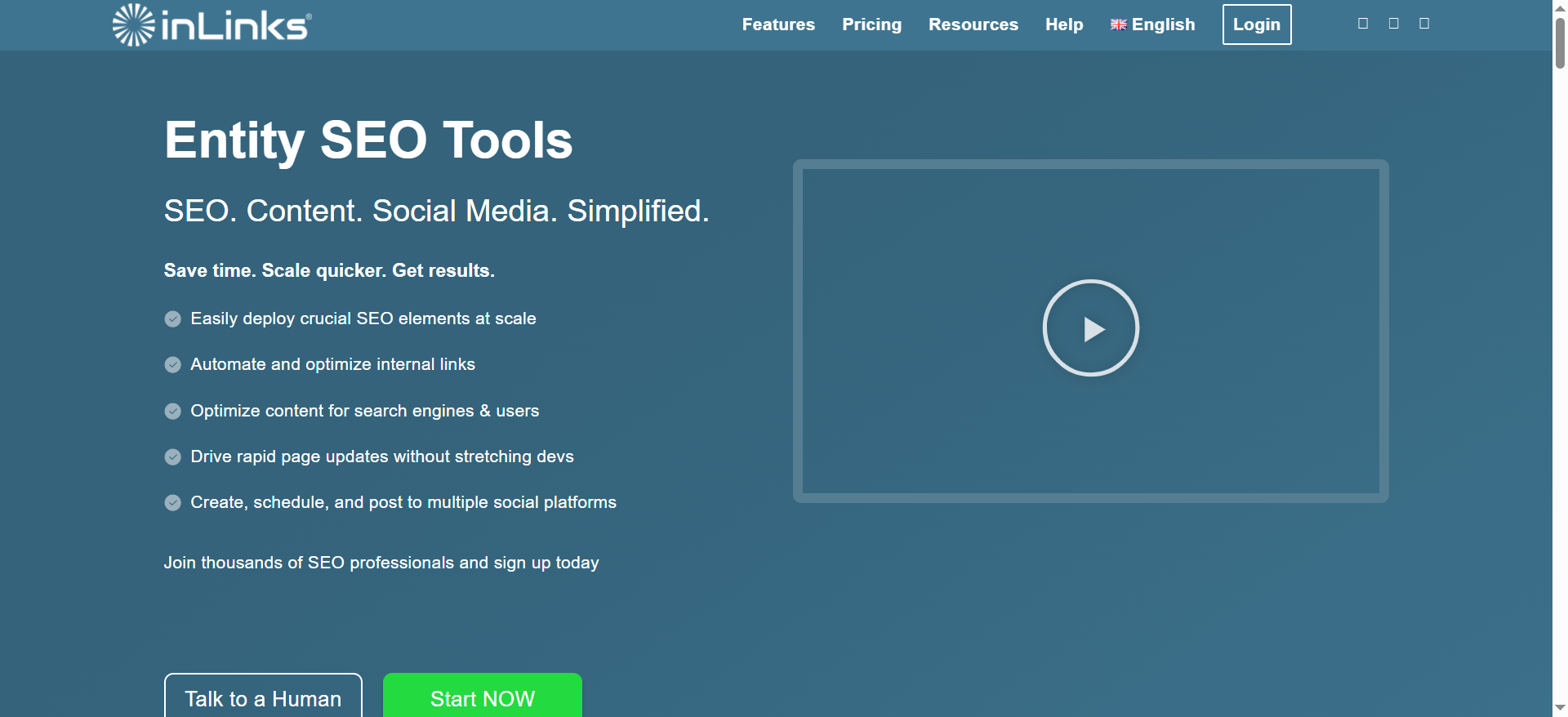
InLinks is built around entity SEO, helping you identify entities related to a topic and operationalize them through internal linking and semantic optimization.
Why teams use it
Teams use it when they want to stop guessing which related concepts matter and instead build pages that clearly cover and connect the right entity set, especially across a whole site, not just one article.
What it’s good for
- Entity discovery and semantic-focused content planning
- Internal linking improvements tied to topical relevance
- Scaling consistency across multiple content pieces
When it’s a good fit
- You’re building a topic cluster and want entity + internal link reinforcement
- You have multiple writers and want standardized coverage expectations
- You update older posts and want a more systematic optimization pass
When it’s not a good fit
- You only need quick in-editor NLP terms (Surfer may be faster)
- Your team won’t implement internal links/schema recommendations (you’ll underuse the value)
How to use it
- Start with the target topic and build your entity list (must-have + support).
- Create/update a brief: required entities + recommended sections.
- Optimize the draft by adding missing entities where they naturally belong.
- Implement internal link recommendations (anchor text that matches the entity relationship).
- Add/validate schema where relevant (FAQ, Organization, etc.).
Key capabilities
- Entity-focused recommendations and topic relationships
- Internal link opportunities that strengthen semantic clustering
- Practical on-page actions beyond “add these words”
Pricing
InLinks’ paid plans start at $49/month.
Free tier?
InLinks offers a free plan, and it also offers a free trial.
Downsides / limitations
- Entity-first workflows require more SEO judgment than “score chasing”
- Some teams find implementation-heavy recommendations harder to operationalize than simple editor checklists
2. Surfer
What it does
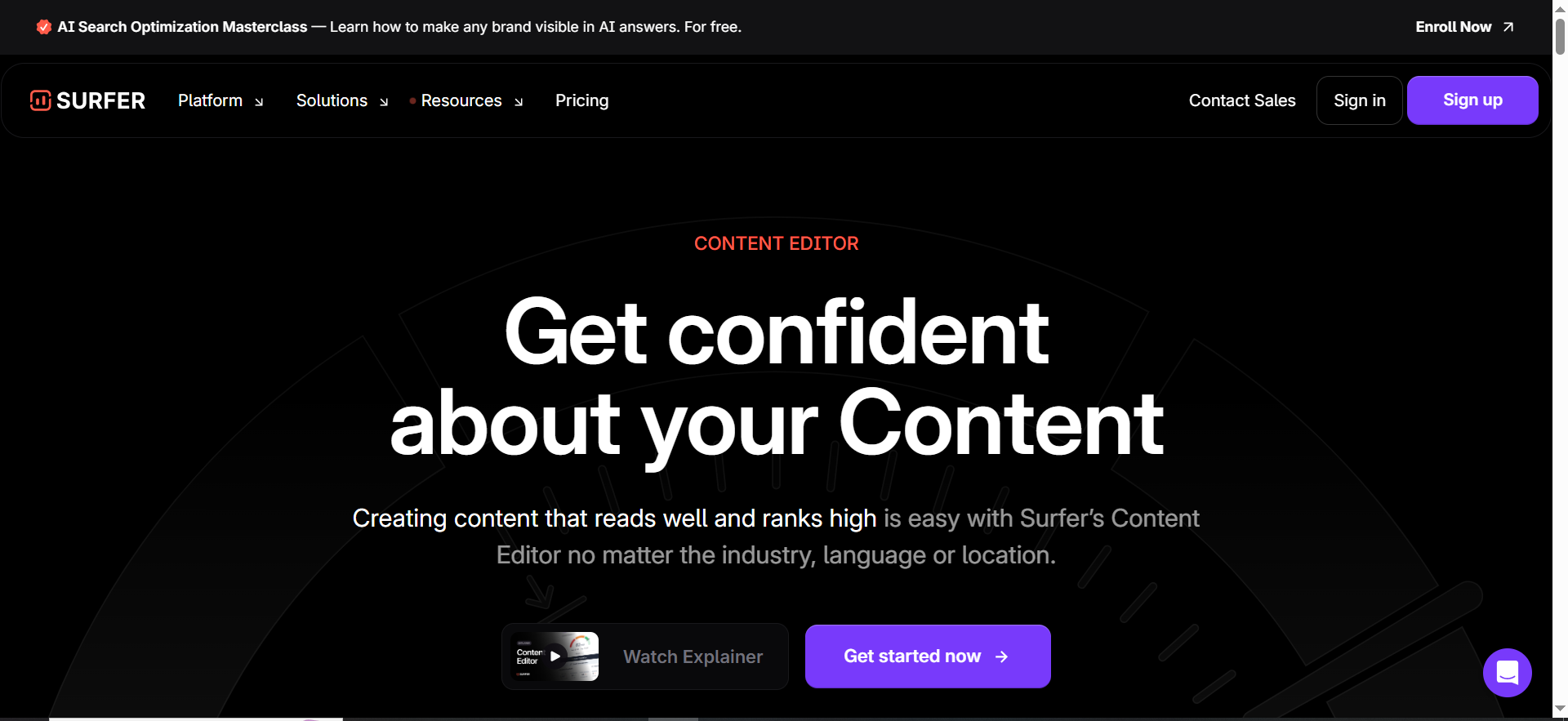
Surfer is a content optimization platform with an in-editor workflow that benchmarks your draft against top-ranking pages and provides guidance on structure, coverage, and term usage.
Why teams use it
Because it’s fast. Surfer is built for the moment when a writer asks: “What do I need to include to compete on this query?” It provides real-time feedback so you can optimize while drafting.
What it’s good for
- Quick SERP-based guidance for writers
- Improving structural completeness (headings, sections, coverage)
- Standardizing drafts across a team
When it’s a good fit
- You publish frequently and want repeatable editorial optimization
- You want in-editor recommendations with minimal setup
- You need quick iteration (draft → optimize → publish)
When it’s not a good fit
- You want deeper strategy planning and sitewide content modeling (MarketMuse may be stronger)
- You want entity-centric internal linking as a primary use case (InLinks is more direct)
How to use it
- Choose query + location (match your target SERP).
- Draft inside the content editor.
- Use the suggestions as a coverage check, not a “stuff everything” checklist.
- Rework sections that are thin; add definitions, tables, and steps.
- Export/publish, then track performance and update monthly.
Key capabilities
- “NLP-ready” guidance inside the editor (terms, structure, counts)
- Competitive benchmarking (what top pages include)
- Team-friendly standardization and workflows
Pricing
Surfer’s pricing starts at $49/month (Discovery, billed yearly).
Free tier?
Surfer doesn’t offer a free tier, but it does offer a 7-day money-back guarantee.
Downsides / limitations
- Can encourage “writing to the score” if editors aren’t trained
- Term recommendations aren’t the same as true entity understanding, your outline still matters
3. Clearscope
What it does
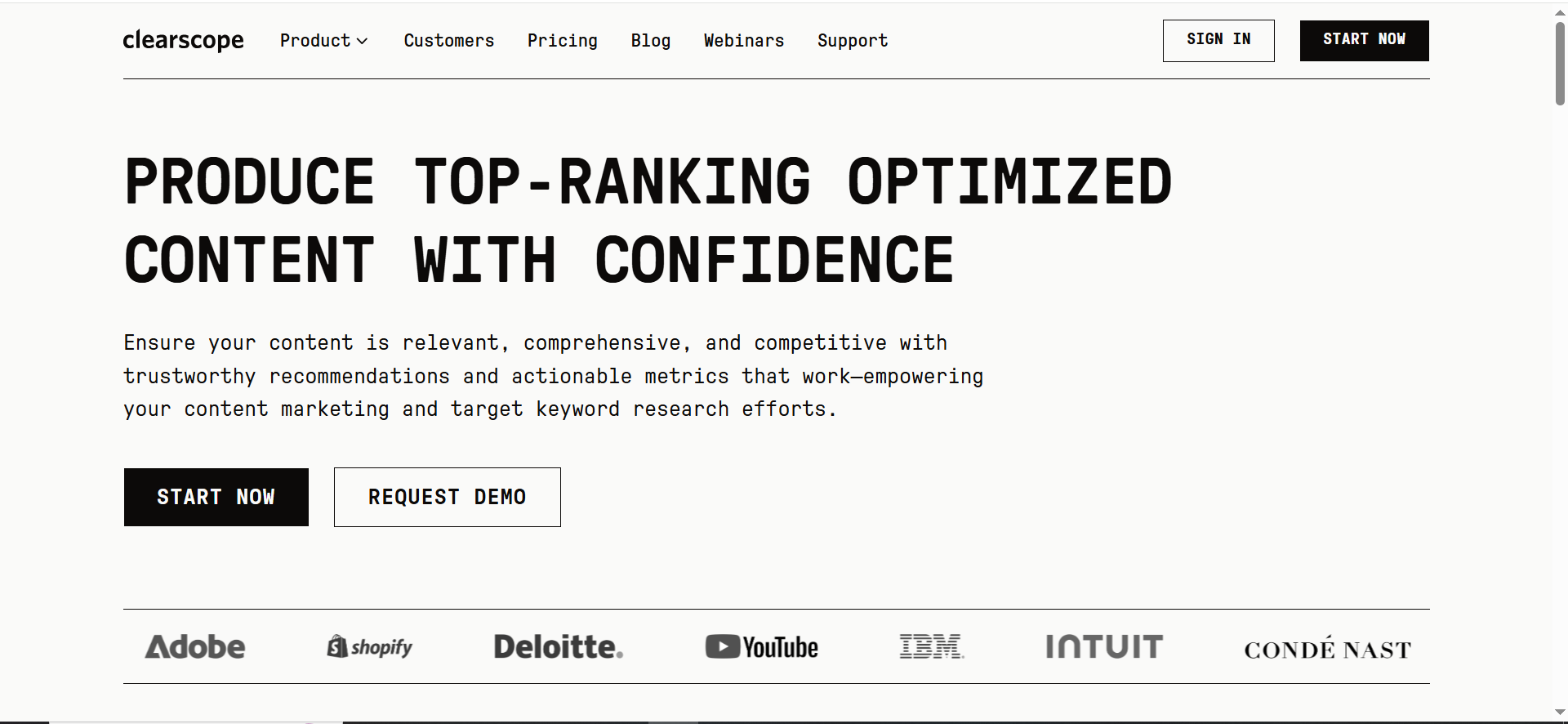
Clearscope is a content optimization platform focused on helping teams create comprehensive, high-quality content through guided recommendations (often described in terms of NLP + LLM-supported workflows).
Why teams use it
Editorial teams like Clearscope because it’s straightforward: build a brief, write, optimize coverage, and ship. It fits well where editors want consistency and a clean optimization rubric.
What it’s good for
- Content optimization workflows and editorial QA
- Topic coverage improvements without heavy technical SEO overhead
- Teams managing content libraries (inventory + updates)
When it’s a good fit
- You have writers + editors and need a shared standard
- You optimize existing content regularly (refresh cycles)
- You want a quality-focused tool rather than a sprawling suite
When it’s not a good fit
- You need deep competitive research, backlink workflows, or broad SEO tooling (Semrush may be better).
- You want entity-first internal linking and semantic clustering as the centerpiece (InLinks may be better)
How to use it
- Create a content brief tied to the primary query and intent.
- Draft with clear H2 modules (definitions, steps, comparisons).
- Optimize for missing subtopics/entities, prioritizing relevance over score.
- Run editorial QA: clarity, examples, and extractable formatting.
Key capabilities
- Optimization recommendations and guided workflows
- Content inventory and team alignment (varies by plan)
Pricing
Clearscope’s pricing starts at $129/month; Enterprise pricing is custom/quote-based.
Free tier?
Clearscope doesn’t offer a free tier, but it does offer a demo and can provide a free trial via its concierge team.
Downsides / limitations
- Can be expensive for solo operators relative to lighter tools
- Still requires strong outlining, tools don’t replace strategy
4. Semrush
What it does
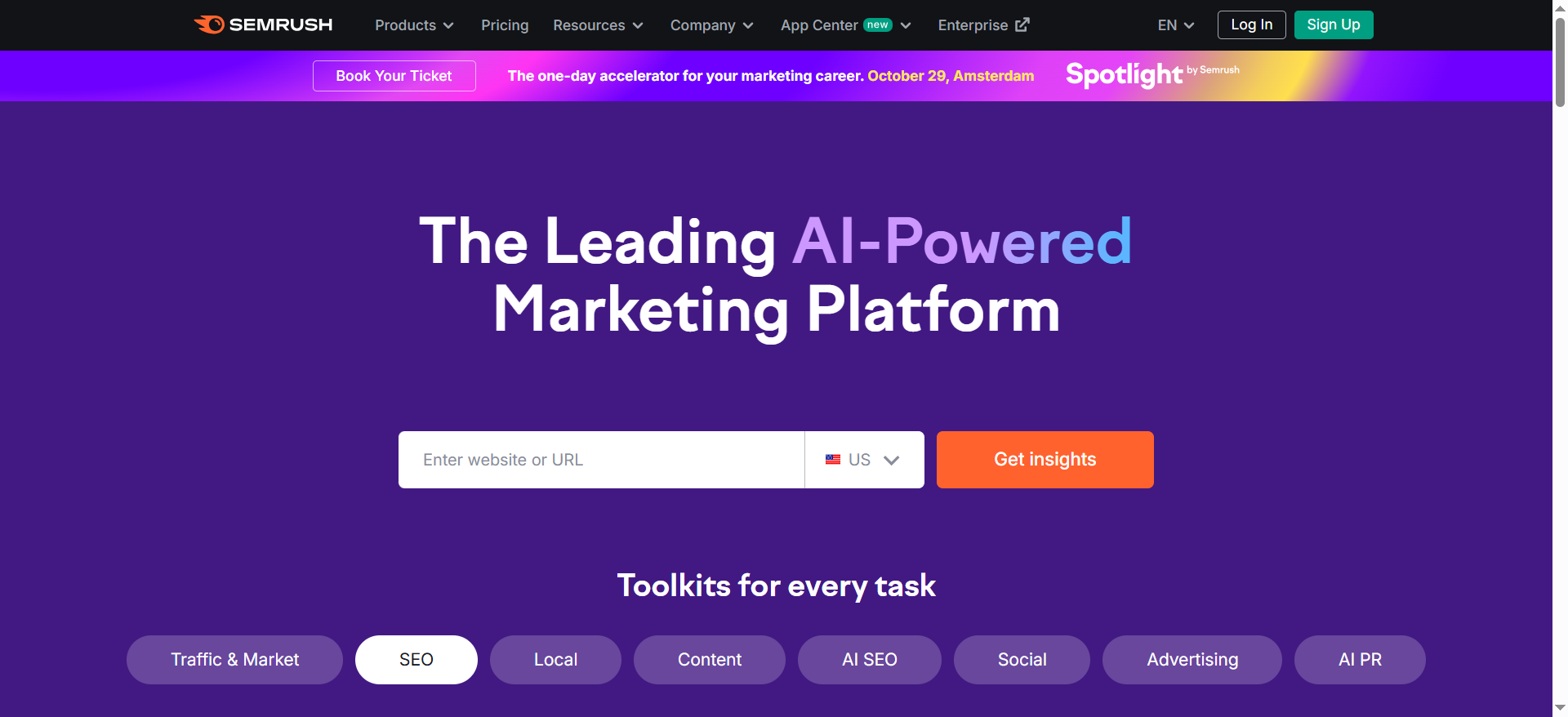
Semrush is a broad SEO platform with content optimization features like SEO Writing Assistant / SEO Content Checker, designed to help writers improve SEO-friendliness, readability, and content quality as part of a larger workflow.
Why teams use it
Because it connects content optimization to the rest of the SEO engine: keyword research, competitor analysis, technical checks, and reporting. If you’re already living in Semrush, optimizing content there reduces tool sprawl.
What it’s good for
- Teams who want content optimization inside a full SEO suite
- Combining research + writing + optimization + tracking in one ecosystem
- Agencies managing multiple clients and reporting needs
When it’s a good fit
- You need broader SEO visibility and want optimization as one module
- You want to tie content updates to keyword/competitive research workflows
- You value an integrated stack more than a best-in-class single-purpose optimizer
When it’s not a good fit
- You want the deepest entity-first tooling and semantic internal linking workflows (InLinks may be more direct)
- You want advanced topic modeling for content strategy (MarketMuse may be stronger)
How to use it
- Research primary query + intent + competitor angle.
- Draft content and run the writing assistant/checker.
- Improve structure: add definitions, tables, steps, FAQs.
- Publish and measure impact (rankings, traffic, conversions).
- Update monthly based on performance deltas and SERP changes.
Key capabilities
- SEO writing/optimization assistant features
- Broader SEO suite capabilities depending on plan
Pricing
Semrush’s paid SEO Toolkit plans start at $139.95/month (Pro).
Free tier?
Semrush offers a free plan with limited features, and it also offers a free trial.
Downsides / limitations
- Optimization features can feel lighter than specialist tools if you mainly want on-page scoring
- Broad platforms can overwhelm teams without a defined workflow
5. MarketMuse
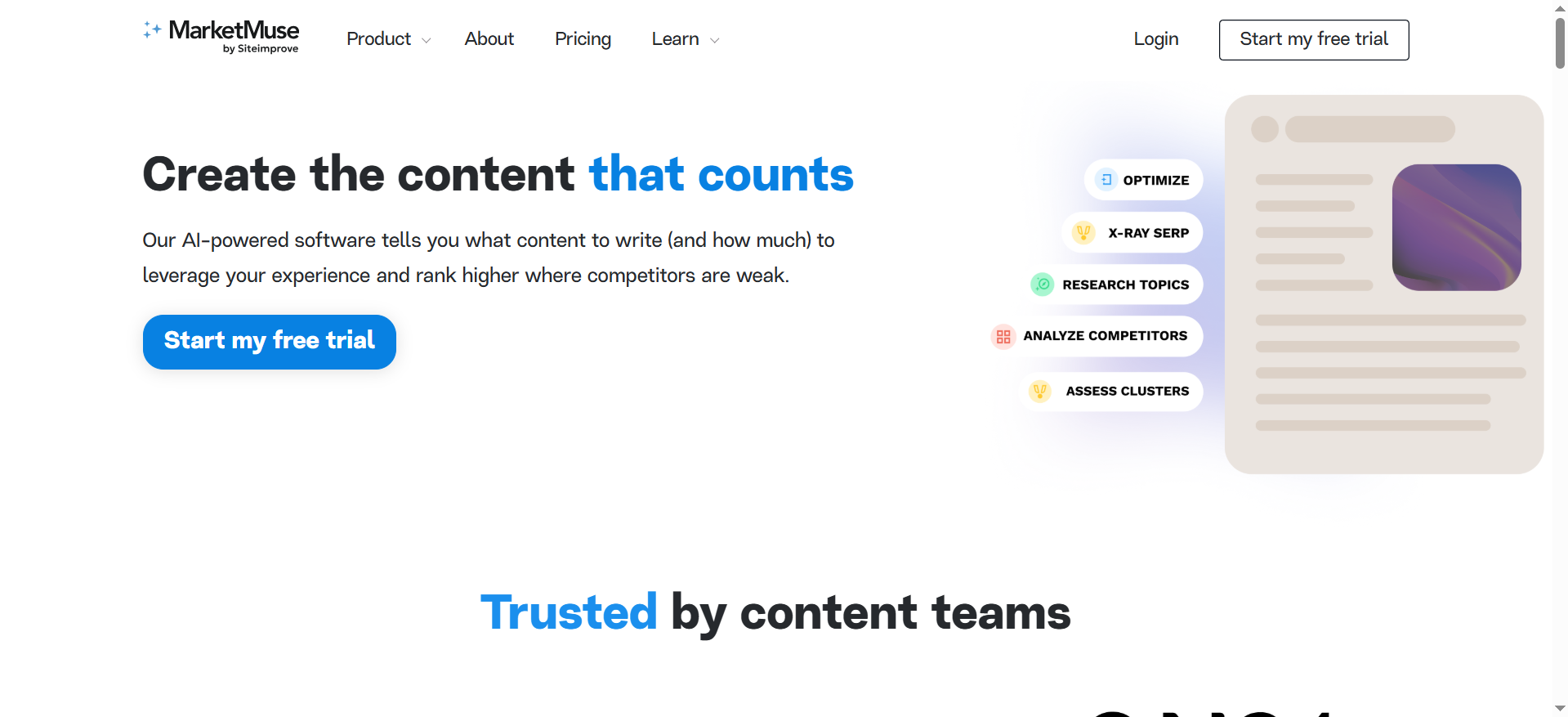
What it does
MarketMuse focuses on content strategy and optimization, helping teams identify content gaps, build topic models, plan updates, and improve authority through comprehensive coverage.
Why teams use it
Because it’s not only about one article. MarketMuse is useful when you’re trying to build topical authority systematically, deciding what to write next, what to update, and where you’re weak relative to competitors.
What it’s good for
- Topic modeling and content planning
- Prioritizing content updates (refresh programs)
- Scaling authority-building efforts across many pages
When it’s a good fit
- You have an existing content library and want to improve it strategically
- You want to move from random content production to a structured roadmap
- You measure success in portfolio terms (clusters, authority, coverage)
When it’s not a good fit
- You only want quick editor-level optimization for a small number of posts
- You’re not ready to implement a content strategy workflow (it can be overkill)
How to use it
- Audit your site/content inventory.
- Identify priority topics and pages to update first.
- Use briefs/models to guide writers toward comprehensive coverage.
- Update, publish, and repeat on a schedule.
Key capabilities
- Content planning + briefs + optimization guidance
- Portfolio-level gap identification
Pricing
MarketMuse’s pricing starts at $99/month (Optimize plan).
Free tier?
MarketMuse offers a free plan, and it also offers a free trial.
Downsides / limitations
- Strategy-heavy tools require stronger process adoption
- Smaller teams may prefer faster, lighter editors for day-to-day writing
How entity-first on-page SEO works (and why NLP tools help)
Entities vs keywords
A keyword is a string of text users type. An entity is a thing, a concept that can be uniquely identified (a brand, a person, a tool, a feature, a standard, a problem, a method). Modern search systems try to understand pages as networks of entities and relationships, not just bags of keywords.
So when your page is about “on-page SEO (entities + NLP),” the search engine expects you to naturally include and connect entities like:
- Schema markup, internal linking, content brief, SERP, topic cluster, topical authority
- On-page elements: title tag, H2s, FAQ, HowTo, table, definition block
- NLP concepts: term importance, coverage, co-occurrence, query intent, extractability
Entity-first optimization means you stop asking “How many times did I use the keyword?” and start asking:“Did I cover the entity set required to satisfy this query, and structure it so it’s easy to extract and trust?”
NLP scoring vs “SEO score” myths
Most on-page tools use some version of NLP-based analysis to compare top-ranking pages and infer:
- Common subtopics and terms that appear across winning pages
- Typical , lists)
- Content length ranges and readability expectations
That’s useful, until teams treat the score as the goal.
Reality: a higher content score doesn’t automatically mean better rankings. Scores are proxies for coverage and structure. The real objective is:
- Intent match (does your page solve the query better than alternatives?)
- Entity coverage (are the necessary concepts present and connected?)
- Extractability (can systems pull a clean answer, list, table, or definition?)
- Trust signals (proof, examples, specificity, and consistency)
The on-page stack: brief → draft → optimize → internal links → schema → QA
If you want a repeatable workflow, think in modules:
- Briefing: SERP + entity map + section requirements
- Drafting: fast, scannable structure; answer-first intro
- Optimization pass: add missing entities, tighten sections, improve structure
- Internal links: connect the page into a cluster so relevance compounds
- Schema: help disambiguate entities + qualify for rich results
- QA: ensure definitions, tables, and FAQs are easy to extract and cite
That’s exactly why the best tools aren’t just “NLP terms”, they support the whole chain.
The TRM entity-first optimization checklist (the method behind our picks)
This guide’s angle is intentionally "checklist by tool**” (commercial investigation intent). That means we care about which tools best support this process, not which tool has the flashiest dashboard.
1) Lock page intent + SERP alignment (before touching a tool)
- What is the searcher trying to do: learn, compare, decide, implement, evaluate?
- What formats dominate page 1: list posts, definitions, templates, product pages, videos?
- What sections show up repeatedly: “what is,” “steps,” “best tools,” “FAQs,” “examples,” “mistakes”?
Output: a t + a must-have section list.
2) Build an entity coverage map
Create two lists:
- Must-have entities: concepts required to answer the query well
- Support entities: helpful concepts that improve completeness and trust
Example must-have entities for this post:
- entity-based SEO, NLP, schema markup, internal linking, content brief, SERP analysis, topical authority
Support entities:
- knowledge graph, disambiguation, FAQ schema, passage ranking, snippet extraction, content inventory, content refresh
Output: entity list + where they should appear (H2, definition block, table, FAQ, schema).
3) Create an on-page placement map (where entities go)
A practical placement rule:
- Title/H1: primary topic + qualifier (“entities + NLP”)
- Intro: definition + who it’s for + “what you’ll learn”
- Early table: tool comparison (extractable)
- H2 modules: clear sections that mirror questions
- FAQs: fan-out queries
- Schema: Organization + FAQ (and others when relevant)
This structure helps both humans and systems parse your page.
4) Internal links that reinforce entity meaning
Internal linking is not just navigation, it’s semantic reinforcement.
When you link from a page about “entity SEO” to a page about “schema markup,” you’ionship that supports topic clustering. Tools that recommend internal links in context are especially valuable for entity-first SEO.
5) QA for extractability (snippets + AI answers)
Before publishing, verify you have:
- A short definition block (“What is X?”)
- A comparison table near the top
- Bulleted “steps” section (HowTo-style, even if you don’t add HowTo schema)
- Clear tool modules with consistent subheads
- Minimum 5 FAQs
“Also consider” tools (when you need schema, crawling, or CMS execution)
Even if you choose one primary optimizer, entity-first on-page SEO often requires support tools in three categories:
- Schema + structured data tools
- If schema is part of your entity strategy, consider dedicated schema templates (especially at scale). This is most valuable when you publish many pages and need consistent, validated markup.
- Site crawling + internal linking Q
- Entity optimization is not only “what’s on the page,” but also how the page sits inside your internal link graph. A crawler helps you verify internal links, orphan pages, and anchor text patterns.
- CMS-level execution (especially WordPress)
- If you’re working in WordPress, you may rely on plugins for metadata, schema templates, and on-page checks to ensure the basics are consistently applied.
How to choose the right tool (decision tree)
Use this quick decision tree to avoid buying the wrong thing.
If you’re a small team (1–3 marketers) shipping content weekly
- Start with Surfer or Clearscope for fast editorial optimization.
- Add InLinks later when you’re ready to invest in entity + internal linking structure.
If you’re an SEO lead at a growing B2B SaaS company
- If you already use Semrush heavily: Semrush + one specialist tool can be enough.
- If your moat is topical authority in a niche: prioritize MarketMuse for strategy and updates.
If you’re an agency managing multiple clients
- You’ll usually want:
- One writer-facing optimizer (Surfer/Clearscope)
- One strategy tool (MarketMuse) or a robust suite (Semrush)
- A repeatable internal linking/schema process (InLinks is a strong candidate)
Implementation playbook: optimizing one page end-to-end (entity-first)
Here’s a practical workflow you can run for every important page.
Step 1: Write the “answer-first” block (extractable)
In 3–6 sentences:
- Define the topic
- Say who it’s for
- Preview the table + tool list
- Include the CTA (top)
Step 2: Build your entity map in two passes
Pass A (SERP-driven): Scan the headings and repeated subtopics in zero-click SERPs.
Pass B (domain-driven): Add the entities your product/category requires (e.g., “content brief,” “schema,” “internal links,” “QA checklist”) to make your page more AEO-ready.
Step 3: Create a modular outline
Use consistent modules so sections are easy to update monthly.
Step 4: Draft for clarity, then optimize for coverage
Draft without staring at a score. Then run the optimizer tool and use it to:
- Identify missing entities/subtopics
- Improve structure (tables, lists, definitions)
- Add a “steps” section for implementation
Step 5: Add internal links intentionally
Add links that clarify relationships:
- “entity-based SEO” → “schema markup”
- “content optimization” → “content brief template”
- “on-page SEO” → “internal linking strategy”
Step 6: QA like a machine will quote you
Ask:
- Can this page be summarized accurately in 2–3 sentences?
- Are there clean, extractable blocks (table, definitions, steps, FAQs)?
- Does each tool section have consistent subheads and plain-English claims?
What are “entities” in SEO, and how do they affect rankings?
In SEO, an entity is a uniquely identifiable “thing” (a person, brand, product, concept, place, method, etc.) that search systems can recognize and connect to other things. A keyword is just text. An entity has meaning.
When search engines process a page, they’re not only matching strings of words—they’re trying to understand:
- What the page is about (primary entities + topic)
- How it relates to other known concepts (relationships)
- Whether it satisfies the query (intent + completeness)
- How trustworthy it is (consistency, evidence, clarity)
That’s why entities matter for rankings: entity-rich content reduces ambiguity. If you mention on-page SEO, schema markup, internal linking, and NLP in coherent ways, you make it easier for systems to classify your page correctly, compare it to competing pages, and extract relevant answers.
How entities influence on-page performance (practical view)
- Better topical clarity (less ambiguity)
- If you optimize a page for “best AI tools for on-page SEO,” search systems need to know whether you mean tools for keyword research, content optimization, technical SEO, internal linking, or all of the above. Including the right supporting entities (e.g., “content brief,” “SERP analysis,” “schema,” “topic clusters”) clarifies your scope.
- Improved coverage of related concepts
- Entity-based optimization naturally pushes you to cover the subtopics users expect (and top results already include). That improves “completeness,” which often correlates with stronger rankings over time.
- Stronger semantic connections across your site
- When your pages consistently reference and link between related entities, you build a more coherent topical cluster. That’s not magic, it just makes it easier for algorithms to understand your site’s focus.
- Higher extractability for AI answers and snippets
- Entity-rich pages that include definitions, lists, tables, and FAQs give systems clean chunks to quote or summarize.
Bottom line: entity optimization helps search engines and AI systems understand your page the way you intend, which improves relevance matching and often lifts rankings and visibility.
How do entity-based SEO and topical authority relate?
Topical authority is the perception that your site is a strong resource for a topic area. Entity-based SEO is one of the cleanest ways to build it because it forces you to publish content that covers a topic as a connected system, not as isolated keyword articles.
The relationship in one line
- Entities are the building blocks.
- Topical authority is the structure you build by connecting them.
How entity coverage builds topical authority
- Breadth: you cover the major sub-entities
- Example: If your core topic is “on-page SEO,” the sub-entities include title tags, headings, internal links, schema, content structure, intent, and more.
- Depth: you create supporting pages that go deeper
- Instead of one massive page trying to do everything, you build cluster content:
- “Entity SEO checklist”
- “Schema markup for SEO”
- “Internal linking strategy”
- “How to build content briefs”
- Connections: you link the cluster intelligently
- Internal links create explicit relationships. If your “on-page SEO” guide links to “FAQ schema” and “entity mapping,” you reinforce semantic connections.
- Consistency: your terminology stays stable across content
- When you use consistent entity language (and don’t randomly change phrasing for the same concept), systems can more confidently classify your site.
Bottom line: topical authority grows when you cover the right entities across multiple pages and connect them into a comprehensible knowledge structure.
What NLP metrics actually matter for on-page optimization?
Most “NLP metrics” in SEO tools are proxies. They’re useful, but only if you treat them as diagnostics, not goals.
Here are the metrics that actually matter in practice:
1) Topic coverage / term presence (but mapped to intent)
Tools often suggest terms/subtopics because they appear across top-ranking pages. This is valuable for identifying missing sections.
What to do with it:
- Use it to ask: What did I miss that users expect?
- Don’t add irrelevant terms just to raise a score.
2) Section-level completeness (not total word count)
A page can be long and still incomplete. What matters is whether each key section answers its micro-intent well.
What to do with it:
- Ensure each H2 solves a clear question
- Add examples, steps, and decision criteria where relevant
3) SERP alignment signals
This isn’t always shown as a “metric,” but it’s critical:
- Dominant format (best list, tutorial, definition, comparison)
- Common headings across top results
- Typical depth level (beginner vs advanced)
What to do with it:
- Match the SERP format first, then differentiate with better structure and clarity
4) Readability and scannability
Search systems prefer content that users can consume easily:
- Short paragraphs
- Helpful headings
- Lists and tables
- Clear definitions
What to do with it:
- Optimize for skim-readers and extractable chunks
5) Entity co-occurrence and relationships
Even if tools don’t label it this way, semantic quality shows up when:
- Your entities appear naturally in the right contexts
- You explain relationships (“X affects Y because…”)
- Your internal links reinforce the topic map
Bottom line: focus on coverage + intent match + extractability. Scores are a side effect.
Which tools do entity extraction and internal link suggestions best?
If your goal is entity-first on-page SEO, you want tools that do two things well:
- Extract/identify entities and related concepts you should cover
- Recommend internal links that reinforce those entities across your site
Strong fit: InLinks
InLinks is specifically oriented around entity-based SEO and internal linking workflows, making it a natural choice when entities and semantic relationships are the priority.
Strong fit (suite approach): Semrush + internal linking/crawl support
Semrush can support the broader research and workflow side, but entity-first internal linking is often stronger when paired with a dedicated linking/entity tool.
Best approach for most teams (realistic stack)
- One optimizer for writers (Surfer or Clearscope)→ helps with content coverage and structure
- One entity/internal linking tool (InLinks)→ helps connect content into semantic clusters
Bottom line: If internal linking and entity relationships are central, choose tools designed for that job (or pair a writer-optimizer with a semantic linking tool).
How many entities should a page include (and where)?
There’s no universal “perfect number,” because entity needs depend on:
- Query complexity
- Intent (definition vs buyer’s guide)
- Content length
- SERP expectations
Instead of counting entities, use a better rule:
A better rule than “how many”
Include all must-have entities required to answer the query well, then add support entities only where they improve clarity.
Where entities should appear (placement map)
1) Title tag / H1
- Primary topic entity + qualifierExample: “Best AI Tools for On-Page SEO (Entities + NLP)”
2) Intro (first 100–150 words)
- Define the key entities: on-page SEO, entities, NLP
- State scope: tools + implementation
3) Headings (H2/H3)
- Major entities should appear as section topicsThis improves structure and topical clarity.
4) Body content (contextual usage)
- Use entities in sentences that explain relationshipsAvoid dumping a term list.
5) Tables and lists (high extractability)
- A comparison table often becomes the most “extractable” part of the page.
6) FAQ section
- Great place to include secondary entities naturally.
7) Schema markup (when relevant)
- Reinforces entity meaning and page type.
Bottom line: build an entity map, then place entities where they naturally support clarity and scannability.
How do you build an entity coverage map for a target keyword?
An entity coverage map is a list of the entities your page should include, organized by priority and mapped to page sections.
Here’s a repeatable process:
Step 1: Define intent and page type
Ask:
- Is this informational, commercial investigation, transactional, or navigational?
- What format is winning on page 1 (best list, tutorial, definition, etc.)?
Step 2: Build the “must-have entity” list (SERP-driven)
From top results, collect:
- Repeated headings and subtopics
- Frequently referenced concepts/tools
- Definitions and frameworks
These repeated patterns usually reveal the entity set needed to compete.
Step 3: Add “support entities” (experience-driven)
Support entities make your content better even if competitors omit them:
- Implementation steps
- Mistakes and pitfalls
- Examples and templates
- Measurement and KPIs
Step 4: Map entities to page sections
Create a simple map like:
- Intro: on-page SEO, entities, NLP
- Comparison table: tools, features, best-for
- How it works: entity-based SEO, topical authority, internal linking
- Implementation: coverage map, schema, QA checklist
- FAQs: metrics, mistakes, “how many entities,” etc.
Step 5: Use a tool to validate gaps
Run your draft through an optimizer to identify missing concepts, but only add what supports the intent.
Deliverable: a one-page entity map + section mapping your writer can follow.
How do you add schema markup for entities (Organization, Product, FAQ, HowTo)?
Schema markup helps search engines interpret your content by providing structured context. It can also improve eligibility for rich results (depending on the schema type and query).
Here’s how to apply schema types in an entity/NLP on-page workflow:
1) Organization schema (site-wide)
Use when:
- You want consistent brand/entity definition for your company
Include:
- Name, logo, URL, sameAs (social profiles), contact info
Best practice:
- Add once site-wide (often via SEO plugin or template), not per post repeatedly.
2) Product schema (when the page is truly about a product)
Use when:
- You have a product page with actual product details (price, availability, reviews)
Include:
- Product name, brand, offers (price/availability), aggregateRating (if eligible)
Don’t use Product schema:
- On general blog posts listing tools unless you truly meet the requirements and content supports it.
3) FAQ schema (best for “best tools” and explainer posts)
Use when:
- You have a real FAQ section with question/answer pairs
Best practice:
- Keep answers concise and consistent with visible page content
- Don’t add FAQ schema for content not shown on the page
4) HowTo schema (when you have clear step-by-step instructions)
Use when:
- You provide a genuine step-by-step process with tools/materials (if applicable)
Best practice:
- Use numbered steps, each with clear action language
- Don’t force it if your content is not truly a HowTo
Implementation tip (simple workflow)
- Identify which schema types match the page intent
- Add schema through your CMS plugin or JSON-LD template
- Validate in Google’s Rich Results testing tools (and fix errors)
- Keep schema aligned with visible content (no mismatches)
Bottom line: schema doesn’t replace content quality. It supports clarity and eligibility.
What are common entity/NLP on-page mistakes?
Entity-first SEO is powerful, but teams often make the same mistakes, especially when relying heavily on NLP tools.
1) Chasing a content score instead of satisfying intent
If you’re stuffing terms to hit a score, you’ll often reduce clarity and increase bounce.
Fix:
- Use tools to find missing sections, not to force awkward phrases.
2) Listing entities without explaining relationships
Mentioning “schema,” “internal links,” and “NLP” isn’t enough, you need to connect them.
Fix:
- Add 1–2 sentences explaining how and why each entity matters.
3) Over-optimizing headings
Some teams cram headings with keyword variants instead of making them useful.
Fix:
- Write headings as questions or promises: “How to build an entity coverage map…”
4) Ignoring internal linking (the biggest missed lever)
Entity SEO works best when your content is connected into clusters.
Fix:
- Add contextual internal links to supporting pages and hub pages.
5) Schema misuse (or mismatch with visible content)
Adding FAQ/HowTo schema without proper on-page content can cause issues.
Fix:
- Only mark up what the user can see and what matches the page format.
6) No extractable blocks
If your page has no definitions, steps, lists, or tables, you make extraction harder.
Fix:
- Include a comparison table near the top, plus clear FAQ answers.
7) No update cadence
Tool lists and best-of content goes stale fast.
Fix:
- Update monthly: pricing changes, new features, new entrants, removed tools.
Bottom line: entity/NLP optimization is about clarity + structure + relationships, not stuffing terms.
FAQs
No tool score is based on scores that reflect how closely your content matches patterns found in top results. Use them to catch missing coverage and structural gaps, not as a “hit 90+ and publish” rule.
If entity-first SEO and internal linking are central, InLinks is a strong fit because its workflow is explicitly aligned with semantic/entity optimization.
Surfer is a common pick for fast, in-editor guidance, especially when you want real-time feedback while drafting.
MarketMuse is often used for portfolio-level strategy, identifying gaps, planning clusters, and prioritizing updates; rather than only optimizing one draft.
Schema isn’t mandatory for every page, but it can help with disambiguation and eligibility for rich results (like FAQs). If your site is scaling content, a consistent structured data approach becomes more valuable.
Monthly is a strong cadence for “best tools” content: pricing changes, features ship, and SERPs evolve. The key is modular structure so updates are quick (table + tool sections + FAQs).
📋 Get Listed / Advertisement
We update this guide monthly. Want your tool featured? Contact: [email protected].