

TL;DR
Most marketing teams are already using AI somewhere in their email workflow, whether it is drafting subject lines, generating campaign copy, or coaching reps on outreach. The problem is not access to AI email writing tools. The problem is picking the right one when every tool claims to write better emails, faster.
The real differences between AI email writing tools come down to three things: how well the output matches your brand voice and actually performs in inboxes, what the tool costs relative to your team size and send volume, and whether it fits into the workflow you already have or forces you to build a new one. Some tools generate full campaign drafts from a single prompt. Others score and coach emails you have already written. A few are built specifically for sales outreach, while others are designed for marketing campaigns at scale.
This guide breaks down the five best AI email writing tools for 2026 based on hands-on evaluation: Jasper, Copy.ai, Writer, Lavender, and HubSpot AI. Each tool is covered in depth so you can match the right product to your team's actual workflow, budget, and email volume.
Table of Contents
Best AI Email Writing Tools: Quick Comparison
| Tool | Best For | Starting Price | Free Tier |
|---|---|---|---|
| Jasper | Marketing teams running multi-channel campaigns | From $39/mo (Creator) | 7-day free trial |
| Copy.ai | Budget-conscious teams needing short-form email copy | $29/mo (Chat) | Yes — 2,000 words/mo |
| Writer | Enterprise teams requiring governance and compliance | ~$29/user/mo (Starter) | 14-day free trial |
| Lavender | Sales teams and SDRs improving outreach reply rates | $29/mo (Starter) | Yes — 5 emails/mo |
| HubSpot AI | Teams already using HubSpot CRM for marketing or sales | Free (basic) | Yes — built into free CRM |
1. Jasper
What It Does
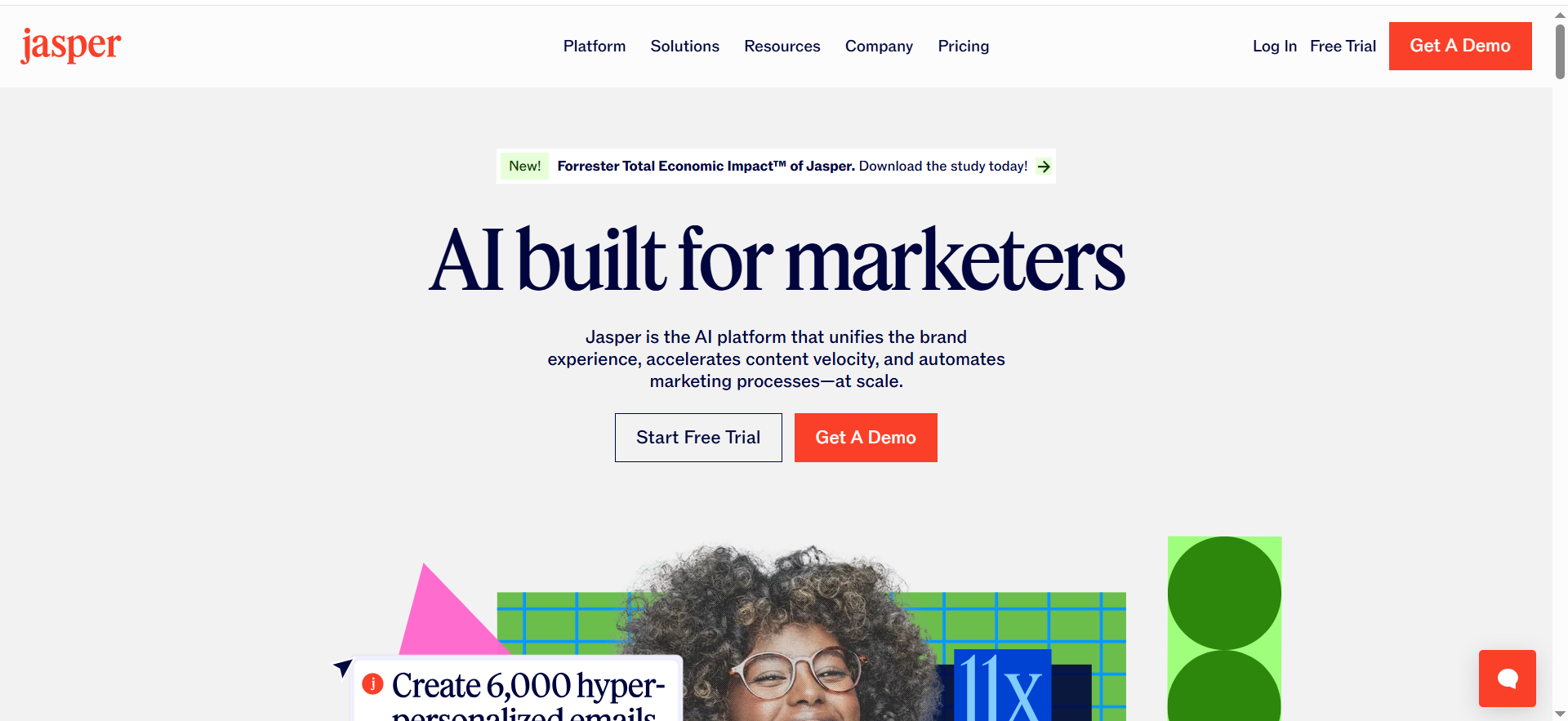
Jasper is a full-stack AI content platform that generates marketing copy across channels, including email campaigns, subject lines, nurture sequences, landing pages, ads, and social posts. It is not an email-only tool. It is a content engine that happens to be very good at email because it understands brand voice and can maintain consistency across every touchpoint in a campaign.
Why Teams Use It
Marketing teams that run multi-channel campaigns choose Jasper because writing emails in isolation does not work anymore. A product launch email needs to sound like the landing page it links to, the ad that drove the click, and the follow-up sequence that comes after. Jasper's Brand Voice feature lets you train the AI on your company's tone, terminology, and messaging guidelines so every piece of content, including emails, sounds like it came from the same team.The Canvas workspace also lets multiple writers and editors collaborate on campaign content in one place, which means fewer handoffs, fewer version-control problems, and faster turnaround from brief to send.
What It Is Good For
Jasper excels at generating first drafts of marketing emails that are close enough to final that your team spends time editing rather than writing from scratch. It handles product announcement emails, newsletter copy, drip sequences, re-engagement campaigns, and event invitations particularly well. The 50-plus templates give you a structured starting point for almost any email format, and the SEO mode helps when your email content needs to align with blog or landing page messaging for campaign consistency.Teams managing content across 30-plus languages also benefit significantly, since Jasper can generate and localize email copy without needing separate translation workflows.
When It Is a Good Fit
Jasper fits best when your team sends a high volume of marketing emails and also produces content across other channels. If your content team is already writing blog posts, social copy, and ad variations alongside email campaigns, consolidating everything into Jasper reduces tool sprawl and keeps your brand voice locked in. It is also a strong choice for teams scaling content production — when you need to go from two emails a week to ten without proportionally increasing headcount.The Pro plan at $59 per month is the sweet spot for small teams that need collaboration features, while the Business plan makes sense for organizations with multiple brands, complex approval workflows, or API-level integrations.
When It Is Not a Good Fit
Jasper is not the right tool if your primary need is sales outreach coaching. It generates email copy, but it does not score your emails, analyze recipient data, or tell you why a specific email will or will not get a reply. Sales teams writing cold emails and follow-ups will find that Jasper produces polished copy but misses the behavioral and personalization signals that a tool like Lavender catches.It is also not ideal for solo users who only write a handful of emails per week. The Creator plan at $39 per month is reasonable, but if email is your only use case and volume is low, a free-tier tool or a simpler solution may deliver more value per dollar.
How to Use It
Getting started with Jasper for email writing takes about 15 minutes. Sign up, configure your Brand Voice by uploading sample content or describing your tone and style, and then navigate to the email templates. You can choose from templates like Marketing Email, Email Subject Lines, Follow-Up Email, or start from a blank Canvas. Enter your prompt — the product you are promoting, the audience segment, the goal of the email — and Jasper generates a draft. From there, you edit in Canvas, collaborate with teammates, and export or copy the final version into your ESP.The browser extension also lets you use Jasper directly inside Gmail, Google Docs, or your email platform without switching tabs.
Key Capabilities
Jasper's core capabilities for email writing include Brand Voice training that maintains consistent tone across all generated content, a collaborative Canvas workspace for team editing, over 50 content templates including dedicated email formats, a browser extension for in-platform writing, support for more than 30 languages, SEO mode for aligning email content with search-optimized pages, and campaign-level content generation that keeps emails consistent with landing pages and ads.
Pricing
Jasper offers three plans. The Creator plan starts at $39 per month billed annually or $49 per month billed monthly and is designed for individual users who need AI writing assistance across channels. The Pro plan costs $59 per month billed annually or $69 per month billed monthly, and adds collaboration tools, multiple brand voices, and team management features. The Business plan uses custom pricing and includes unlimited brand voice features, Jasper Agents, API access, and enterprise support. Both the Creator and Pro plans offer a 7-day free trial.
Free Tier?
No permanent free tier. Jasper offers a 7-day free trial on both the Creator and Pro plans, which gives you enough time to test the email templates, Brand Voice configuration, and collaboration features before committing.
Downsides and Limitations
Jasper's output quality depends heavily on how well you configure Brand Voice and how specific your prompts are. Vague prompts produce generic marketing copy that still needs significant editing. The platform also does not offer real-time email performance predictions or recipient-level personalization insights, so you are relying on your own judgment about what will resonate with each segment. Pricing can add up for larger teams, and the Business plan's custom pricing means you may not know your cost until you talk to sales.
2. Copy.ai
What It Does
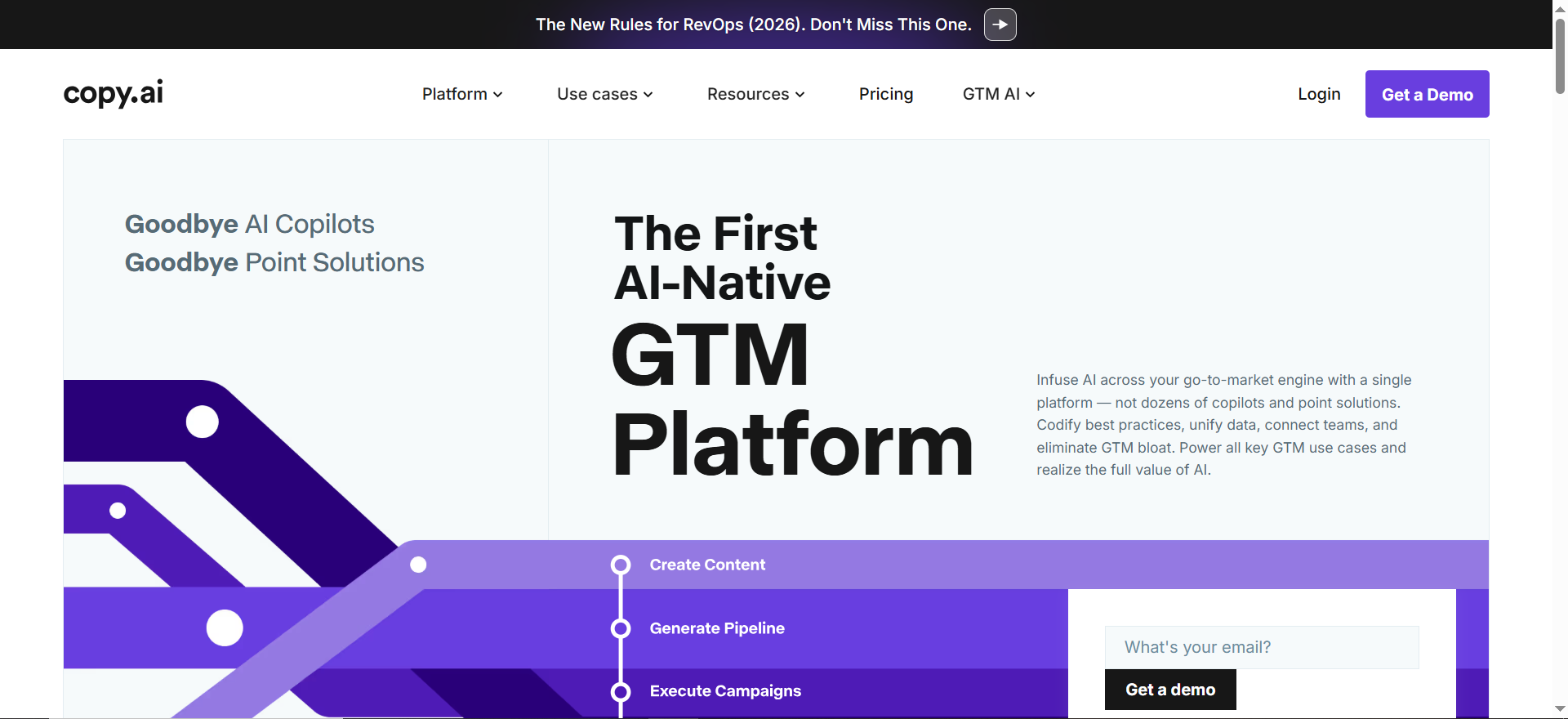
Copy.ai is an AI writing platform focused on short-form marketing content, including email subject lines, email body copy, cold outreach templates, ad copy, and social media posts. It combines template-based generation with a workflow builder that lets you automate multi-step content creation processes, and an Infobase that stores your brand information so the AI references it during generation.
Why Teams Use It
Teams pick Copy.ai when they need a high volume of short-form content generated quickly without spending significant budget. The free plan with 2,000 words per month is one of the most usable free tiers in this category — it includes access to the chat interface and basic workflows, not just a demo with artificial limitations. For teams that graduate to the Chat plan at $29 per month, the unlimited words in chat remove any anxiety about hitting usage caps during busy campaign periods.The workflow builder is the feature that separates Copy.ai from simpler AI writing tools. Instead of generating one email at a time, you can build automated sequences that take a product brief as input and produce a subject line, email body, and three variations in a single run.
What It Is Good For
Copy.ai is strongest at generating email subject lines, cold email templates, follow-up sequences, and short marketing emails where the goal is volume and variation testing. If you run A/B tests on subject lines regularly, Copy.ai can produce 10 to 20 variations in seconds, saving hours of brainstorming. It also handles product description emails, promotional announcements, and newsletter blurbs effectively.The Infobase feature is particularly useful for teams managing multiple products or clients. You store product details, positioning statements, and audience profiles, and Copy.ai pulls that context into every generation so you do not have to re-explain your brand in every prompt.
When It Is a Good Fit
Copy.ai works best for marketing teams and agencies that produce a high volume of short-form email content across multiple brands or products. If your workflow involves generating variations, testing subject lines, and iterating quickly on email copy, the combination of unlimited words on the Chat plan and the workflow builder delivers strong ROI. It is also a good fit for early-stage teams that want to start with the free tier and scale up as their email program grows.Agencies managing email campaigns for multiple clients benefit from the Infobase, which lets you switch brand context without losing consistency.
When It Is Not a Good Fit
Copy.ai is not the right tool for teams that need long-form email content, detailed nurture sequences with complex storytelling, or enterprise-grade governance features. The output quality on longer emails tends to be generic and requires more editing than tools like Jasper or Writer, which handle longer content formats more naturally.It also lacks real-time email coaching or scoring, so sales teams looking for send-time optimization, readability analysis, or reply-rate predictions will not find those features here. And while the workflow builder is powerful, it has a learning curve that may frustrate teams looking for something they can use immediately without configuration.
How to Use It
Start by signing up for the free plan or Pro trial. Navigate to the email templates section, where you will find templates for cold emails, follow-up emails, email subject lines, promotional emails, and newsletter content. Enter your product or service details, specify the audience and tone, and generate. For more advanced use, set up the Infobase with your brand guidelines, product information, and audience profiles, then build workflows that chain multiple generation steps together.The chat interface also lets you interact with the AI conversationally — describe what you need, provide context, and iterate on the output in real time.
Key Capabilities
Copy.ai's core capabilities include over 90 content generation templates with strong coverage of email formats, a workflow builder for automating multi-step content creation, Infobase for storing and referencing brand and product information, unlimited words in chat on the Chat plan, support for 25-plus languages, API access for integrating AI generation into existing tools, and a free tier with 2,000 words per month.
Pricing
Copy.ai offers three tiers. The free plan includes 2,000 words per month and access to the chat interface. The Chat plan costs $29 per month and includes 5 seats, unlimited words in chat, unlimited chat projects, and access to multiple AI models including OpenAI, Anthropic, and Gemini. The Agents plan costs $249 per month and includes up to 10 seats, everything in the Chat plan, 10,000 workflow credits per month, and Content Agent Studio for brand-aligned automation. Enterprise pricing is available on request for larger teams with custom needs.
Free Tier?
Yes. Copy.ai's free plan is genuinely useful — 2,000 words per month with access to the chat interface and basic workflows. It is enough to test the platform thoroughly and handle light email generation needs on an ongoing basis. Many solo marketers and small teams use the free tier as their primary email drafting tool without needing to upgrade.
Downsides and Limitations
Copy.ai's output on longer emails tends to read as formulaic and requires more editing to match a specific brand voice compared to Jasper or Writer. The free plan's 2,000-word limit goes quickly if you are generating multiple email campaigns per week. The workflow builder, while powerful, takes time to set up and optimize — teams looking for immediate plug-and-play value may find the initial configuration period frustrating. Lastly, Copy.ai does not offer any email performance analytics or coaching, so you are operating without feedback on how your AI-generated emails are likely to perform.
3. Writer
What It Does
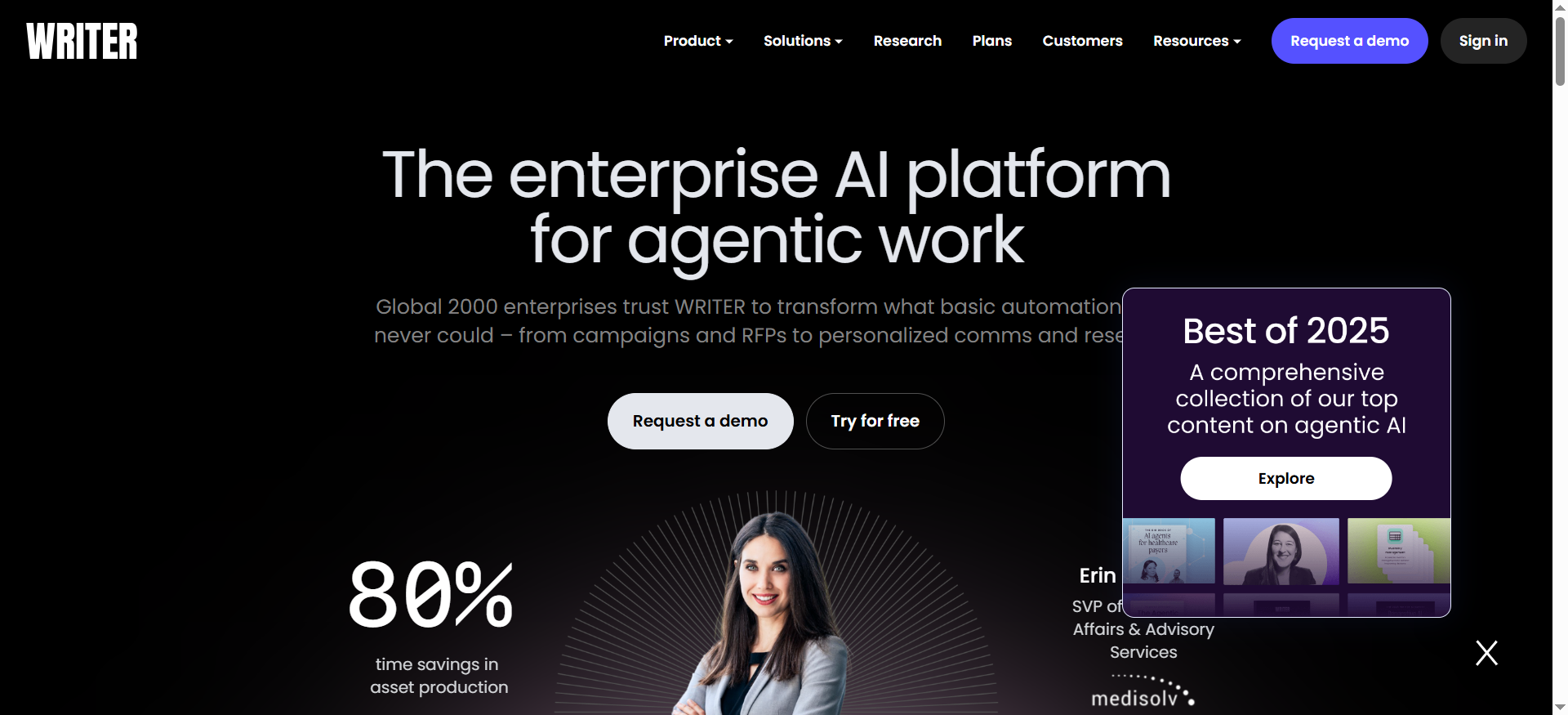
Writer is an enterprise AI writing platform built around governance, brand consistency, and compliance. It generates content across formats — including emails, internal communications, documentation, and marketing copy — while enforcing organizational rules about terminology, tone, approved claims, and regulatory language. Unlike consumer-focused AI writing tools, Writer is designed for companies where what you say in an email is as important as how quickly you write it.
Why Teams Use It
Enterprise marketing and communications teams choose Writer because their emails carry regulatory, legal, and brand risk that general-purpose AI tools do not account for. A financial services company cannot have an AI tool generating emails that use unapproved product claims. A healthcare company needs email copy that complies with specific disclosure requirements. Writer's governance layer catches these issues before emails go out, not after.The custom AI model training is another differentiator. Writer can be trained on your organization's proprietary data and content guidelines without that data being shared with external AI models. For companies with strict data privacy requirements, this is often the deciding factor.
What It Is Good For
Writer handles email generation for regulated industries, enterprise communications, and large teams where brand consistency across hundreds of writers is a genuine operational challenge. It is particularly strong at generating compliant marketing emails, internal announcement emails, customer communications that follow specific legal templates, and multi-market email campaigns where terminology varies by region.The terminology management system ensures that every email uses approved product names, feature descriptions, and legal language. If your company recently rebranded a product, Writer updates every generated email to use the new name automatically.
When It Is a Good Fit
Writer is the right choice when your organization has more than 50 people writing emails, when those emails need to comply with industry regulations, or when inconsistent messaging across teams is creating brand or legal risk. It fits best in mid-market and enterprise environments where the cost of a compliance violation in email communications outweighs the cost of the platform.Companies in financial services, healthcare, insurance, and legal that send high volumes of customer-facing emails see the most immediate value. It is also a strong fit for global teams where email content needs to be localized while maintaining compliance with regional regulations.
When It Is Not a Good Fit
Writer is not the right tool for small teams, startups, or individual marketers looking for quick email drafting assistance. The platform is built for scale and governance, which means it requires configuration, training, and organizational buy-in that does not make sense for teams sending a few dozen emails per week. The pricing reflects this — even the Starter plan is seat-based, and enterprise contracts can reach six figures annually.If your primary need is speed and creative variation rather than compliance and consistency, a tool like Jasper or Copy.ai will deliver value faster and at a lower price point.
How to Use It
Deploying Writer starts with configuring your organization's style guide, terminology database, and compliance rules within the platform. Your admin team sets up approved terms, restricted language, brand voice parameters, and any regulatory templates that email content must follow. Once configured, writers generate email content through Writer's editor or browser extension, and every draft is automatically checked against your organizational rules before it can be finalized.For teams integrating Writer into existing workflows, the API allows you to embed Writer's AI generation and governance checks directly into your ESP, CRM, or internal tools.
Key Capabilities
Writer's core capabilities include custom AI model training with data isolation, terminology management that enforces approved language across all content, governance and compliance checking for regulated industries, brand voice enforcement with configurable style guides, support for enterprise-scale deployments with hundreds of users, API access for integrating into existing tools, and role-based access controls for managing permissions across teams.
Pricing
Writer's Starter plan begins at approximately $29 per user per month, with a 14-day free trial and support for up to 5 users. Enterprise pricing is custom and varies significantly based on team size, API usage, and custom model training requirements. Small team contracts typically fall in the $10,000 to $50,000 annual range, mid-market deployments run $75,000 to $250,000, and large enterprise deals with extensive customization can exceed $500,000 annually. Non-profits and educational institutions receive a 20 percent discount.
Free Tier?
No permanent free tier. Writer offers a 14-day free trial on the Starter plan that does not require a credit card, which gives you enough time to configure basic style guides and test the email generation and governance features with your team.
Downsides and Limitations
Writer's governance-first approach means it requires significant upfront configuration before it delivers value. You cannot sign up and start generating emails in 15 minutes the way you can with Jasper or Copy.ai. The platform is also priced for enterprise budgets, which puts it out of reach for most small teams and startups. Additionally, Writer's creative output tends to be more conservative and compliant-friendly, which is by design but can feel restrictive for marketing teams that want bold, creative email copy.
4. Lavender
What It Does
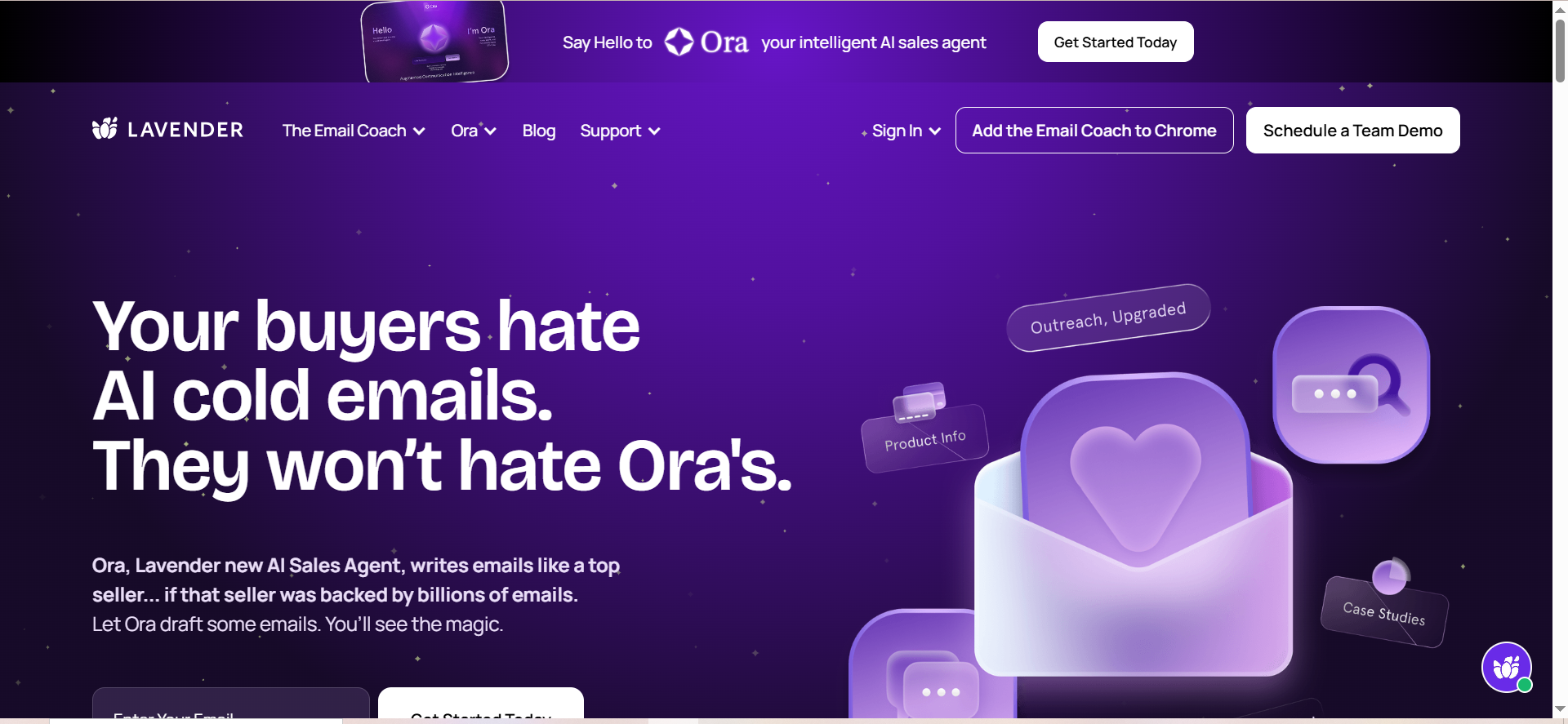
Lavender is an AI email coaching tool that sits inside Gmail and Outlook as a browser extension. Instead of generating entire emails from scratch, Lavender analyzes emails you have already written and scores them in real time on factors like subject line effectiveness, email length, reading level, personalization, mobile readability, and question placement. It then provides specific, actionable suggestions to improve each email before you hit send.
Why Teams Use It
Sales teams and SDRs choose Lavender because outbound email performance is measurable and directly tied to revenue. Lavender does not just write emails — it tells you why an email will or will not get a reply based on data from millions of analyzed emails. The coaching approach means your team gets better at writing emails over time, not just dependent on AI-generated drafts.
The recipient insights feature pulls data from LinkedIn and company sources to help personalize emails quickly. Instead of spending 10 minutes researching a prospect before writing a cold email, Lavender surfaces the key context you need directly in your email composer.
What It Is Good For
Lavender is purpose-built for sales outreach, cold emails, follow-up sequences, and any email where reply rate is the metric that matters. It excels at helping SDRs and account executives write shorter, more personalized, more mobile-friendly emails that get responses. The real-time scoring creates a feedback loop — you write, Lavender scores, you adjust, and over time your team's baseline email quality improves without needing ongoing training sessions.
Team analytics dashboards show managers aggregate writing quality trends, individual rep performance, and coaching opportunities, making it a management tool as much as a writing tool.
When It Is a Good Fit
Lavender is the right choice when your team's primary email challenge is reply rates on outbound sales emails. If your SDRs are sending 50 to 100 emails per day and response rates are below industry benchmarks, Lavender's coaching model can move the needle faster than switching to a different email generation tool. Users have reported significant increases in reply rates and meetings set, though results vary by team and industry.
It is also a strong fit for sales managers who need visibility into their team's email quality without manually reviewing every message. The team analytics provide coaching data that would otherwise require hours of individual email audits.
When It Is Not a Good Fit
Lavender is not designed for marketing email campaigns, newsletters, or bulk promotional content. It works at the individual email level — one email at a time, written by a person, scored and improved before sending. If your primary need is generating marketing campaign emails at scale, Lavender will not help.
It is also limited to Gmail and Outlook as a browser extension, so teams using other email platforms or sending through dedicated ESPs will not be able to integrate it into their workflow. And the free tier at 5 emails per month is essentially a demo — you need a paid plan to use Lavender in any meaningful way.
How to Use It
Install the Lavender browser extension for Gmail or Outlook. Once active, Lavender appears as a sidebar panel whenever you compose or reply to an email. As you type, it scores your email in real time and highlights issues — too long, reading level too high, weak subject line, missing personalization, not optimized for mobile. Click on any flagged issue to see specific suggestions, and Lavender updates the score as you make changes. The recipient insights panel shows relevant information about your contact pulled from LinkedIn and company data, so you can personalize without leaving your inbox.
For teams, the admin dashboard lets managers view team-wide writing quality trends, set benchmarks, and identify reps who may benefit from additional coaching.
Key Capabilities
Lavender's core capabilities include real-time email scoring on subject line, length, reading level, personalization, and mobile readability; AI coaching with specific and actionable rewrite suggestions; recipient insights pulled from LinkedIn and company data; team analytics with aggregate quality trends and individual rep performance; integration with Gmail and Outlook via browser extension; built-in access to ChatGPT for drafting and refining emails; and mobile optimization analysis that ensures emails render correctly on phones.
Pricing
Lavender offers four tiers. The free plan includes 5 emails per month with basic scoring. The Starter plan costs $29 per month and provides unlimited emails, unlimited personalization, and full AI coaching features. The Pro plan at $49 per month adds advanced personalization and deeper analytics. The Teams plan costs $69 per user per month and includes team analytics, collaboration features, and management dashboards. All paid plans offer approximately 20 percent discounts when billed annually.
Free Tier?
Yes, but barely. The free plan limits you to 5 emails per month, which is enough to see how the scoring and coaching work but nowhere near enough for actual use. Think of it as a permanent demo rather than a functional free tier. You will need at least the Starter plan at $29 per month to use Lavender in your daily workflow.
Downsides and Limitations
Lavender's biggest limitation is scope — it only works for individual emails composed in Gmail or Outlook, not for marketing campaigns, bulk sends, or emails sent through ESPs. The browser extension format also means it does not integrate with CRM platforms or sales engagement tools at the workflow level, though it complements them by improving the emails written within those tools. The free tier is too restrictive to evaluate properly, and the Teams plan at $69 per user per month can add up quickly for larger sales organizations.
5. HubSpot AI
What It Does
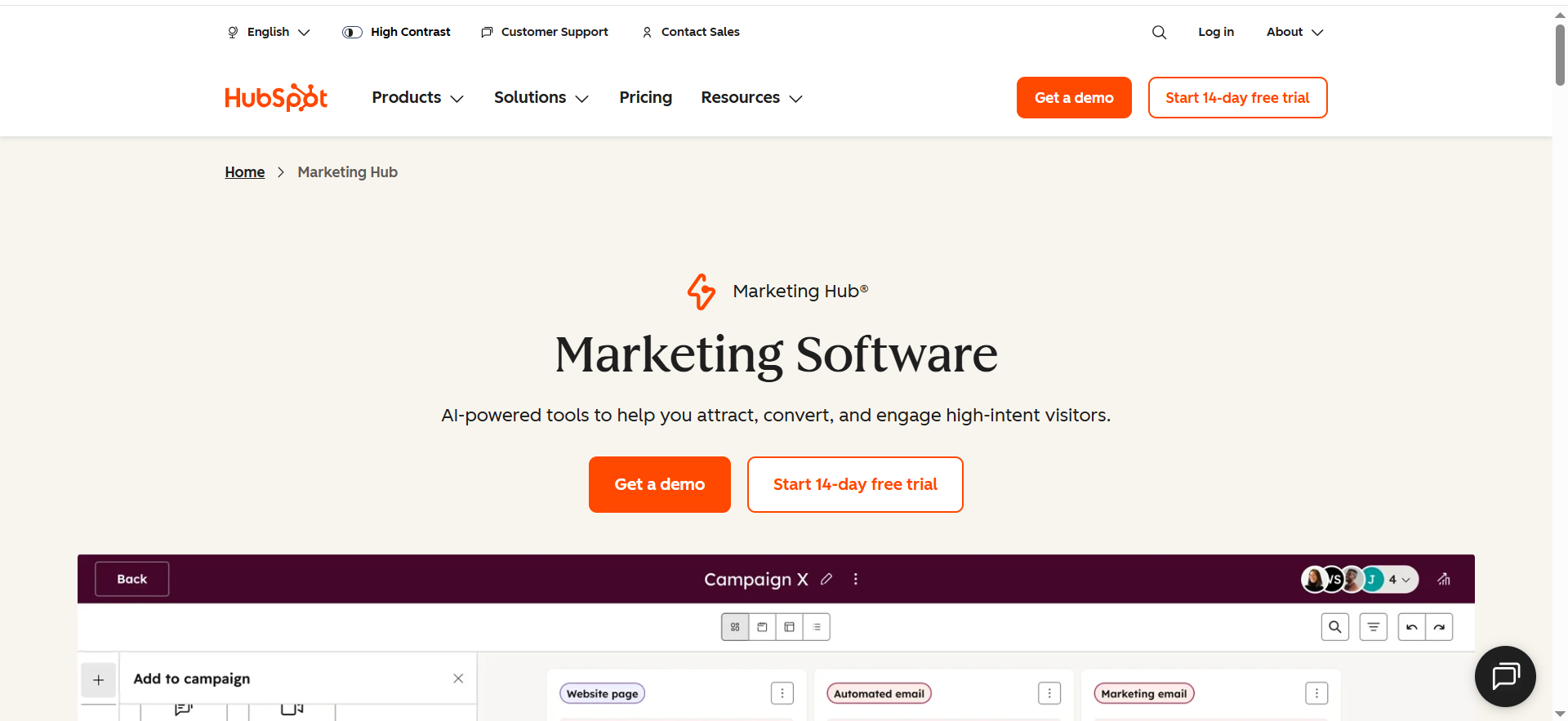
HubSpot AI is a suite of AI-powered features embedded directly into the HubSpot CRM platform, with email writing capabilities available through Breeze, HubSpot's AI assistant. It generates marketing campaign emails, sales outreach templates, and follow-up messages using data from your HubSpot CRM — contact properties, deal stages, past interactions, and engagement history — to personalize content at a level that standalone AI writing tools cannot match without manual input.
Why Teams Use It
Teams already running their marketing and sales operations in HubSpot choose HubSpot AI because it eliminates the integration gap. Every other AI email writing tool requires you to generate content in one platform and then copy it into your ESP or CRM. HubSpot AI writes the email where you send the email. The AI pulls from your CRM data automatically, so personalization fields like company name, deal stage, last interaction, and contact role are already populated without manual prompt engineering.
This is particularly valuable for teams running automated email workflows. Instead of writing static templates and relying on basic merge tags, HubSpot AI can generate contextually relevant email content for each step of a nurture sequence based on how a contact has engaged with your brand.
What It Is Good For
HubSpot AI excels at generating emails that are deeply personalized based on CRM data — product-interest emails triggered by page visits, follow-up emails that reference specific deal stage activities, re-engagement emails for contacts who have gone quiet, and onboarding sequences tailored to the plan or product a customer purchased. It also handles tone adjustment effectively, so you can generate the same email in professional, casual, or friendly tones without rewriting from scratch.
The send-time optimization feature analyzes past email performance data in your HubSpot account to suggest when each contact is most likely to open and engage, which is a feature most standalone AI writing tools do not offer because they do not have access to your historical engagement data.
When It Is a Good Fit
HubSpot AI is the right choice when your team is already using HubSpot as your CRM and email platform. The value proposition is strongest for teams that have been using HubSpot long enough to have meaningful CRM data — contact properties, engagement histories, deal pipeline data — because the AI uses that data to generate significantly more relevant emails than tools that start from a blank prompt.
It is also the right fit when you want AI email writing integrated into your existing automation workflows without adding another tool to your stack or managing another vendor relationship.
When It Is Not a Good Fit
HubSpot AI is not a good fit if you are not already using HubSpot as your CRM. The AI email features are embedded in the platform and cannot be used independently, so adopting HubSpot AI means adopting HubSpot as your CRM, which is a much larger decision than choosing an email writing tool. The pricing reinforces this — while basic AI email features are free, the advanced capabilities require Marketing Hub Professional at $800 per month or Enterprise at $3,600 per month, which only makes sense if you are using HubSpot's full marketing automation suite.
It is also not the right tool if you need AI writing capabilities outside of email. HubSpot AI can help with landing pages and social posts within the platform, but it is not a general-purpose content generation tool like Jasper or Copy.ai.
How to Use It
If you already have a HubSpot account, HubSpot AI is available without additional setup. Navigate to the email tool in Marketing Hub or the email composer in Sales Hub, and look for the AI assistant icon. Click it, provide a brief prompt describing the email you want to create — audience, topic, goal, and preferred tone — and HubSpot AI generates a draft using context from your CRM data. You can then edit the draft directly in the email editor, adjust personalization tokens, and schedule or send from the same interface.
For sales emails, the AI generates templates that can be saved and reused by your team, with CRM fields auto-populated for each recipient.
Key Capabilities
HubSpot AI's core email capabilities include CRM-powered personalization using contact properties, engagement history, and deal data; integration with HubSpot workflows for automated email sequence generation; tone adjustment across professional, casual, and friendly styles; send-time optimization based on historical engagement data; A/B test variant generation for subject lines and email body content; compatibility with both Marketing Hub and Sales Hub email tools; and access through the Breeze AI assistant within the HubSpot interface.
Pricing
HubSpot AI's basic email writing features are included free with any HubSpot CRM account, including the free tier. Advanced email AI capabilities — such as deeper personalization, workflow-integrated generation, and send-time optimization — require Marketing Hub Professional at $800 per month or Marketing Hub Enterprise at $3,600 per month. Sales Hub Professional at $90 per seat per month includes AI-generated sales email templates. HubSpot's pricing is based on your broader platform usage, so the AI email features are an add-on benefit rather than a standalone cost.
Free Tier?
Yes. HubSpot offers a genuinely free CRM that includes basic AI email writing through Breeze. You can generate email drafts, adjust tone, and access simple personalization at no cost. The limitation is that advanced features — workflow integration, predictive send times, deeper CRM data utilization — are locked behind the Professional and Enterprise plans. For teams already using HubSpot Free or Starter, the basic AI email writer provides meaningful value at no additional cost.
Downsides and Limitations
HubSpot AI's biggest limitation is platform lock-in. The AI features only work within HubSpot, so if you decide to switch CRMs, you lose your AI email writing tool along with everything else. The advanced AI capabilities require expensive hub subscriptions that are priced for mid-market and enterprise teams, which means small teams on the free or Starter plans get a limited version of the AI features. Additionally, HubSpot AI's content generation quality for creative marketing emails is not as strong as dedicated tools like Jasper — it prioritizes CRM-data relevance over creative copy quality.
How Do AI Email Writing Tools Improve Open Rates?
AI email writing tools improve open rates primarily through subject line optimization and send-time prediction. Tools like Jasper and Copy.ai generate multiple subject line variations that you can A/B test, increasing your chances of finding the phrasing that resonates with each audience segment. HubSpot AI takes this further by analyzing your historical open-rate data to predict the optimal send time for each individual contact, removing the guesswork around scheduling. Lavender contributes indirectly by scoring subject lines for factors like length, clarity, and personalization that correlate with higher open rates in outbound sales emails. The key insight is that no single tool guarantees higher open rates — the improvement comes from testing more variations faster and using data to inform timing decisions.
What Is the Difference Between AI Email Generators and AI Email Coaches?
AI email generators — like Jasper, Copy.ai, Writer, and HubSpot AI — create email content from prompts. You provide context, and the AI produces a draft. AI email coaches — like Lavender — analyze emails you have already written and score them on factors that predict performance. The distinction matters because generators solve a speed problem (writing emails faster) while coaches solve a quality problem (writing emails that get replies). Most sales teams benefit more from coaching because their emails are already being written quickly but are underperforming on reply rates. Marketing teams typically benefit more from generators because their bottleneck is producing enough campaign variations to test and send across segments.
Can AI Email Writing Tools Maintain Brand Voice Consistently?
Brand voice consistency varies significantly across tools. Jasper's Brand Voice feature lets you train the AI on your specific tone, terminology, and messaging guidelines, making it the strongest option for teams that need every email to sound like it came from the same brand. Writer takes brand consistency even further with governance features that enforce approved terminology and flag non-compliant language before content is published. Copy.ai's Infobase provides a lighter version of brand context — you store product details and positioning statements, and the AI references them, but it does not actively enforce style rules. Lavender and HubSpot AI do not have dedicated brand voice features, though HubSpot AI uses CRM data to maintain contextual consistency within individual emails.
Are Free AI Email Writing Tools Good Enough for Small Teams?
For small teams with low email volume, free tiers from Copy.ai and HubSpot AI can be genuinely useful. Copy.ai's free plan at 2,000 words per month with workflow builder access handles light email drafting needs without any cost. HubSpot's free CRM includes basic AI email writing through Breeze, which is effective if you are already using HubSpot for contact management. Lavender's free tier at 5 emails per month is too restrictive for real use. Jasper and Writer only offer time-limited free trials, not permanent free plans. The practical answer is that free tools work for teams sending fewer than 10 to 15 marketing emails per month, but teams with higher volume or more complex needs will hit limitations that justify the cost of a paid plan.
How Do AI Email Writing Tools Handle Personalization?
Personalization capabilities differ based on what data each tool can access. HubSpot AI has the deepest personalization because it pulls directly from your CRM — contact properties, deal stages, engagement history, and past interactions are all available context for email generation. Lavender personalizes by surfacing recipient insights from LinkedIn and company data, helping you write more relevant sales emails without researching each prospect manually. Jasper and Copy.ai handle personalization through prompts — you provide the context, and the AI incorporates it into the generated content. Writer's personalization is driven by terminology management and compliance rules rather than individual recipient data. The takeaway is that CRM-integrated tools like HubSpot AI provide the most automated personalization, while standalone tools require more manual input to achieve similar relevance.
What Should You Look for When Choosing an AI Email Writing Tool?
The three factors that matter most are workflow fit, output quality for your specific email type, and cost relative to your team size. Start by identifying what kind of emails you send most — marketing campaigns, sales outreach, internal communications, or transactional messages — and choose a tool optimized for that category. Next, evaluate whether the tool integrates with your existing stack or requires you to change your workflow. Finally, compare pricing based on your actual team size and email volume, not the starting price. A tool that costs $29 per month for one user may cost $690 per month for a 10-person sales team, which changes the ROI calculation significantly.
AI Email Writing Tools vs Full Email Marketing Platforms: What Is the Difference?
AI email writing tools generate and optimize email content. Full email marketing platforms — like Mailchimp, Klaviyo, or ActiveCampaign — handle the entire email lifecycle: list management, segmentation, automation, sending, deliverability, and analytics. HubSpot AI blurs this line because it is an AI writing tool embedded inside a full marketing platform, but tools like Jasper, Copy.ai, Writer, and Lavender are content-focused and expect you to have a separate platform for sending and managing campaigns. If you do not already have an ESP, you need a full platform, not just an AI writing tool. If you already have an ESP and your bottleneck is content quality or production speed, an AI writing tool is the right addition.
How Much Do AI Email Writing Tools Cost in 2026?
Costs range from free to six figures annually depending on the tool, plan, and team size. Copy.ai and HubSpot AI offer genuinely usable free tiers. Lavender starts at $29 per month for individuals. Jasper starts at $39 per month for the Creator plan and $59 per month for Pro. Copy.ai's Chat plan costs $29 per month with unlimited words in chat, while the Agents plan runs $249 per month for workflow automation. Writer starts at approximately $18 to $29 per user per month for the Starter plan, with enterprise contracts ranging from $10,000 to over $500,000 annually. HubSpot AI's advanced features require Marketing Hub Professional at $800 per month. The right budget depends entirely on your team size, email volume, and whether you need governance and compliance features that come at enterprise pricing.
FAQs
Lavender is the best AI email writing tool for sales teams because it is specifically designed for outbound sales email optimization. Unlike general-purpose AI writers, Lavender scores your emails in real time on factors that directly correlate with reply rates — subject line quality, email length, personalization depth, reading level, and mobile readability. It also surfaces recipient insights from LinkedIn and company data so you can personalize without spending time on manual research.
Yes, most AI email writing tools work alongside your existing ESP. Jasper, Copy.ai, and Writer generate email content that you copy into your ESP or export via API. Lavender works as a browser extension inside Gmail and Outlook. HubSpot AI is the exception — it only works within the HubSpot platform, so you need HubSpot as your email platform to use it.
AI-generated emails are not inherently flagged by spam filters. Spam filters evaluate content based on factors like link density, sender reputation, subject line patterns, and engagement history — not whether the content was written by AI or a human. The quality of the email content, your sending practices, and your domain reputation matter far more than how the email was drafted.
Data handling varies by tool. Writer offers the strongest data protection with custom AI model training that keeps your data isolated from public AI models. Jasper and Copy.ai process content through their AI models but do not share individual user data with third parties. Lavender processes email content locally through its browser extension. HubSpot AI processes data within the HubSpot platform under their enterprise data handling agreements. If data privacy is a primary concern, review each tool's data processing agreement and check whether they offer data isolation or on-premise deployment options.
No. All five tools covered in this guide are designed for non-technical users. Jasper, Copy.ai, and HubSpot AI use prompt-based interfaces where you describe what you want and the AI generates it. Lavender works as a browser extension that provides real-time coaching with no setup beyond installation. Writer requires the most initial configuration for governance and compliance rules, but the day-to-day writing experience is straightforward. Teams with technical resources can extend functionality through APIs offered by Jasper, Copy.ai, Writer, and HubSpot.
Copy.ai offers the best free plan for email writing with 2,000 words per month, access to the chat interface, and basic workflow builder functionality. HubSpot AI's free CRM includes basic email writing capabilities through Breeze, which is the best option for teams already using HubSpot. Lavender's free tier at 5 emails per month is too limited for practical use, and both Jasper and Writer only offer time-limited free trials.