

TL;DR
Customer reviews now shape how people discover, evaluate, and trust brands across every industry. If your team is not actively tracking what customers say on Google, G2, Yelp, Capterra, Facebook, and dozens of other platforms, you are making decisions based on incomplete information. The right review monitoring tool pulls every mention into one place, alerts you the moment a review lands, and gives your team the context to respond quickly. Birdeye is the strongest option for multi-location brands, Podium fits teams that prioritize SMS-based communication, ReviewTrackers offers focused review-only monitoring, Yext works best for enterprises managing listings at scale, and Reputation is built for large organizations connecting review data with operations. Understanding brand visibility across platforms is a critical first step.
This guide breaks down each tool by what it actually does well, where it falls short, how much it costs, and which type of team it suits. You will also find a quick comparison table, answers to common questions about review monitoring, and a CTA if you want your tool featured.
Table of Contents
Best Review Monitoring Tools for Brands (Quick Comparison)
| Tool | Best For | Starting Price | Review Sources |
|---|---|---|---|
| Birdeye | Multi-location brands wanting all-in-one review management | ~$299/mo per location | 150+ sites |
| Podium | Teams that rely on SMS-first customer communication | ~$399/mo | Google, Facebook + major platforms |
| ReviewTrackers | Brands that want focused review monitoring without the bloat | ~$49–89/mo | 100+ sites |
| Yext | Enterprise brands managing listings and reviews together | ~$199–999/yr per location | 200+ publisher network |
| Reputation | Large enterprises needing review data tied to operations | From ~$80/mo | All major platforms |
1. Birdeye
What It Does
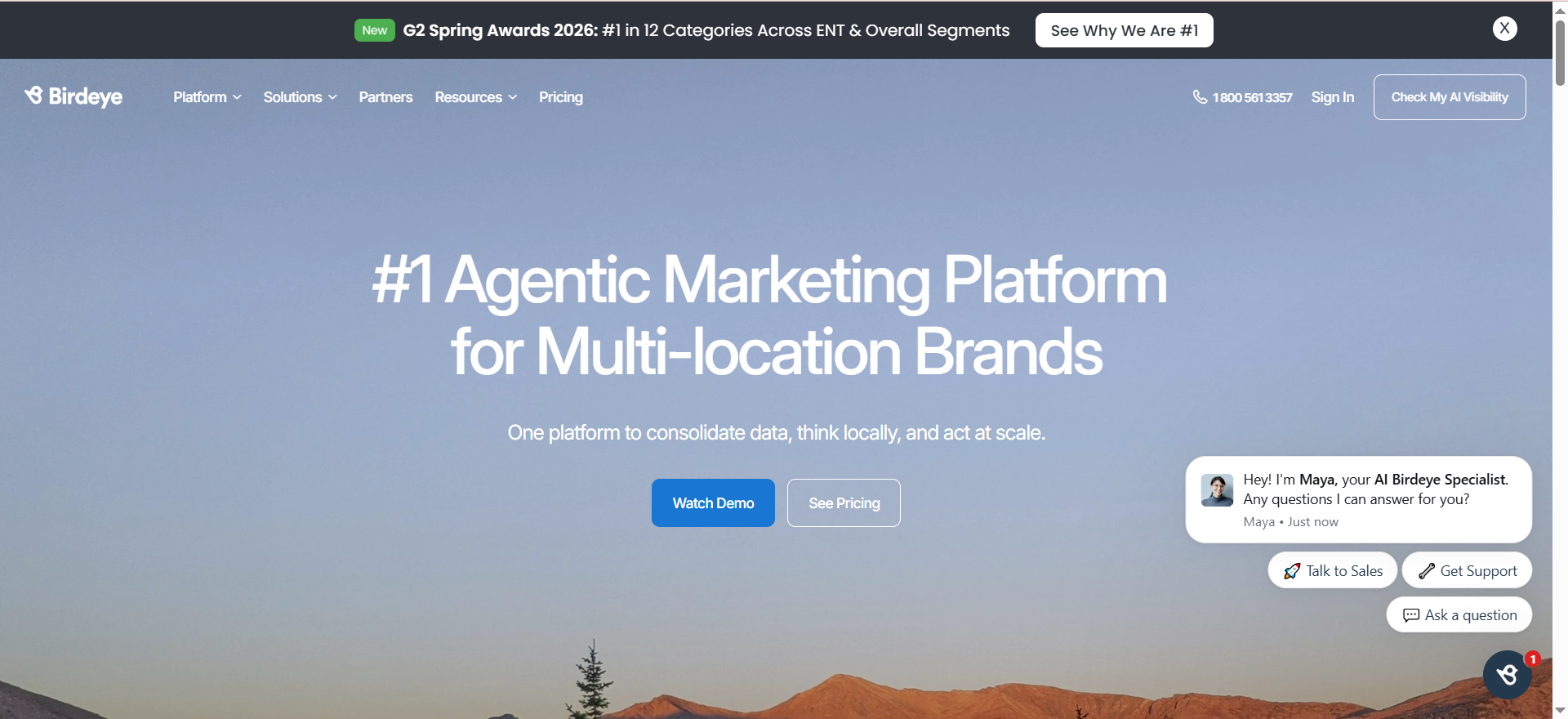
Birdeye is an all-in-one experience marketing platform that combines review monitoring, review generation, social media management, customer surveys, and messaging into a single dashboard. It aggregates reviews from over 150 sources including Google, Facebook, Yelp, Healthgrades, and industry-specific platforms, giving brands a unified view of their online reputation.
Why Teams Use It
Marketing and operations teams choose Birdeye because it eliminates the need for separate tools for review collection and monitoring. Instead of logging into multiple platforms to check what customers are saying, Birdeye centralizes every review in one feed. The automated review request workflows via SMS and email consistently increase review volume, which matters for brands competing on local search visibility.
What It Is Good For
Birdeye excels at automating the review lifecycle from request to response. Its AI-powered response suggestions help teams reply to reviews faster without sacrificing personalization. The platform also performs well for competitive benchmarking, letting brands compare their review scores and sentiment against local competitors. For multi-location businesses, the location-level dashboards and reporting make it straightforward to identify which branches are outperforming and which need attention.
When It Is a Good Fit
Birdeye works best for multi-location brands in healthcare, home services, automotive, hospitality, and retail that need to generate a steady stream of reviews while monitoring what customers say across a wide range of platforms. If your business has five or more locations and your team wants a single platform that handles review requests, monitoring, social publishing, and customer surveys, Birdeye is worth evaluating.
When It Is Not a Good Fit
Small businesses or startups with a single location may find Birdeye's pricing difficult to justify, especially since the per-location cost model scales quickly. Teams that only need review monitoring without review generation or social media features will be paying for capabilities they do not use. The breadth of features also means there is a learning curve, and smaller teams may not have the bandwidth to configure and maintain all the modules.
How to Use It
After onboarding, you connect your business listings and review profiles. Birdeye automatically begins pulling in reviews from connected sources. You configure automated review request campaigns by setting triggers, such as sending an SMS review request 24 hours after a service appointment. The dashboard surfaces new reviews in real time, and AI-generated response suggestions appear alongside each review. Teams can assign reviews to specific team members for follow-up.
Key Capabilities
Birdeye's core capabilities include review monitoring across 150+ sites with real-time alerts, automated review generation via SMS and email campaigns, AI-powered response suggestions using generative AI, sentiment analysis and trending topic identification, competitive benchmarking against local competitors, multi-location dashboards with per-location performance metrics, social media management with multi-location publishing, NPS and customer satisfaction surveys, and a unified messaging inbox across SMS, webchat, and social channels.
Pricing
Birdeye uses a per-location pricing model. The Starter plan begins at approximately $299 per month per location when billed annually. The Growth plan starts at around $349 per month per location, and the Dominate plan is approximately $449 per month per location. For a business with five locations on the Growth plan, the monthly cost would be approximately $1,745. Enterprise pricing is available on request for organizations with 50+ locations.
Free Tier?
No. Birdeye does not offer a free plan. However, they do offer a demo and a 30-day free trial for businesses evaluating the platform.
Downsides and Limitations
The per-location pricing model makes costs escalate quickly for businesses with many locations. Some users report that the volume of features can feel overwhelming, and smaller teams may not use everything they are paying for. Customer support quality can vary, with some users noting slow response times for non-critical issues. The platform is also heavily geared toward local and service-based businesses, so pure e-commerce or SaaS companies may find the feature set misaligned with their needs.
2. Podium
What It Does
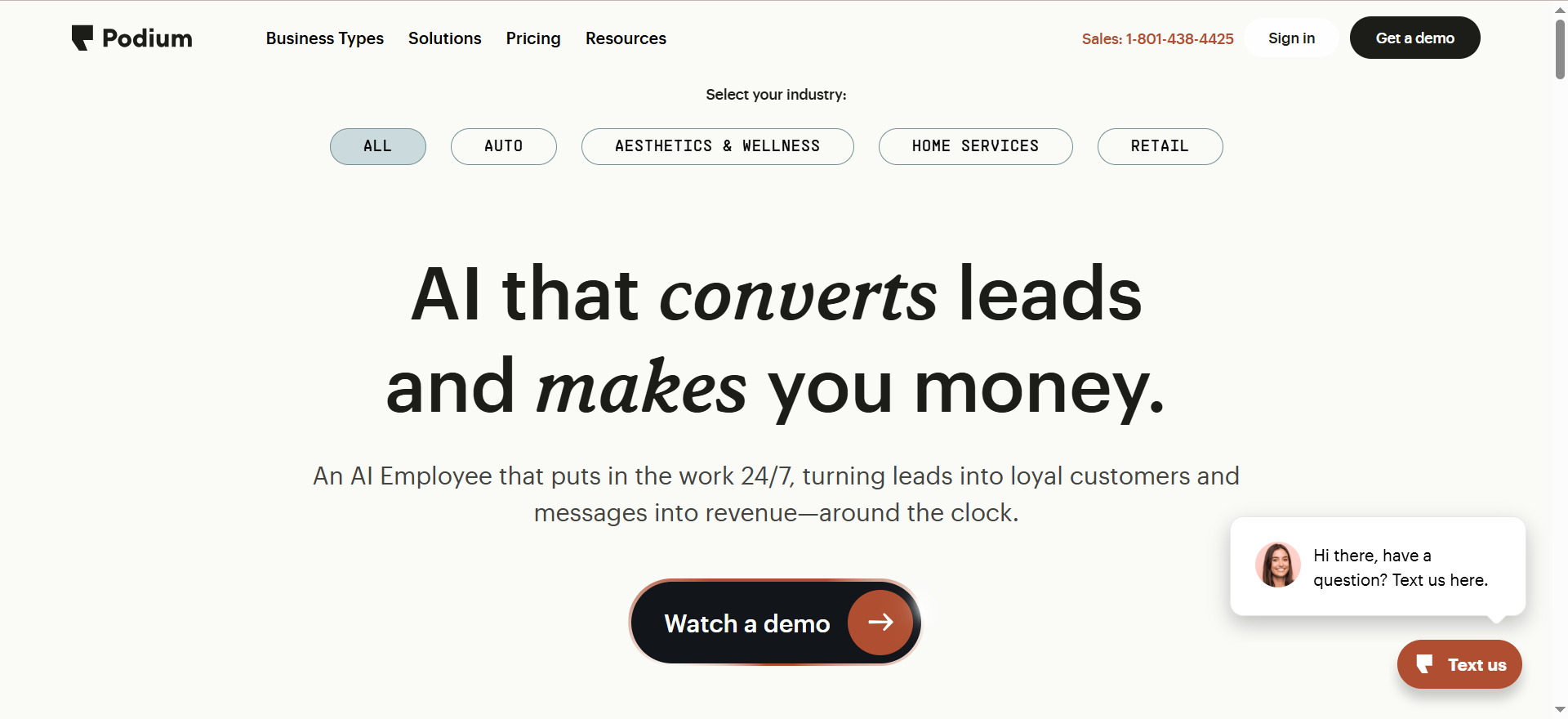
Podium is a customer communication and reputation management platform built around SMS-based interactions. It helps businesses collect reviews, communicate with customers via text, process payments, and manage all conversations from a centralized inbox. Podium positions itself as the operating system for local businesses that want to communicate with customers the way customers prefer: through text messages.
Why Teams Use It
Teams choose Podium because it turns every customer interaction into a potential review opportunity. The SMS-first approach means review requests feel natural and get high response rates compared to email-only tools. The unified inbox brings together messages from Google, Facebook, website chat, and SMS into a single stream, so no customer conversation falls through the cracks.
What It Is Good For
Podium is particularly strong at converting customer interactions into reviews. The review request flow is simple: after a transaction or appointment, the team sends a text, and the customer taps a link to leave a review on Google or Facebook. Podium also performs well as a lead management tool. Website visitors who start a chat can be converted to SMS conversations that continue even after they leave the site. The AI Employee feature, available on higher-tier plans, can handle initial customer inquiries, schedule appointments, and respond to common questions automatically.
When It Is a Good Fit
Podium is a good fit for local service businesses, automotive dealerships, dental practices, home service companies, and retail locations that rely heavily on customer communication and want to generate more Google reviews. If your team already uses SMS to communicate with customers, Podium formalizes and scales that workflow. It is also a strong choice for businesses that want webchat-to-text conversion so website leads continue as SMS conversations.
When It Is Not a Good Fit
Podium is not ideal for businesses that need to monitor reviews across a wide range of niche or industry-specific platforms. Its review monitoring covers major sites like Google and Facebook but does not aggregate from 100+ sources the way Birdeye or ReviewTrackers does. The pricing is also on the higher end, starting at $399 per month, which may not suit bootstrapped startups or very small businesses. Teams that need deep review analytics, sentiment analysis, or competitive benchmarking will find Podium's reporting less robust than dedicated review monitoring tools.
How to Use It
Once set up, your team connects Google and Facebook review profiles. Customer phone numbers from your CRM or POS system flow into Podium, and you send review request texts either manually or through automated triggers. All incoming messages from text, webchat, Google, and Facebook appear in a unified inbox. Team members can be assigned conversations, and managers can monitor response times and review performance from the analytics dashboard.
Key Capabilities
Podium's core capabilities include SMS-based review request campaigns with high conversion rates, a unified inbox for SMS, webchat, Google messages, and Facebook messages, AI Employee for automated customer conversations and appointment scheduling, webchat-to-text conversion for persistent lead communication, payment processing via text message, review monitoring on major platforms like Google and Facebook, team performance analytics and response time tracking, integration with popular CRMs and POS systems through Zapier and native connectors, and bulk messaging for marketing campaigns.
Pricing
Podium's Core plan starts at approximately $399 per month, with the Pro plan at approximately $599 per month and the Signature plan using custom pricing. Pricing scales based on the number of users and add-on features, and for a team of 10 users, monthly costs can reach $1,500 or more with additional per-user fees. The AI Employee feature is either included in top-tier plans or available as an add-on at extra cost. Enterprise and multi-location pricing is available on request.
Free Tier?
No. Podium does not offer a free tier. A demo is available for teams evaluating the platform.
Downsides and Limitations
Podium's review monitoring is narrower than competitors like Birdeye or ReviewTrackers, focusing mainly on Google and Facebook rather than aggregating from 100+ sources. Pricing can escalate quickly with additional users and add-on features, and some users report that costs rise significantly after the initial contract. The platform is heavily oriented toward SMS-based workflows, which may not suit businesses whose customers prefer email or other communication channels. Some users also note that the reporting and analytics capabilities are less detailed compared to dedicated review analytics tools.
3. ReviewTrackers
What It Does
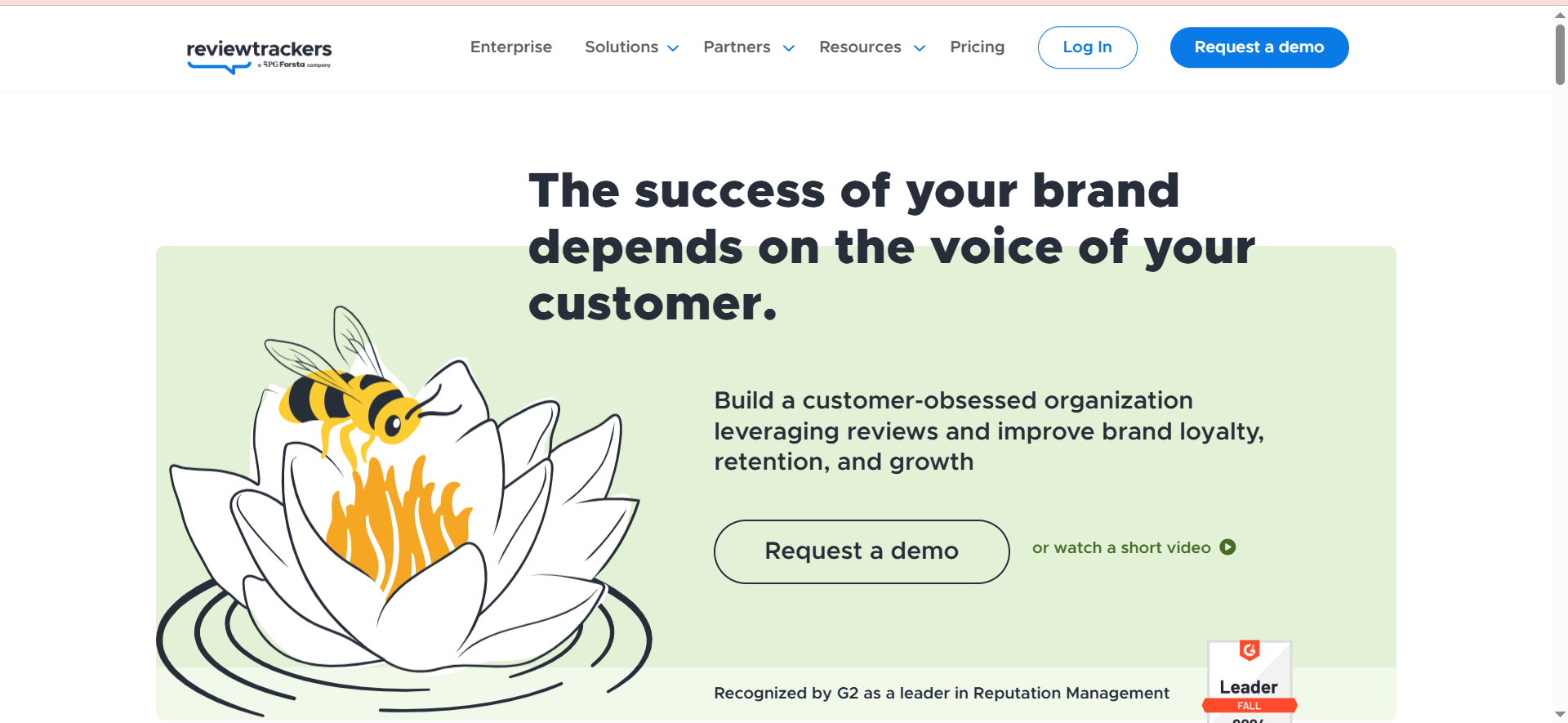
ReviewTrackers is a review monitoring and reputation management platform purpose-built to track, analyze, and respond to customer reviews. Unlike all-in-one marketing platforms, ReviewTrackers focuses exclusively on reviews and feedback. It monitors reviews from over 100 sites including Google, Facebook, TripAdvisor, Yelp, and industry-specific platforms, pulling everything into a centralized dashboard.
Why Teams Use It
Teams choose ReviewTrackers because it does one thing well: review monitoring with deep analytics. The platform uses natural language processing to surface sentiment trends, identify emerging issues, and highlight what customers care about most. For brands that already have separate tools for social media, email marketing, and messaging, ReviewTrackers fills the review monitoring gap without duplicating functionality.
What It Is Good For
ReviewTrackers excels at turning unstructured review data into actionable insights. Its NLP engine identifies recurring themes across thousands of reviews, helping teams spot issues like declining service quality at a specific location or a product feature that consistently draws complaints. The platform also offers strong competitive analysis, letting brands benchmark their review performance against named competitors. Multi-location enterprises benefit from location-specific dashboards that surface review trends at the branch level.
When It Is a Good Fit
ReviewTrackers is a good fit for mid-market and enterprise brands that need focused review monitoring without paying for bundled social media, messaging, or survey tools they already have. It works particularly well for hospitality, restaurant, healthcare, and retail chains with multiple locations that need to track review trends at scale. Teams that value analytics depth over feature breadth will find ReviewTrackers more aligned with their needs than all-in-one platforms.
When It Is Not a Good Fit
ReviewTrackers is not the right choice for teams that want a single platform to handle review generation, social media management, messaging, and surveys. It does not include SMS-based review solicitation at the level Birdeye or Podium offers, and it does not have social publishing features. Very small businesses with limited review volume may not need the analytics depth ReviewTrackers provides and could find simpler, cheaper tools sufficient.
How to Use It
After connecting your business profiles and review sites, ReviewTrackers begins aggregating reviews in real time. The dashboard displays reviews by location, source, rating, and time period. Sentiment analysis runs automatically, tagging reviews with themes and topics. Teams can respond to reviews directly from the dashboard on supported platforms. Automated alerts notify team members when new reviews arrive or when sentiment drops below a threshold. Review request campaigns can be configured via SMS and email to generate new reviews.
Key Capabilities
ReviewTrackers' core capabilities include review monitoring from 100+ review sites with real-time alerts, NLP-powered sentiment analysis that identifies themes and topics across reviews, competitive benchmarking against named competitors, location-specific dashboards for multi-location brands, review response management directly from the platform, review request campaigns via SMS and email, integration with Hootsuite, Zapier, and other third-party tools, API access for enterprise customers to build custom workflows, and automated reporting with scheduled email digests.
Pricing
ReviewTrackers does not publicly list pricing, and costs are customized based on business size and requirements. Estimated starting prices range from approximately $49 to $89 per month for small businesses with a single location. Multi-location businesses with 10 locations can expect costs in the $500 to $1,000 per month range. Enterprise organizations with 100+ locations may face monthly fees of $5,000 or more. Contact ReviewTrackers directly for a personalized quote.
Free Tier?
No. ReviewTrackers does not offer a free plan, though demos and trials are available for prospective customers.
Downsides and Limitations
The lack of transparent public pricing makes it harder for teams to evaluate cost before committing to a sales conversation. ReviewTrackers is focused on reviews, so teams wanting social media management, webchat, or payment processing will need additional tools. The review generation capabilities, while present, are not as robust as Birdeye or Podium's SMS-driven review solicitation workflows. Some users note that the interface, while functional, could benefit from a design refresh.
4. Yext
What It Does
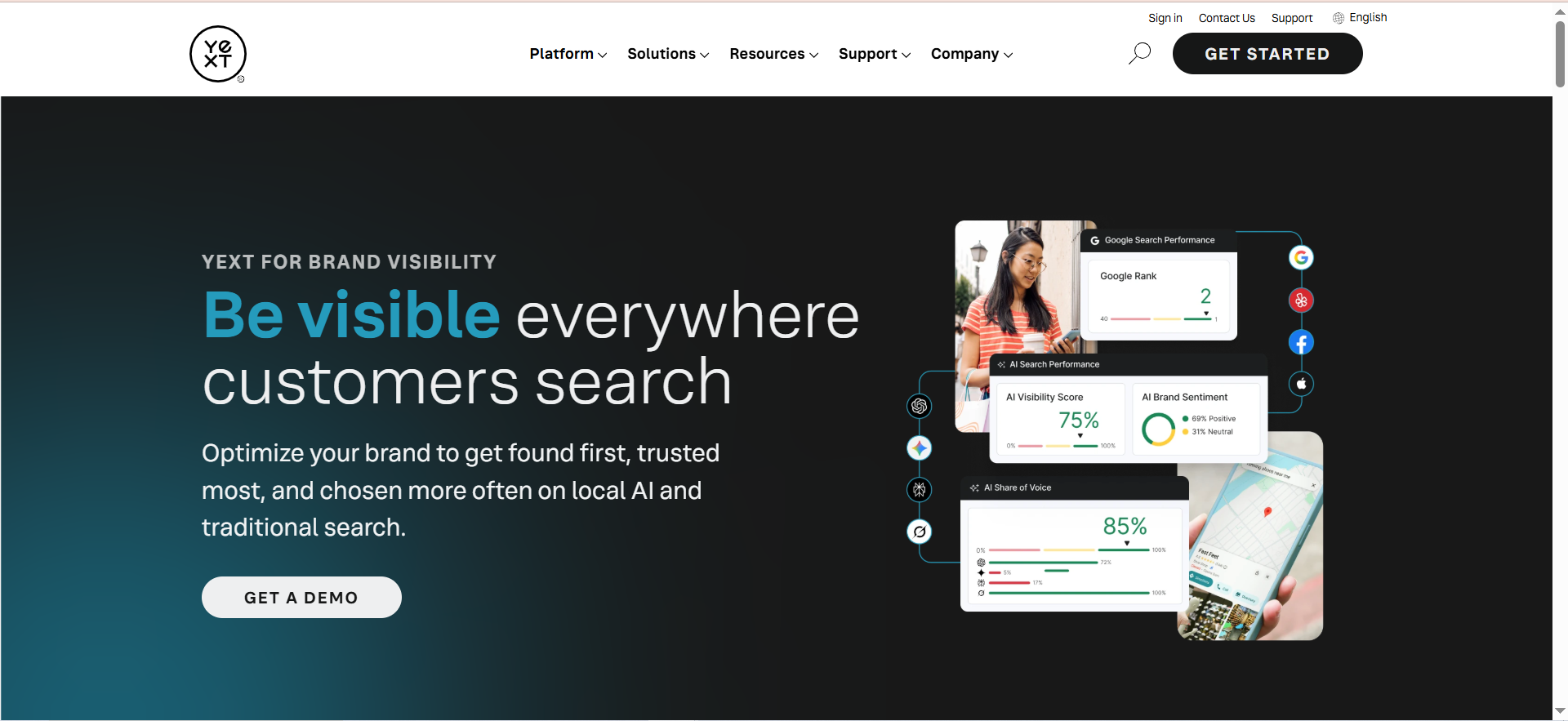
Yext is a digital presence platform that manages business listings, reviews, and local search data across a network of 200+ publisher integrations. Its Reviews product allows organizations to monitor and respond to customer feedback across first-party websites and Yext's publisher network, with capabilities for sentiment analysis, templated responses, and automated review generation.
Why Teams Use It
Teams choose Yext because it connects review management with listings management in a way that no other tool on this list does. For brands that already struggle with keeping business information consistent across Google, Yelp, Apple Maps, and hundreds of other directories, Yext solves listings and reviews in one platform. The review monitoring capabilities sit on top of a broader digital presence infrastructure, making Yext a natural choice for enterprises that need accuracy and consistency across every customer touchpoint.
What It Is Good For
Yext is particularly strong for brands that need to manage listings and reviews together across hundreds of directories. The platform ensures that when a customer searches for your business, they find accurate information and recent reviews regardless of which platform they use. Yext's AI-powered review response feature uses generative AI to suggest personalized replies, and the sentiment analysis engine helps teams understand patterns in customer feedback at scale. For regulated industries like healthcare and financial services, Yext's compliance-friendly features add value.
When It Is a Good Fit
Yext is a good fit for enterprise and mid-market brands with many locations that need listings management and review monitoring in one platform. It works particularly well for healthcare systems, financial institutions, restaurant chains, retail brands, and hospitality groups that need to manage digital presence across a wide publisher network. If your team already uses Yext for listings, adding the Reviews module is a logical extension.
When It Is Not a Good Fit
Yext is not the best choice for small businesses or startups that only need review monitoring. The platform is designed for enterprise use cases, and the pricing reflects that. Teams that do not need listings management will be paying for a broader platform when a focused review monitoring tool like ReviewTrackers would suffice. Yext's review monitoring capabilities are strong but are designed to complement its listings infrastructure rather than operate as a standalone review tool.
How to Use It
You begin by setting up your locations in the Yext platform and syncing business information across the publisher network. The Reviews dashboard aggregates reviews from connected sources and displays them by location, platform, rating, and date. AI-generated response suggestions appear alongside each review, and teams can respond directly from the dashboard. Automated review generation campaigns can be configured to request reviews via email after customer interactions. Reporting dashboards provide location-level and portfolio-level views of review performance.
Key Capabilities
Yext's core capabilities include review monitoring across 200+ publisher integrations, generative AI-powered review response suggestions, sentiment analysis for identifying trends in customer feedback, listings management ensuring business data consistency across directories, automated review generation via email campaigns, compliance-friendly features for regulated industries, location-level and portfolio-level reporting dashboards, direct integration with Google Business Profile and other major platforms, and API access for custom integrations and data workflows.
Pricing
Yext offers several pricing tiers. The Emerging package starts at approximately $199 per year. The Essential package is around $449 per year. The Complete package costs approximately $499 per year. The Premium package is priced at approximately $999 per year. For multi-location businesses managing 20 to 100 locations, Reviews pricing typically falls between $400 and $1,200 per location annually, with volume commitments and multi-year agreements driving pricing toward the lower end. Enterprise pricing is available on request.
Free Tier?
No. Yext does not offer a free tier. Free scans are available to preview what your listings look like across the publisher network, but the full platform requires a paid subscription.
Downsides and Limitations
Yext's pricing structure can be complex, with multiple packages and add-ons that make it difficult to predict total costs upfront. The platform is designed around its listings infrastructure, so teams that only need review monitoring will find it heavier than necessary. Some users report that the initial setup and configuration require significant time investment, especially for organizations with many locations. The review monitoring depth on niche or industry-specific platforms may not match dedicated review tools like ReviewTrackers.
5. Reputation
What It Does
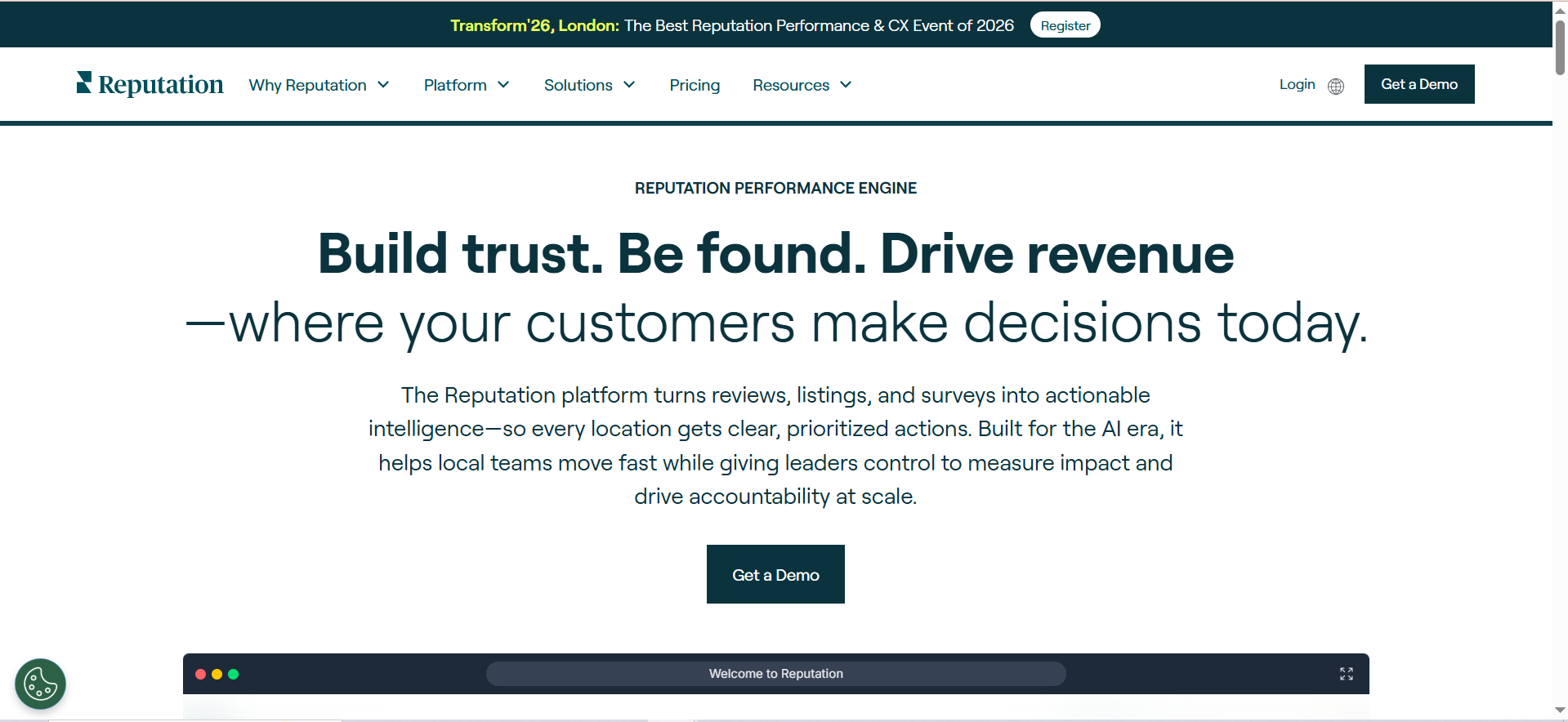
Reputation is an AI-powered reputation management platform designed for large enterprises that need to connect customer feedback data with operational improvements. It goes beyond review collection and response by integrating reviews, listings, surveys, competitive insights, and location-level performance into a unified enterprise platform. The platform tracks and analyzes reviews across all major platforms and connects that data to business operations workflows.
Why Teams Use It
Enterprise teams choose Reputation because it bridges the gap between customer feedback and business operations. While most review monitoring tools stop at alerting you to new reviews and helping you respond, Reputation connects review insights to ticketing systems, operational dashboards, and location-level action plans. This makes it a fit for organizations where review data needs to inform decisions beyond the marketing team.
What It Is Good For
Reputation excels at turning review and feedback data into operational actions. Its AI-powered sentiment analysis provides granular, real-time insights that help large organizations identify issues before they escalate into reputation crises. The platform performs especially well for businesses with complex organizational structures where review data needs to flow from individual locations up to regional and corporate leadership. Competitive benchmarking and industry scoring features help enterprises understand how they rank relative to competitors across every location.
When It Is a Good Fit
Reputation is a good fit for large enterprises in healthcare, automotive, property management, financial services, hospitality, and retail that have dozens to thousands of locations and need review data integrated with operational workflows. If your organization has regional managers, location managers, and corporate teams that all need different views of the same customer feedback data, Reputation is built for that structure.
When It Is Not a Good Fit
Reputation is not the right choice for small or mid-market businesses. The platform is designed and priced for enterprise use, and smaller organizations will find it complex and expensive relative to their needs. Teams that only need basic review monitoring and response will be better served by ReviewTrackers or Birdeye. The implementation process can be lengthy, and organizations without a dedicated operations or CX team may not have the resources to fully use the platform's capabilities.
How to Use It
Implementation typically involves a dedicated onboarding process where Reputation's team helps configure the platform for your organizational structure. Locations are set up with their review profiles connected, and role-based access ensures that location managers see their own data while regional and corporate teams see aggregate views. The dashboard surfaces reviews, sentiment trends, competitive benchmarks, and operational tickets. Mobile apps for iOS and Android allow location managers to monitor and respond to reviews from their phones.
Key Capabilities
Reputation's core capabilities include AI-powered review monitoring with real-time sentiment analysis across all major platforms, operational ticketing that turns review insights into actionable tasks, competitive benchmarking and industry-wide reputation scoring, survey creation and distribution with NPS tracking, listings management to keep business information accurate across directories, role-based access control for location, regional, and corporate teams, mobile apps for iOS and Android for on-the-go review management, proactive crisis identification to flag emerging reputation issues, managed services for organizations that want hands-on support, and API access for integrating review data with internal systems.
Pricing
Reputation offers a Core plan starting at approximately $80 per month, with enterprise pricing available for larger organizations. Enterprise costs are customized based on the number of locations, modules selected, and support level. Industry estimates suggest that Reputation is positioned at the higher end of the review management market, consistent with its enterprise focus. Contact Reputation directly for a customized quote.
Free Tier?
No. Reputation does not offer a free tier. Demos are available for enterprise buyers evaluating the platform.
Downsides and Limitations
The enterprise-only positioning means Reputation is not accessible to small or mid-market businesses. Pricing is opaque, and the sales process can be lengthy. The platform's depth means it takes time to configure fully, and organizations without dedicated CX or operations resources may struggle to extract full value. Some users note that the user interface, while powerful, has a steeper learning curve than simpler review monitoring tools.
What Is Review Monitoring and Why Do Brands Need It?
Review monitoring is the process of tracking customer reviews across online platforms in real time. This includes Google Business Profile, Yelp, Facebook, TripAdvisor, G2, Capterra, Trustpilot, industry-specific directories, and app stores.
Brands need review monitoring because customer reviews directly influence purchasing decisions, search rankings, and brand perception. Research consistently shows that most consumers read online reviews before making a purchase decision, and businesses with higher average ratings attract more clicks and foot traffic. Without monitoring, negative reviews can go unaddressed for days or weeks, damaging trust and giving competitors an advantage.
Review monitoring tools automate what would otherwise require a team member to manually check dozens of websites every day. They centralize reviews in one dashboard, send alerts when new reviews appear, and provide analytics to help teams understand sentiment trends over time. For multi-location brands, this visibility is essential because feedback at one location can reveal systemic issues that affect the entire organization.
How Do Review Monitoring Tools Work?
Review monitoring tools connect to review platforms through APIs, web scraping, or publisher partnerships to pull in new reviews as they are posted. Most tools check for new reviews at regular intervals, ranging from every few minutes to once per hour depending on the platform and the tool's capabilities.
Once reviews are aggregated, the tool categorizes them by source, location, rating, date, and often by sentiment. Many tools use natural language processing to analyze the text of reviews and identify recurring themes, such as comments about wait times, product quality, or staff friendliness. This analysis helps teams move beyond simple star ratings and understand the specific drivers of positive and negative feedback.
Teams can typically respond to reviews directly from the monitoring dashboard on supported platforms, particularly Google and Facebook. Alerts are configured to notify team members via email, SMS, or Slack when a new review meets certain criteria, such as a one-star rating or a mention of a specific keyword.
What Features Should You Look for in a Review Monitoring Tool?
The most important features depend on your team's size, the number of locations you manage, and whether you need review monitoring as a standalone capability or as part of a broader platform.
At a minimum, look for multi-platform coverage that includes the sites your customers actually use. Google and Facebook coverage is standard, but if your business gets reviews on Healthgrades, Capterra, TripAdvisor, or industry-specific directories, make sure the tool monitors those sources. Real-time or near-real-time alerts are essential so your team can respond quickly, especially to negative reviews.
Sentiment analysis helps teams understand patterns across large volumes of reviews. For multi-location brands, location-level dashboards and reporting are critical for identifying underperforming branches. Integration with your existing tech stack, including CRM, helpdesk, and communication tools, ensures that review data flows into existing workflows rather than creating a disconnected silo.
Finally, consider response management capabilities. The ability to respond to reviews directly from the monitoring dashboard saves time and reduces the friction of switching between platforms.
How Much Do Review Monitoring Tools Cost in 2026?
Pricing for review monitoring tools varies widely based on whether you choose a focused review tool or an all-in-one platform, how many locations you manage, and which features you need.
At the lower end, focused review monitoring tools like ReviewTrackers start at approximately $49 to $89 per month for a single location. Mid-range all-in-one platforms like Birdeye and Podium start at $299 to $399 per month, with costs scaling per location or per user. Enterprise platforms like Yext and Reputation use custom pricing that can range from a few hundred to over a thousand dollars per location annually.
The key cost variable for most businesses is the per-location model. A brand with 10 locations on a mid-range platform can easily pay $3,000 to $5,000 per month. Multi-year agreements and volume commitments can reduce per-location costs, but they also lock you into longer contracts. Always ask about setup fees, which can range from $0 to $1,500 depending on the vendor.
Can Review Monitoring Tools Detect Fake Reviews?
Some review monitoring tools include features that help flag potentially fake or suspicious reviews, but this capability varies significantly across platforms. Most tools can identify patterns that suggest inauthentic activity, such as a sudden spike in one-star reviews from accounts with no other review history, or reviews that contain language patterns commonly associated with fake feedback.
However, definitively identifying a review as fake requires the review platform itself, such as Google or Yelp, to investigate and remove it. Review monitoring tools can help you spot suspicious reviews quickly and streamline the process of flagging them for removal on the source platform. Some enterprise tools also provide competitive intelligence that can reveal if a competitor is receiving an unusual volume of positive reviews, which may warrant further investigation.
The most practical approach is to combine monitoring tool alerts with a clear internal process for flagging and reporting suspicious reviews to the platforms where they appear.
How to Respond to Negative Reviews Using Monitoring Tools
Review monitoring tools make responding to negative reviews faster and more consistent, but the quality of the response still depends on your team's approach. The best practice is to acknowledge the customer's experience, apologize for any shortcoming, and offer a concrete next step such as a phone call, a refund, or an invitation to discuss the issue further.
Monitoring tools help by surfacing negative reviews immediately through alerts, ensuring nothing sits unaddressed. Many tools include AI-powered response suggestions that draft a personalized reply based on the review content, which teams can edit before posting. Templated responses are available for common scenarios, but teams should customize them to avoid sounding generic.
For multi-location brands, monitoring tools with role-based access let location managers respond to reviews about their own branch while regional managers oversee response quality and consistency. Some tools also track response times as a performance metric, helping organizations maintain their target response window.
Review Monitoring vs Reputation Management: What Is the Difference?
Review monitoring is a subset of reputation management. Review monitoring focuses specifically on tracking, analyzing, and responding to customer reviews across online platforms. Reputation management is a broader discipline that encompasses review monitoring alongside listings management, social media monitoring, survey programs, competitive analysis, public relations, and crisis communications.
In practice, some tools on this list are pure review monitoring solutions, while others are full reputation management platforms. ReviewTrackers is closer to a focused review monitoring tool. Birdeye, Podium, Yext, and Reputation offer broader reputation management capabilities that include reviews as one component.
The choice depends on what your team already has. If you have separate tools for social media, listings, and surveys, a focused review monitoring tool avoids duplication. If you want to consolidate multiple reputation functions into one platform, an all-in-one solution can simplify your stack and reduce the number of vendors you manage.
How to Set Up Review Monitoring for Multiple Locations
Setting up review monitoring for a multi-location brand starts with creating a complete inventory of your locations and the review platforms where each location appears. Different locations may have reviews on different platforms depending on the industry and geography.
Once you have the inventory, connect each location's profiles to your monitoring tool. Most platforms automate this through Google Business Profile integration and similar connectors, but manual verification may be needed for niche or industry-specific sites. Configure alerts so that each location manager receives notifications for their own reviews, while regional and corporate teams get aggregate reports.
Establish review response guidelines that define tone, escalation criteria, and target response times. Set up dashboards that let leadership compare performance across locations using metrics like average rating, review volume, response rate, and sentiment trends. For large organizations, consider tools that support role-based access control so each level of the organization sees the data most relevant to their responsibilities.
Do Review Monitoring Tools Integrate with CRMs?
Yes, most review monitoring tools offer integrations with popular CRM systems, either through native connectors or through middleware platforms like Zapier. Birdeye integrates with Salesforce, HubSpot, and several industry-specific CRMs used in healthcare and home services. Podium connects with CRM and POS systems through Zapier and its own API. ReviewTrackers integrates with Hootsuite and Zapier, with API access available for enterprise customers who need custom CRM integrations. Yext provides API access and native integrations with enterprise systems. Reputation offers API access for connecting review data with internal systems and operational workflows.
CRM integration allows teams to connect customer review data with customer records, enabling account managers to see a customer's review history alongside their purchase history. This context helps teams prioritize outreach and personalize follow-up when a valuable customer leaves negative feedback.
What Industries Benefit Most from Review Monitoring Tools?
Review monitoring tools provide value across nearly every industry, but certain sectors see disproportionate returns. Healthcare organizations benefit significantly because patient reviews on Google and Healthgrades directly influence provider selection and are increasingly monitored by regulatory bodies. Hospitality businesses including hotels, restaurants, and travel companies depend on reviews across TripAdvisor, Google, Yelp, and booking platforms to drive revenue.
Automotive dealerships use review monitoring to manage reputation across Google, DealerRater, and Cars.com, where reviews directly affect showroom traffic. Home services companies, including plumbers, electricians, and HVAC providers, rely on review volume and recency to win local search visibility. Retail and e-commerce brands monitor reviews on Google, Trustpilot, and product-specific platforms to inform product development and customer service improvements.
Financial services and insurance companies use review monitoring to track brand trust and identify compliance-sensitive feedback. Property management companies monitor reviews across Google, Yelp, and apartment-specific platforms to attract tenants and address resident concerns.
Frequently Asked Questions
There is no full-featured free review monitoring tool that matches the capabilities of paid platforms. Google Business Profile lets you monitor and respond to Google reviews for free, and some social media management tools include basic review alerts. For brands that need multi-platform monitoring, sentiment analysis, and centralized response management, a paid tool is necessary. ReviewTrackers offers some of the most accessible entry-level pricing starting around $49 per month.
Monitor every site where your customers leave reviews. At a minimum, this includes Google and Facebook. Depending on your industry, add TripAdvisor for hospitality, Healthgrades for healthcare, G2 and Capterra for SaaS, Yelp for local services, and any industry-specific directories. Most review monitoring tools cover 100 to 200+ sites, so the tool handles the complexity for you.
Yes, most modern review monitoring tools offer AI-powered response suggestions or templated responses. Birdeye and Yext use generative AI to draft personalized replies based on review content. However, fully automated responses without human review are generally not recommended, as they risk sounding impersonal or missing context-specific nuances. The best approach is to use AI suggestions as a starting point and have a team member review before posting.
Best practice is to respond to all reviews within 24 to 48 hours, with negative reviews prioritized for same-day response. Fast response times signal to both the reviewer and potential customers that your brand takes feedback seriously. Review monitoring tools with real-time alerts make this achievable even for teams managing reviews across many locations.
Indirectly, yes. Google considers review signals, including review volume, recency, and average rating, as factors in local search rankings. By using a monitoring tool to generate more reviews and respond consistently, brands can improve their local search visibility. Some tools like Yext also manage listings data, which further supports local SEO by ensuring business information is accurate and consistent across directories.
The ROI of review monitoring comes from three areas: increased customer acquisition through improved ratings and search visibility, reduced customer churn through faster response to negative feedback, and operational improvements driven by sentiment insights. Multi-location brands that implement review monitoring typically see measurable improvements in average star ratings within the first six months, which correlates with increased foot traffic, phone calls, and website visits.