
TL;DR
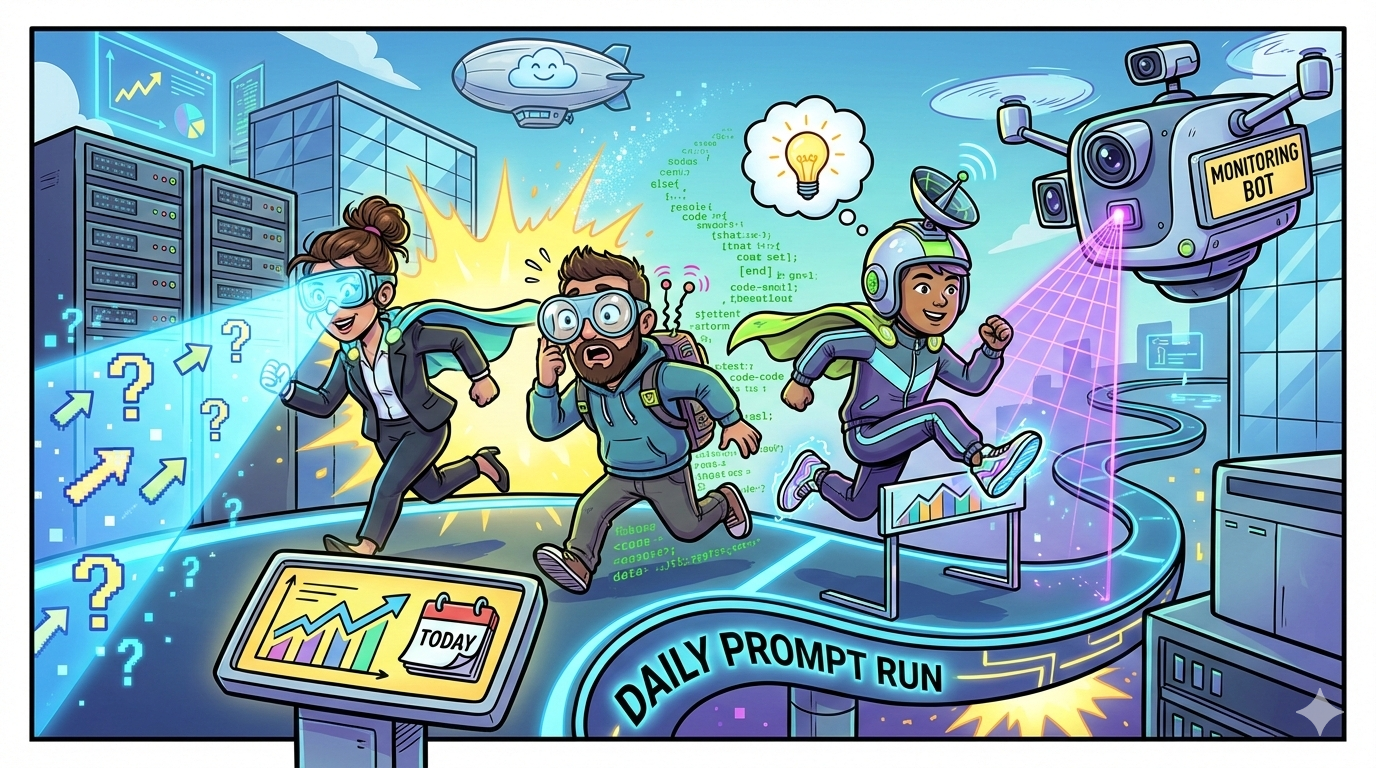
If you want reliable, prompt-based monitoring (the same questions run daily across answer engines), you need a tool that does four things well: (1) schedules daily prompt runs, (2) supports the engines your buyers use, (3) stores history + volatility signals, and (4) makes it easy to act (citations, page-level insights, alerts, exports).
- Pick Peec if you want a clean workflow for 25–100 daily prompts, competitive benchmarking, and a simple setup for marketing teams.
- Pick OtterlyAI if you want strong daily tracking and a straightforward way to monitor prompts across major answer engines.
- Pick Profound if you’re enterprise and need security/compliance plus broader org workflows.
- Pick Akii if you prefer a credit-based model and want an “analysis → execution” style platform.
- Pick Promptmonitor if you want budget-friendly multi-platform coverage with prompt runs and visibility reporting.
📋 Get Listed / Advertise
We update this guide monthly. Want your tool featured? Contact: [email protected].
Best 5 AI Visibility Tools for Daily Prompt Runs (Quick Comparison)
| Tool | Best for | Daily prompt runs + engine coverage | Starting price* |
|---|---|---|---|
| OtterlyAI | Simple, daily monitoring across major answer engines | Daily tracking; tracks ChatGPT, Perplexity, Google AI Overviews, Copilot (and add-ons noted) | Starts at $29/mo |
| Peec | Marketing teams running 25–100 prompts daily | Prompts run daily across models; includes ChatGPT, Perplexity, Google AI Overviews (add-ons for more) | €89/mo (Starter) |
| Profound | Enterprise workflows, compliance, deeper org needs | Plan-based engine coverage; positioned for enterprise security + controls | From $99/mo (Starter) |
| Akii | Credit-based tracking + broader “optimize” platform | AI Search Tracker for monitoring across major AI search surfaces | Starts with free credits; paid tiers available |
| Promptmonitor | Budget multi-platform monitoring | Daily refresh; tracks multiple assistants including ChatGPT, Claude, Gemini, Perplexity and others | From $29/mo |
*Pricing changes often—always confirm on vendor pricing pages.
📋 Get Listed / Advertise
We update this guide monthly. Want your tool featured? Contact: [email protected].
Who this guide is for
This is for teams that want to stop guessing how AI systems describe them and start running a repeatable monitoring loop:
- B2B SaaS marketers who keep hearing “buyers are using ChatGPT/Perplexity now” and want proof + trends
- SEO managers who already track rankings, but need the AI answer layer (mentions, citations, recommendations)
- Growth leaders who want an early-warning system for brand positioning drift (competitors getting recommended, outdated pricing claims, missing category associations)
Tool #1: OtterlyAI
What it does
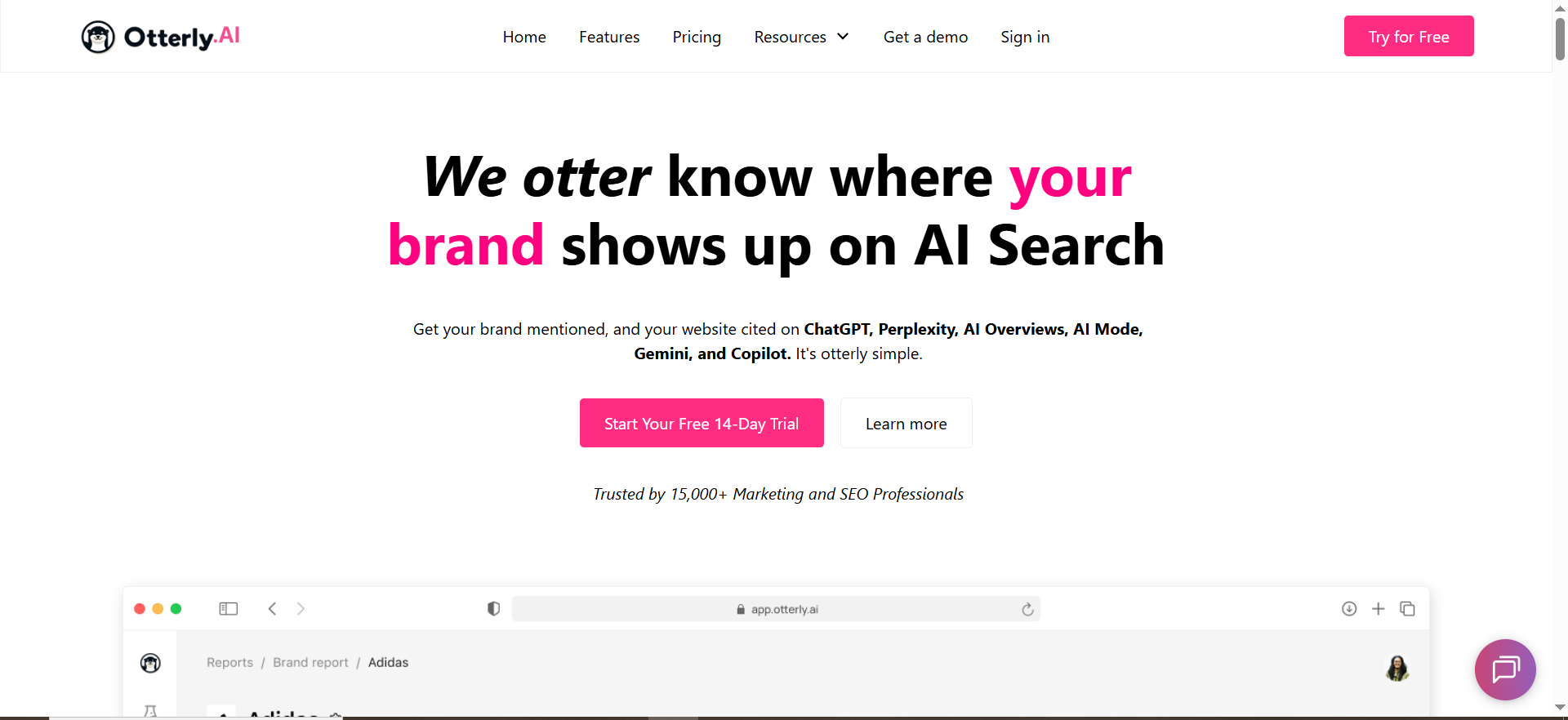
OtterlyAI positions itself as an AI search monitoring platform for tracking brand mentions and visibility across AI answer engines and supports daily tracking.
Why teams use it
- Straightforward prompt-based monitoring
- Clear pricing tiers that map to prompt volume (useful for daily runs)
What it’s good for
- Teams that want a clean “set prompts → run daily → view trends” workflow
- Monitoring across multiple answer engines without building internal scripts
When it’s a good fit
- You’re starting with 10–100 prompts/day
- You need daily history and a simple dashboard rather than an enterprise platform
When it’s not a good fit
- You require heavy procurement features (SSO, strict compliance controls)
- You want a platform tightly bundled with enterprise content/PR workflows (you may prefer Profound)
How to use it (daily prompt runs)
- Create a prompt library (start with the 25 prompts above)
- Group by intent cluster (category / compare / pricing)
- Track core competitors in those same prompts
- Review daily deltas; summarize weekly into a short “wins/losses” report
Key capabilities to look for
- Daily tracking cadence
- Multi-engine coverage (as listed by the vendor)
- Visibility trends and prompt history
Pricing
OtterlyAI lists plans starting at $29/month with higher tiers for more prompts.
Free tier?
OtterlyAI pricing page indicates a free option is available.
Downsides / limitations
- Like all prompt-based tools, results can be noisy if you don’t tag prompts and track trends (not screenshots).
- Engine coverage and add-ons can change—confirm exactly which engines are included in your plan.
Tool #2: Peec
What it does
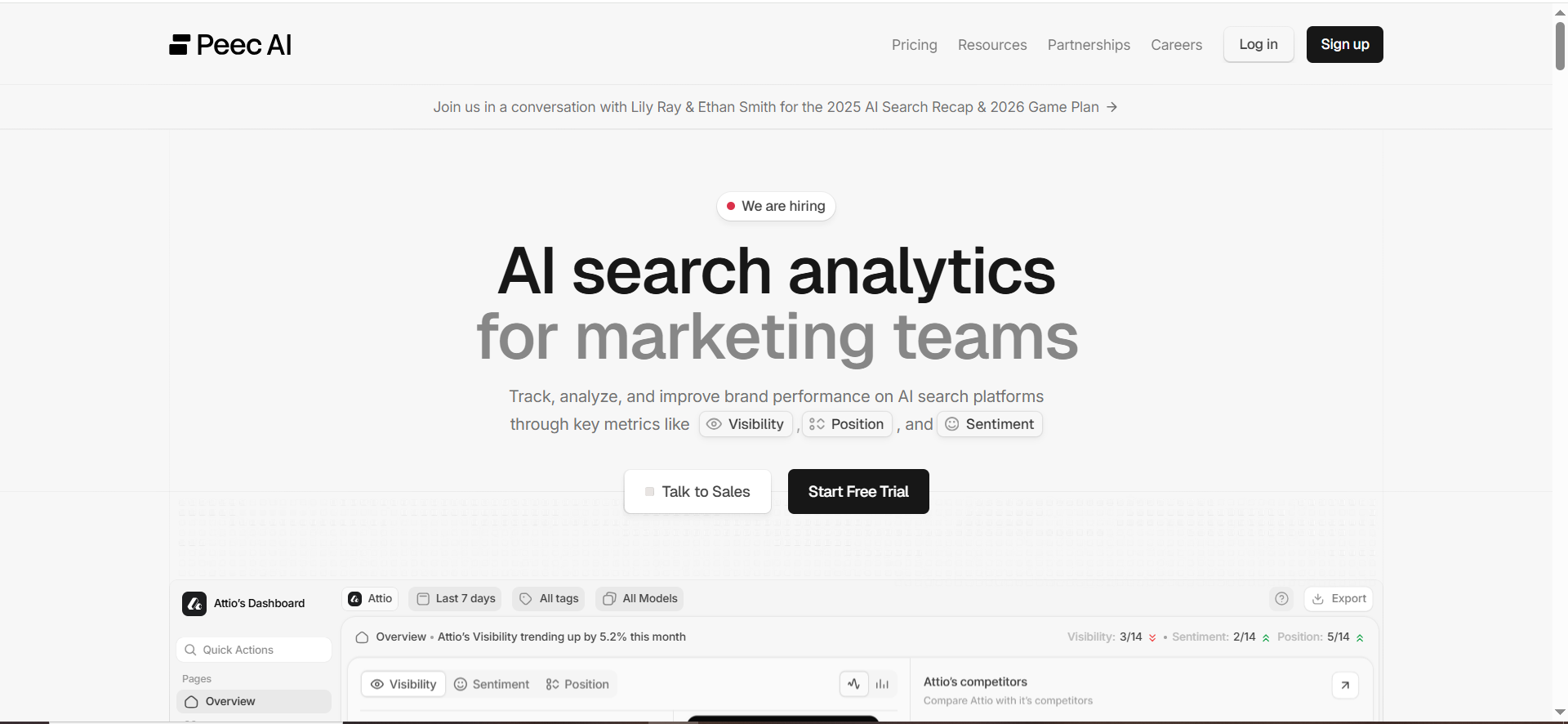
Peec is built for marketing teams to “set up prompts” and monitor visibility in AI answers. Its pricing page explicitly notes that prompts run across models on a daily interval and includes monthly limits tied to analyzed answers.
Why teams use it
- Very clear “prompt library” mental model
- Strong fit for the 25–100 prompts/day operating range
- Designed for marketers (less like a data platform, more like an app)
What it’s good for
- Daily prompt runs for category + comparison prompts
- Competitive benchmarking and a “marketing-friendly” workflow
- Teams that want a simple way to scale from 25 prompts to 100+ without rebuilding the system
When it’s a good fit
- You’re a B2B SaaS with a defined set of category and competitor prompts
- You want daily runs, history, and the ability to share outputs with stakeholders fast
When it’s not a good fit
- You need the broadest engine coverage without add-ons (Peec notes add-ons for engines like Gemini/AI Mode/Claude and others may cost extra).
- You want a cheap “just track everything” option; Peec is priced like a serious team tool
How to use it (daily prompt runs)
- Import/create your 25 prompts
- Add tags: intent + funnel + product area
- Add 3 competitors
- Set daily cadence and review:
- Presence rate by cluster
- Competitor wins on BOFU prompts
- Citation URLs (which page is being pulled)
Key capabilities
- Daily prompt runs across models
- Prompt limits and answer analysis limits tied to plan
- Optional engine add-ons depending on plan
Pricing
Peec lists €89/month for Starter (25 prompts) and €199/month for Pro (100 prompts), with enterprise custom pricing.
Free tier?
Peec indicates you can “start for free” (trial/onboarding), but confirm current trial rules on the pricing page.
Downsides / limitations
- If you want the broadest engine coverage, costs can rise via add-ons.
- You still need an internal process to turn “losing prompts” into fixes (content/PR/listing work).
Tool #3: Profound

What it does
Profound positions itself as an AI visibility platform with enterprise readiness (including SOC 2 Type II, SSO, and security posture) and also offers published pricing tiers on its pricing page.
Why teams use it
- Enterprise controls and compliance posture
- Broader internal workflows for organizations that need more than “just a tracker”
- Strong fit for teams that want AI visibility to become an ongoing program, not a side project
What it’s good for
- Enterprise AI visibility programs
- Teams that need security/compliance to get procurement approval
- Cross-functional workflows (SEO + comms + brand + product marketing)
When it’s a good fit
- You’re running AI visibility at enterprise scale
- You need compliance posture (SOC 2 Type II, SSO)
- You want a platform designed to be part of an org-wide operating model
When it’s not a good fit
- You’re seed/early Series A and just need a lightweight daily tracker
- You want the lowest cost per prompt above all else
How to use it (daily prompt runs)
- Build the 25-prompt baseline
- Add a second set of “brand risk prompts” (pricing, compliance, product claims)
- Set weekly reporting and assign owners:
- Content team owns “citation URL improvements”
- PR/comms owns “incorrect claims / narrative fixes”
- SEO owns “category/compare prompt wins”
Key capabilities to verify
- Plan-based prompts/runs and engine coverage on the pricing page
- Enterprise security controls
Pricing
Profound lists a pricing page (Starter/Growth/Enterprise structure), so confirm current plan details directly there.
Free tier?
Typically demo-led for many enterprise tools; confirm current access path on the site.
Downsides / limitations
- Can be more platform than you need if your goal is “track 25 prompts daily and act weekly.”
- More process-heavy adoption: you’ll get the most value when multiple teams use the insights.
Tool #4: Akii
What it does
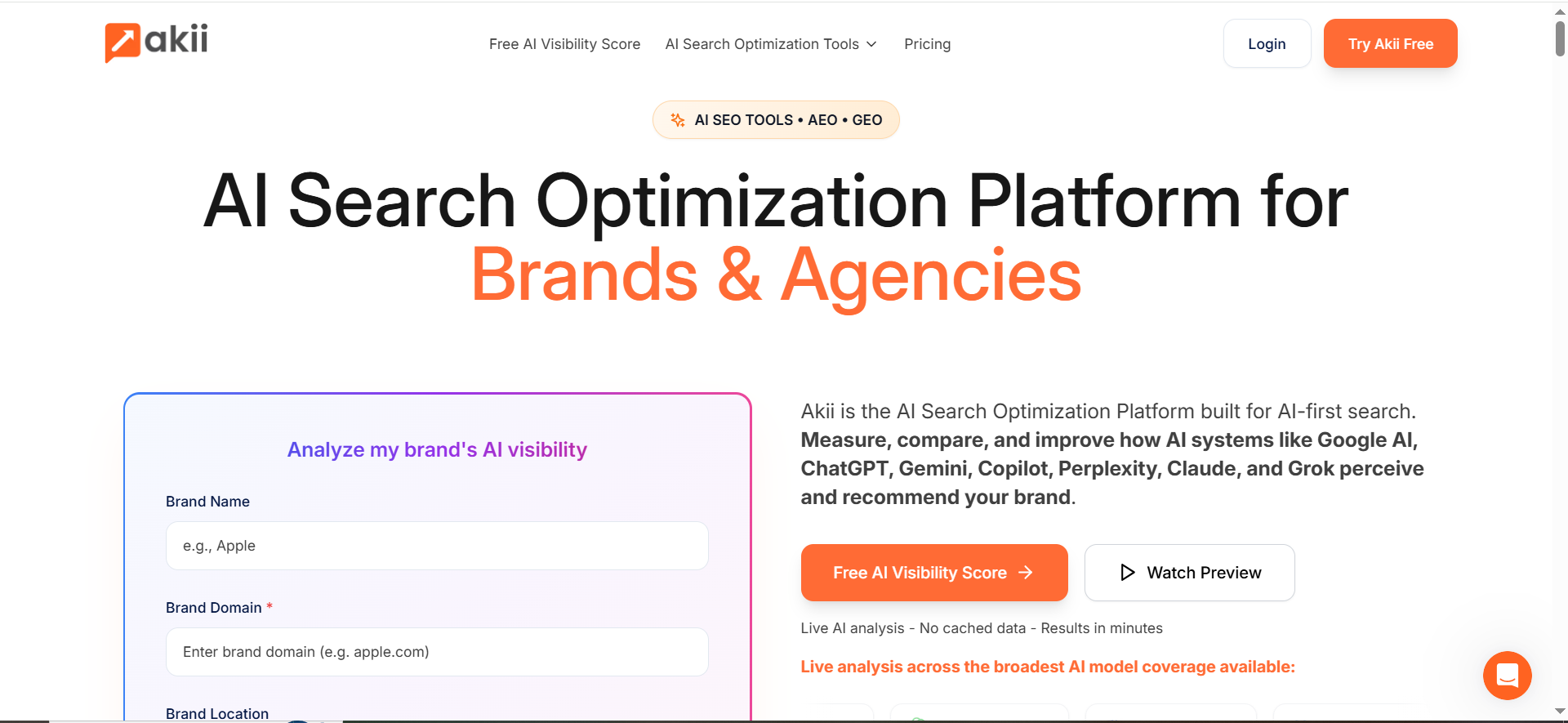
Akii presents an AI search tracking/optimization platform, including an AI Search Tracker product page and a published pricing page that starts with free credits and scales into paid tiers.
Why teams use it
- Credit-based model can be flexible if prompt volume varies
- Positioning leans toward “analysis to execution” rather than monitoring-only
- Useful if you want to test visibility and then operationalize improvements
What it’s good for
- Teams that want to expand beyond monitoring into “optimize how AI sees us” workflows
- Running experiments across prompt clusters and tracking trendlines
When it’s a good fit
- You like credit-based usage (instead of strict prompt caps)
- You want to do more iterative testing as you ship new pages, comparisons, or PR
When it’s not a good fit
- You want a purely monitoring-first tool with a fixed “daily prompt run” feel
- Your stakeholders demand simple “prompts/day” pricing and reporting
How to use it (daily prompt runs)
- Start with the 25 prompts
- Use credits to expand into:
- Geo variants (“in the UK”, “for EU compliance”)
- Persona variants (“for CTO”, “for RevOps”)
- Track competitor outcomes and document what changed when you ship improvements
Key capabilities
- AI Search Tracker positioning and dashboard features
- Published pricing tiers with free entry point
Pricing
Akii has a transparent pricing page that starts with free credits and offers paid plans.
Free tier?
Yes, Akii highlights free credits as an entry point.
Downsides / limitations
- Credit models require internal discipline (teams can burn credits on low-value prompts).
- You still need a tagging + reporting workflow to make daily runs meaningful.
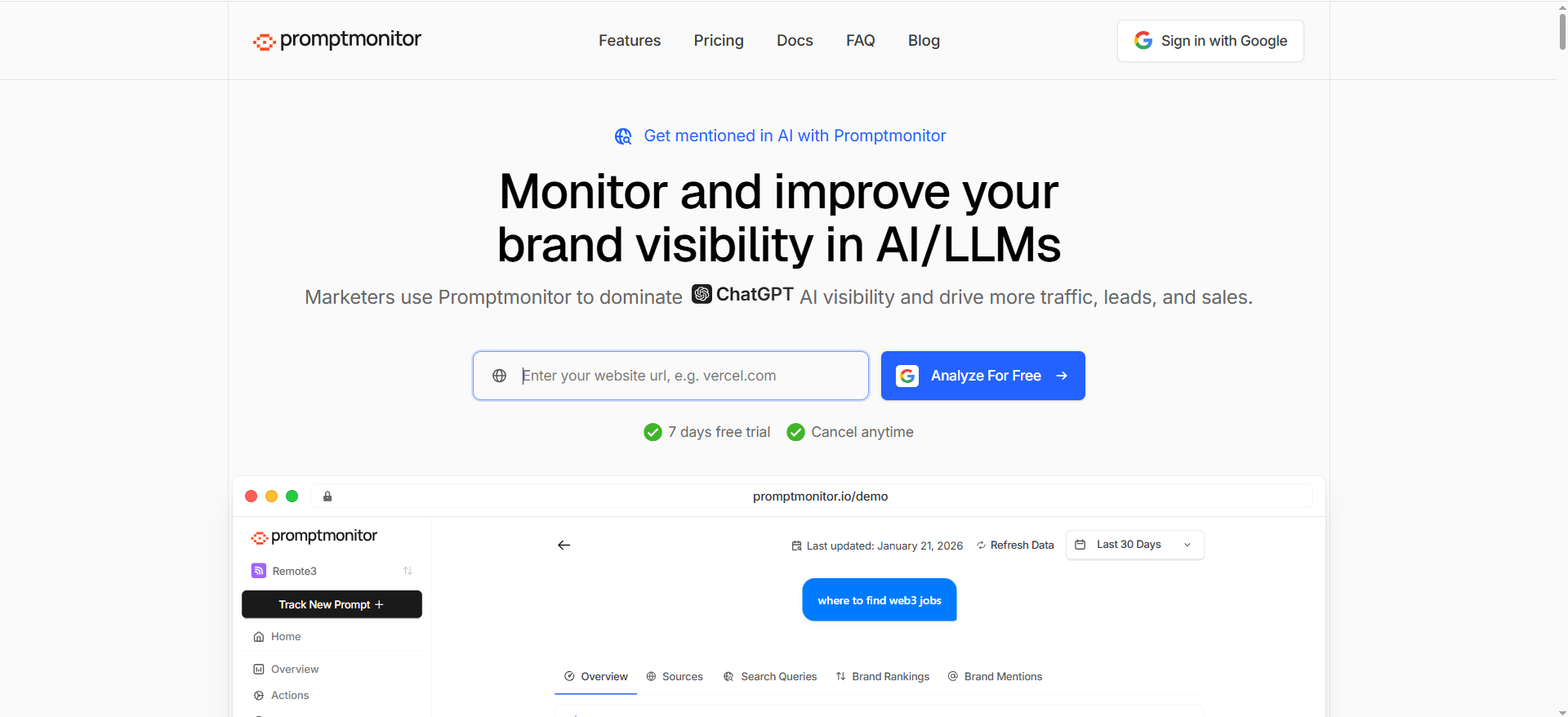
Tool #5: Promptmonitor
What it does
Promptmonitor is a prompt-based AI visibility tracker that emphasizes multi-platform coverage (including major assistants like ChatGPT, Claude, Gemini, Perplexity, etc.) and offers published pricing and plan limits on its site.
Why teams use it
- Very approachable entry pricing for daily monitoring
- Broad platform coverage messaging (good if you don’t want to pay add-ons per engine)
- Helpful for teams that want to start monitoring without a big budget
What it’s good for
- SMB/mid-market teams that want to run 25–50 daily prompts and watch trendlines
- Teams that want a simple weekly report: what prompts you win/lose, where competitors appear
When it’s a good fit
- You want multi-platform monitoring and quick setup
- You want predictable monthly pricing with a starter plan
When it’s not a good fit
- You need enterprise-grade controls like SOC 2 + SSO for procurement (check your requirements)
- You want advanced custom workflows beyond standard reporting
How to use it (daily prompt runs)
- Create projects per product line or region
- Add the baseline 25 prompts
- Add competitor brands
- Review daily deltas, then publish a weekly “AI Visibility Brief” to the team:
- Biggest wins
- Biggest losses
- Citation URL opportunities
- 3 action items
Key capabilities
- Pricing page indicates daily refresh and prompt/response limits by plan
- Vendor states which AI platforms it monitors
Pricing
Promptmonitor lists a Starter plan at $29/month (with plan-based prompt limits).
Free tier?
Promptmonitor promotes a free trial on the pricing section (confirm current trial details).
Downsides / limitations
- As with any lower-cost tool, make sure the reporting depth matches your needs (citations, URL-level details, exports, team workflows).
- Some platforms are better at “insight → action” workflows; you may need to pair Promptmonitor with an internal process.
What “daily prompt runs” are (and why they beat ad-hoc checks)
A daily prompt run is simple: you create a fixed library of prompts (questions your buyers ask), then a tool runs those prompts every day across AI answer engines and stores the outputs.
Prompt library vs. keyword rankings
Traditional rank tracking answers: “Where does our page rank for keyword X?”
Prompt-based monitoring answers: “When someone asks AI ‘best tool for X’, does it mention us? Does it cite our site? Does it recommend a competitor instead?”
That difference matters because AI experiences are increasingly answer-first, and Google has expanded AI Overviews and also tested a more chatbot-like “AI Mode” experience, which changes how users get information and which sources get cited.
Why daily (not weekly)?
AI answers can change because of:
- Model updates
- Retrieval/citation changes
- Competitive content shifts (new pages, PR, listings)
- Randomness/temperature (volatility)
Daily runs give you:
- Trendlines (not one-off screenshots)
- Faster detection of visibility drops
- A way to separate real movement from “model roulette” (especially when tools rerun prompts consistently)
What to track in daily prompt runs (the metrics that actually matter)
If you only track “are we mentioned: yes/no,” you’ll miss what’s driving outcomes. Your dashboard should support these layers:
1) Presence + share of voice (SOV)
- Presence rate: % of prompts where your brand appears
- SOV by cluster: how often you’re mentioned vs. competitors within a topic set
- Winner/loser prompts: which questions you consistently win or lose
Tools like Promptmonitor describe a visibility score approach (presence + cross-model coverage), which is useful for executive reporting as long as you can drill down to the raw prompts.
2) Citations + which URL gets referenced
You want to know:
- When AI cites you, which page does it use?
- Is it citing your homepage (too generic) or a strong use-case/comparison page (ideal)?
- Is it citing a third-party (review site, directory) instead of you?
This turns monitoring into action: if AI keeps citing “/pricing” for category prompts, maybe you need a better “/compare” or “/best-for” page to earn more AI answers citations.
3) Position / prominence inside the answer
Even when you’re mentioned, you can be:
- First recommendation
- One of many
- Buried at the bottom
- Only in a citation list
Prominence is often closer to impact than a simple mention.
4) Sentiment + category fit
Track whether AI:
- Describes you correctly (category, ICP, use cases)
- Misstates features/pricing
- Frames competitors as better for your main wedge
Some platforms emphasize brand sentiment/context analysis as part of AI visibility monitoring.
5) Drift + volatility
Your “daily prompt runs” system should help answer:
- Did we drop everywhere, or only on one engine?
- Did we drop on “pricing” prompts only (positioning issue)?
- Is this change stable across multiple days?
“Set up 25 prompts in 15 minutes” walkthrough (the workflow that makes tools useful)
The tool is the easy part. The hard part is choosing prompts that map to revenue, then turning outputs into a weekly action loop.
Below is a fast, battle-tested setup that aligns with a commercial investigation intent (the exact intent for this topic from your content plan).
Step 1 — Pick 5 prompt clusters (don’t start with 200 prompts)
Start with 25 prompts: 5 clusters × 5 prompts each.
Cluster A: Category discovery (top-of-funnel
1. “Best [category] software for [ICP]”
2 “Top [category] tools for [use case]”
3. “What is the best [category] tool for [job-to-be-done]?”
4. “Best [category] platforms for [team type]”
5. “Best [category] tools for [budget/size]”
Cluster B: Alternatives & comparisons (high intent)
6. “[Your brand] alternatives”
7. “[Competitor] alternatives”
8. “[Your brand] vs [Competitor]”
9. “Is [Your brand] better than [Competitor]?”
10. “Compare [3 competitors] for [use case]”
Cluster C: Pricing & procurement
11. “[Your brand] pricing”
12. “Is [Your brand] free?”
13. “How much does [Your brand] cost per month?”
14. “Cheapest [category] tool that does [feature]”
15. “Enterprise pricing for [category] tools”
Cluster D: Use cases & integrations
16. “Best [category] tool for [integration]”
17. “[Your brand] integration with [integration]”
18. “How to do [workflow] with [category] tools”
19. “Best [category] tool for [industry]”
20. “Best [category] tool for [team size]”
Cluster E: Trust & proof
21. “Is [Your brand] legit?”
22. “[Your brand] reviews”
23. “Who uses [Your brand]?”
24. “Is [Your brand] SOC 2 compliant?”
25. “Best [category] tool recommended by experts”
Step 2 — Add tags (so you can see patterns)
Create a simple tagging taxonomy:
- Funnel: TOFU / MOFU / BOFU
- Intent: category / compare / pricing / use-case / trust
- Theme: “AI visibility”, “monitoring”, “dashboards”, etc.
- ICP: SMB / mid-market / enterprise
- Geo: US / UK / EU / “global” (only if you sell internationally)
Step 3 — Add competitors (3 is enough to start)
Pick 3 competitors you actually lose deals to. Your tool should be able to benchmark mentions vs competitors (or at least allow you to analyze outputs consistently).
Step 4 — Choose cadence + reduce noise
- Run daily for the core 25 prompts
- If the tool supports it, rerun critical prompts multiple times and average results (reduces volatility)
- Track at least one region/market where you sell most
Step 5 — Alerts + reporting
Set alerts for:
- Presence rate drop (e.g., -20% WoW)
- Competitor suddenly winning your BOFU prompts
- Citation URL changes (AI starts citing a competitor’s comparison page)
Then report weekly:
- Top 5 winning prompt clusters
- Top 5 losing prompt clusters
- 3 recommended actions
Which tool should you pick? (quick decision rules)
Use these rules to pick fast:
If you’re running a lightweight monitoring loop (25 prompts/day)
Pick Peec or OtterlyAI for a simple, marketer-friendly prompt library workflow and daily cadence.
If you’re enterprise (security + procurement matters)
Pick Profound because it explicitly positions for enterprise controls (e.g., SOC 2 Type II, SSO).
If budget is your #1 constraint but you still want multi-platform tracking
Pick Promptmonitor as a low-cost entry point, then expand prompts as you operationalize the process.
If you want a credit-based approach and broader optimization workflows
Pick Akii.
How many prompts do I need to monitor weekly vs. daily?
The right prompt volume depends less on “what’s possible” and more on what you can operationalize. If your team can’t turn insights into actions, adding more prompts just creates more noise.
A practical rule of thumb
- Daily monitoring: 25–100 prompts
- Weekly monitoring: 100–500 prompts (rotated in batches)
- Monthly/quarterly audits: 500–2,000+ prompts (one-off analysis, not continuous)
Recommended setups by team maturity
1) Starter (1–2 people, early-stage)
- Daily: 25 prompts (your core revenue prompts)
- Weekly: +25–50 rotated prompts (new experiments, new competitors, new use cases)
- Goal: establish trendlines and build the habit of acting weekly.
2) Growth (3–6 people, scaling SEO/content)
- Daily: 50–100 prompts
- Weekly: 100–250 rotated prompts
- Goal: expand coverage across industries, integrations, and competitor sets.
3) Enterprise (multiple stakeholders + procurement)
- Daily: 100–300 prompts (core category + BOFU + brand risk)
- Weekly: 300–1,000 prompts rotated (regions, personas, long-tail)
- Goal: build a durable AI visibility program with reporting + governance.
Why daily prompts should be fewer (but more important)
Daily prompts should be the ones you’d be genuinely worried about losing overnight:
- “best [category] for [ICP]”
- “[your brand] vs [competitor]”
- “[your brand] pricing”
- “[competitor] alternatives”
- “best [category] for [integration/use case]”
Then everything else can rotate weekly without breaking your monitoring.
What’s a good “starter” prompt set for B2B SaaS?
A strong starter set should do two things:
- mirror how buyers evaluate tools, and
- map to the pages and proof you can actually influence (use cases, comparisons, pricing, integrations, authority pages).
Below is a ready-to-use 25-prompt starter library (the one most teams should begin with), grouped into clusters that align with funnel intent.
Cluster A — Category discovery (TOFU)
- “Best [category] software for [ICP]”
- “Top [category] tools for [use case]”
- “Best [category] platform for [job-to-be-done]”
- “Best [category] tools for [team type]”
- “Best [category] tools for [company size]”
Cluster B — Alternatives & comparisons (BOFU)
- “[Your brand] alternatives”
- “[Competitor] alternatives”
- “[Your brand] vs [Competitor]”
- “Is [Your brand] better than [Competitor] for [use case]?”
- “Compare [Competitor A] vs [Competitor B] vs [Your brand]”
Cluster C — Pricing & procurement (BOFU)
- “[Your brand] pricing”
- “Is [Your brand] free?”
- “How much does [Your brand] cost?”
- “Cheapest [category] tool that supports [feature]”
- “Best [category] tool for enterprise pricing”
Cluster D — Use cases & integrations (MOFU/BOFU)
- “Best [category] tool for [integration]”
- “Does [Your brand] integrate with [integration]?”
- “How to [workflow] using [category] tools”
- “Best [category] tool for [industry]”
- “Best [category] tool for remote teams / agencies / sales teams” (pick one that matches your ICP)
Cluster E — Trust & proof (risk + credibility)
- “Is [Your brand] legit?”
- “[Your brand] reviews”
- “Who uses [Your brand]?”
- “Is [Your brand] SOC 2 compliant?” (or GDPR, HIPAA — whichever is real for you)
- “Best [category] tools recommended by experts”
💡 Pro tip: include “shadow prompts” for risk
Add 5 more prompts that you don’t report publicly, but you do monitor:
- “Is [Your brand] safe?”
- “Does [Your brand] have outages?”
- “Is [Your brand] expensive?”
- “Is [Your brand] hard to set up?”
- “What are the downsides of [Your brand]?”
These surface reputation and objection drift early.
How often should prompts be rerun to reduce volatility?
Even with daily monitoring, AI outputs can fluctuate due to model randomness, retrieval variance, and changing source selection. The goal isn’t to eliminate volatility — it’s to detect real change.
Best practice rerun cadence
- Daily: run your core prompts once per day to maintain a consistent baseline.
- Rerun “money prompts” 3–5 times per run (or multiple times per week) if your tool supports it.
- Weekly verification reruns: pick the 10 most important BOFU prompts and rerun them in a “validation batch.”
A simple volatility-reduction approach that works
1) Rerun only your critical prompts
Don’t rerun everything. Rerun prompts that:
- drive comparisons (vs. competitors)
- drive pricing/procurement decisions
- decide category membership (“best [category]”)
2) Use a rolling average instead of one-day outputs
Track:
- 7-day moving average presence rate
- week-over-week trend
- “stable drop” definition (e.g., down for 3+ consecutive runs)
3) Lock your prompt formatting
Changing punctuation, adding extra context, or switching the prompt wording makes your trendline less meaningful. Treat prompts like benchmarks: don’t mutate them unless you intend to start a new test series.
What “real change” usually looks like
A real visibility shift tends to show up as:
- a consistent drop across multiple days, or
- a drop isolated to one cluster (e.g., “pricing prompts”), or
- a sudden citation URL swap (AI starts referencing a competitor page instead of yours)
If it’s truly random, it often “snaps back” within 24–72 hours.
What’s the difference between prompt monitoring and LLM observability?
These two get mixed up a lot, but they solve different problems.
Prompt monitoring (what this article is about)
Prompt monitoring answers: “When our buyers ask AI engines these questions, how visible and credible is our brand?”
It focuses on:
- brand mentions and share of voice
- competitor recommendations
- citations and cited URLs
- accuracy of claims about your product
- trendlines over time
It’s usually owned by:
- SEO / GEO / AEO
- content marketing
- brand / PR
- growth marketing
LLM observability (a product/dev concern)
LLM observability answers: “When users interact with our AI features, are responses correct, safe, fast, and cost-efficient?”
It focuses on:
- latency and uptime
- token usage and cost
- prompt templates and versioning
- quality scoring and evals
- hallucination detection in your own app
- tracing across retrieval + tool calls (RAG pipelines)
It’s usually owned by:
- engineering
- data/ML teams
- product teams shipping AI features
The key distinction
- Prompt monitoring = external visibility in AI answers about your brand/category
- LLM observability = internal performance and reliability of your own AI product features
Can you use both?
Yes and mature teams do.
- Marketing uses prompt monitoring to protect and grow visibility in AI discovery.
- Product/engineering uses LLM observability to ensure their AI features work well and safely.
They complement each other, but they’re not substitutes.
FAQs
How many prompts should I run daily?
Which answer engines should I track first?
How do I reduce volatility in results?
What’s the single best metric to show leadership?
How do I connect AI visibility to pipeline?
Do I need to track Google AI Mode separately from AI Overviews?
📋 Get Listed / Advertise — We update this guide monthly. Want your tool featured? Contact: [email protected].


